Our AI-powered planning tool, ScreenPlanr, will take your brief or idea and via a Chat-GPT like conversation, build a ready to run ad campaign in just a few minutes.
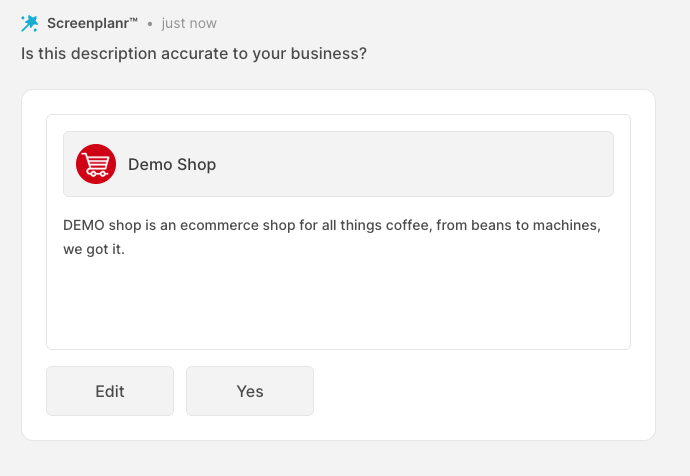
First confirm the description of your business, as this is important to provide the right context for your campaign plan:
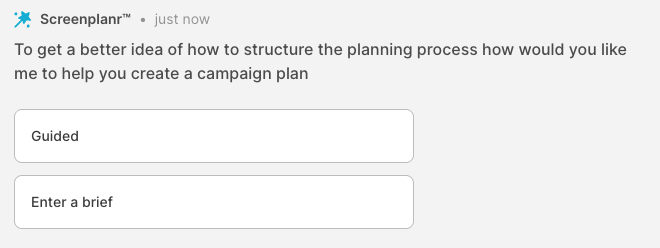
Then choose whether your want to be guided in steps and take on your planning journey, or if you want to use a natural language prompt to start your plan.
Regardless of which route your take, Screenplanr will respond to your requests and begin creating your campaign. It will ask for any missing information and validate your objectives as you move through the process.
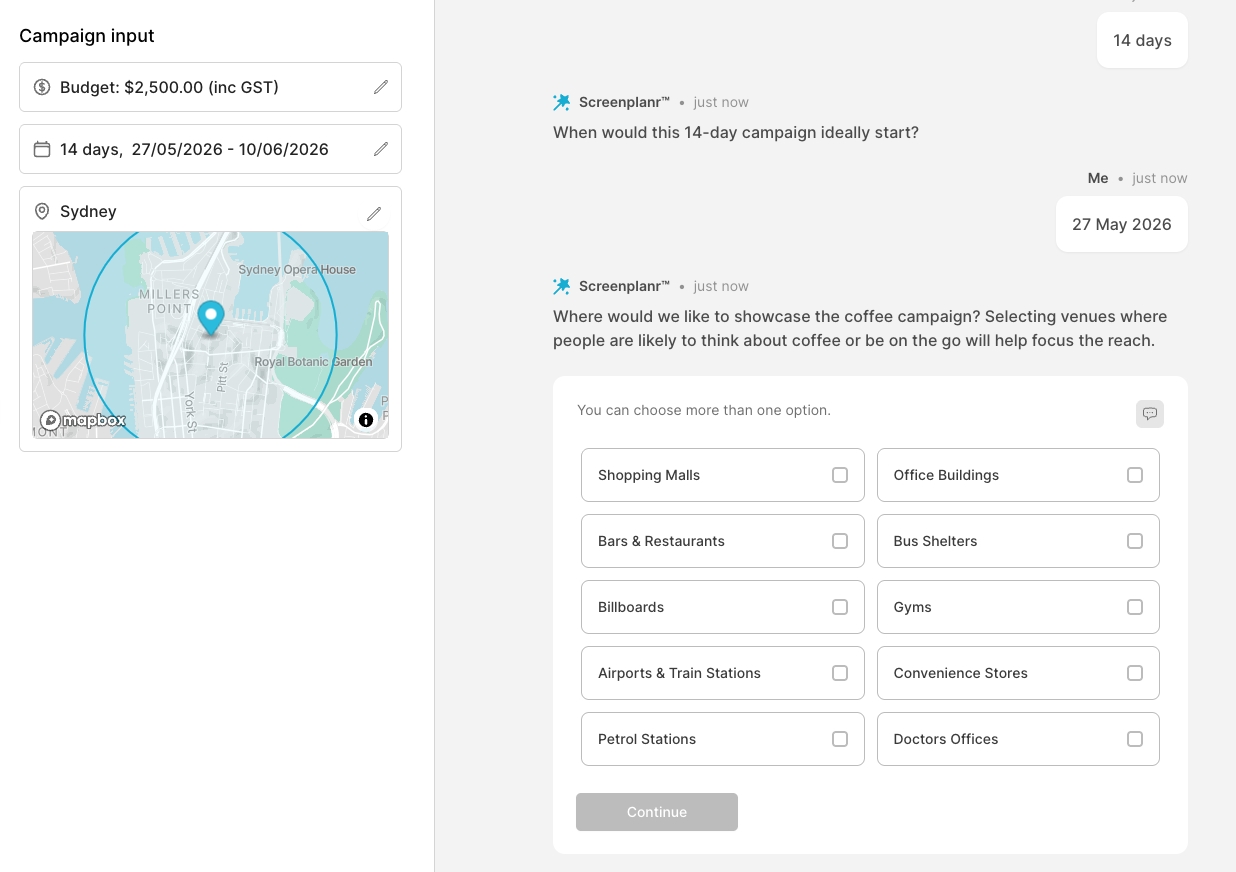
As the campaign builds, the key components will appear on the left hand side under Campaign Input. Change your selections at any time, by clicking the 'pencil' icon next to each component in the left hand panel. ScreenPlanr will allow you to update your choices and campaign inputs and parameters will recalibrate automatically.
Once Screenplanr has all the information it needs, it will provide you with a draft campaign proposal, with the suggested screens appearing in the left hand panel.
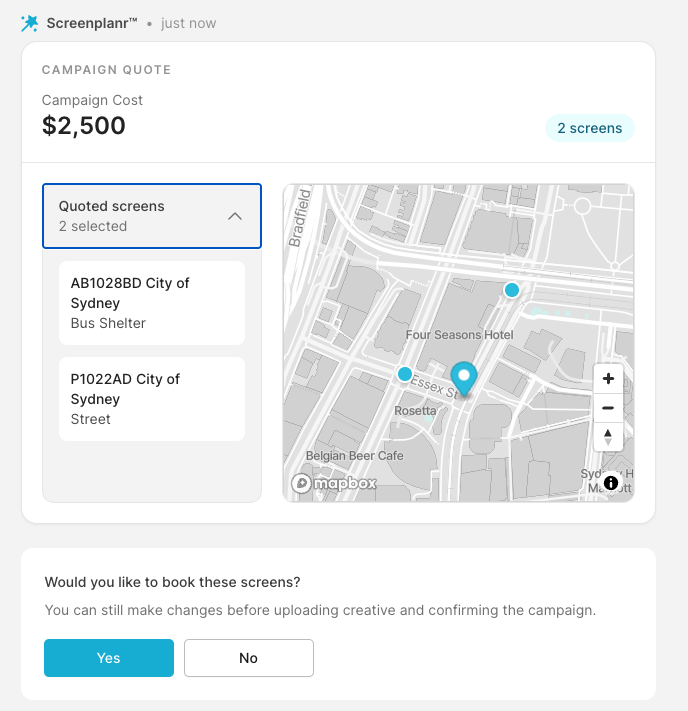
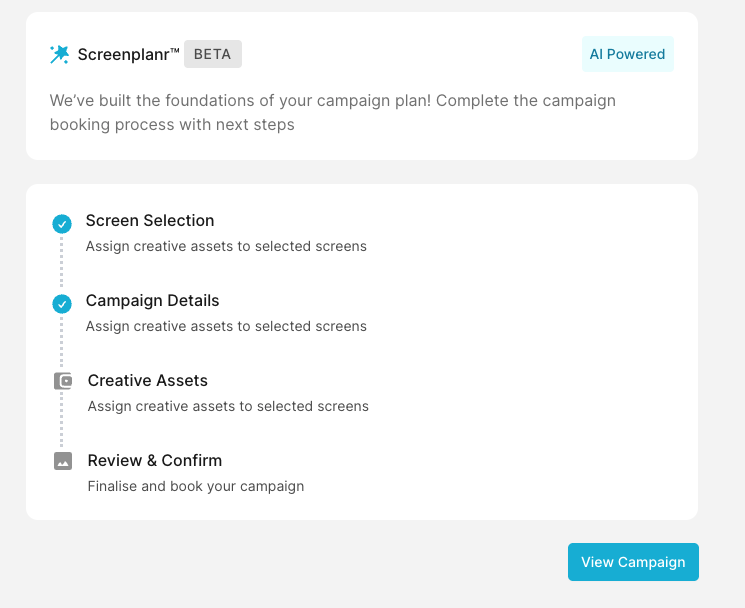
To continue the booking process, click 'YES' and move convert your plan to a DRAFT campaign. You will enter the creative assignment stage back in step 3 of the manual campaign booking process and can make any adjustments you like. If you're happy with the plan, upload your ads and move to the final pay and confirm (step 4)
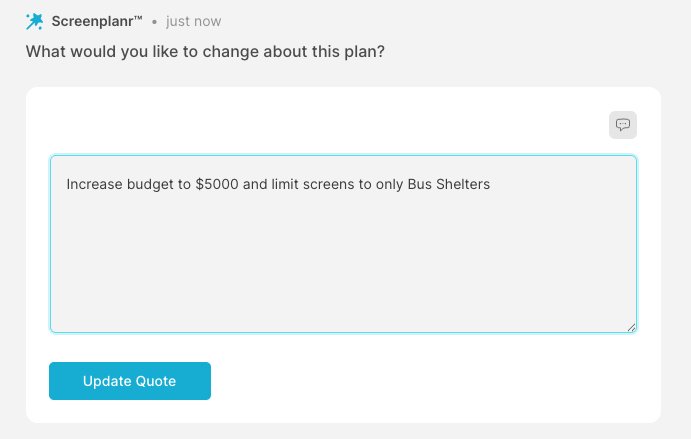
if you want to continue to iterate on your plan choose 'NO' and you can use the prompt box to adjust any settings: