

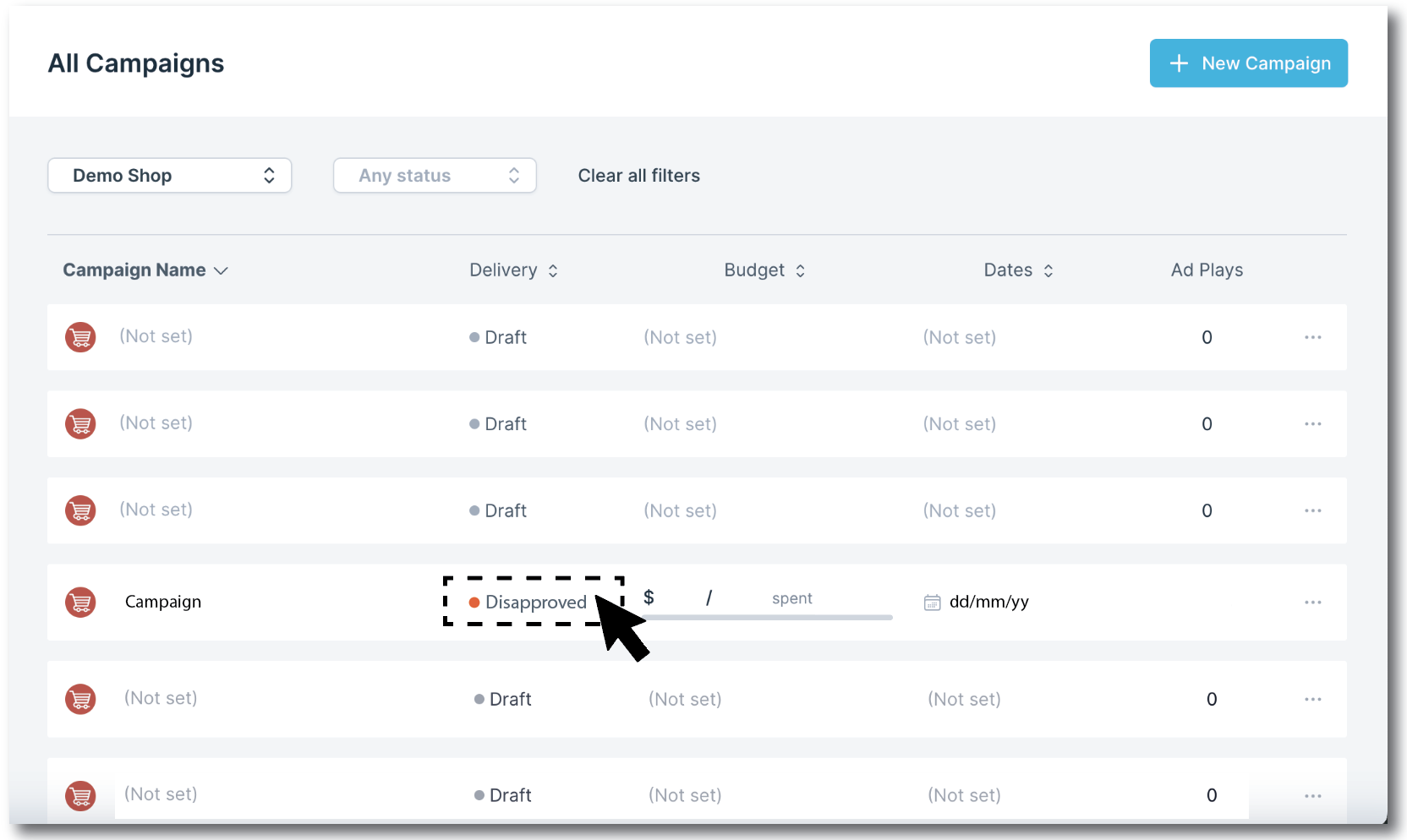
Check the status of your campaign by clicking on CAMPAIGNS in the left hand navigation bar.
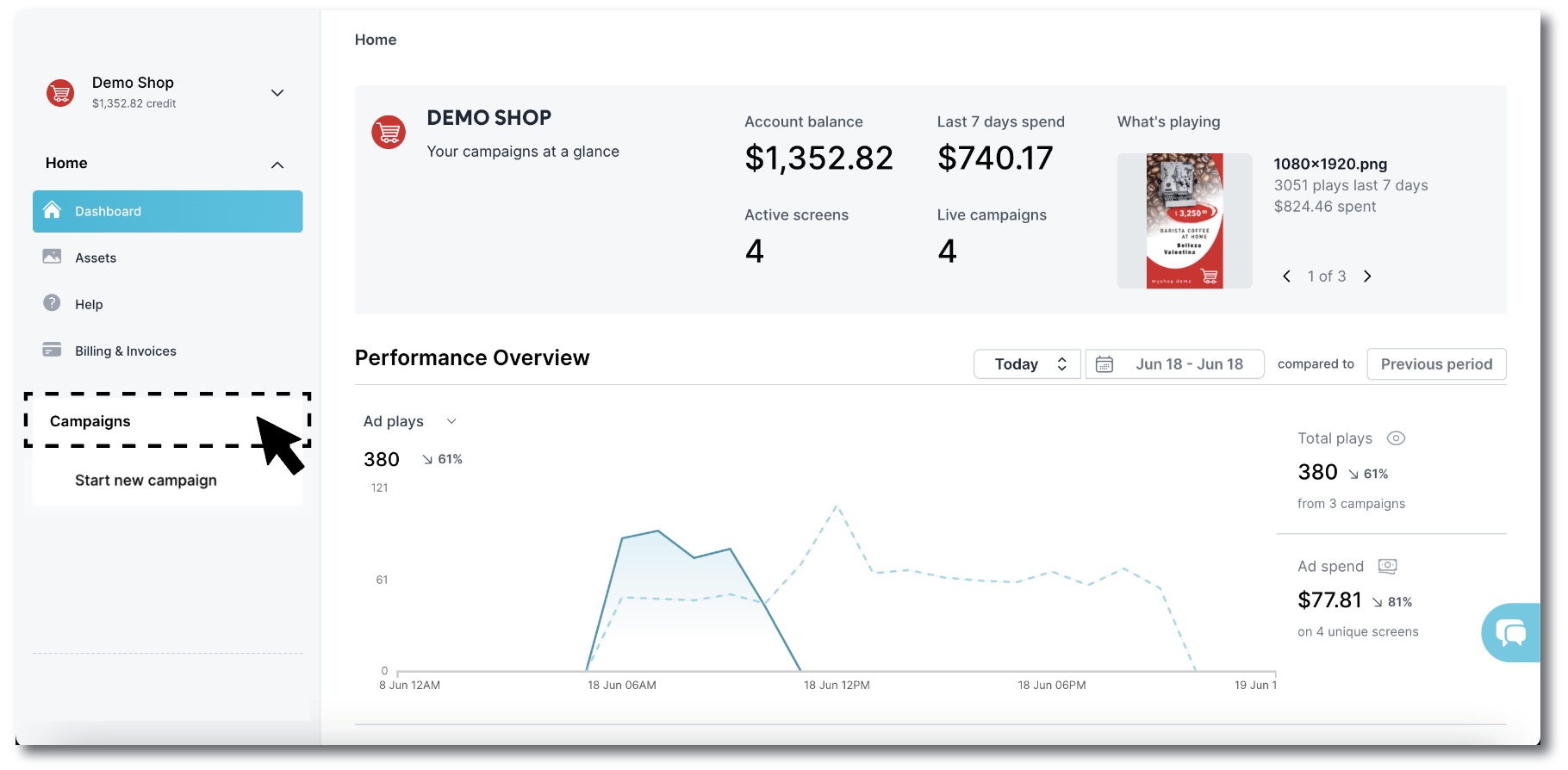
There multiple status messages for campaigns
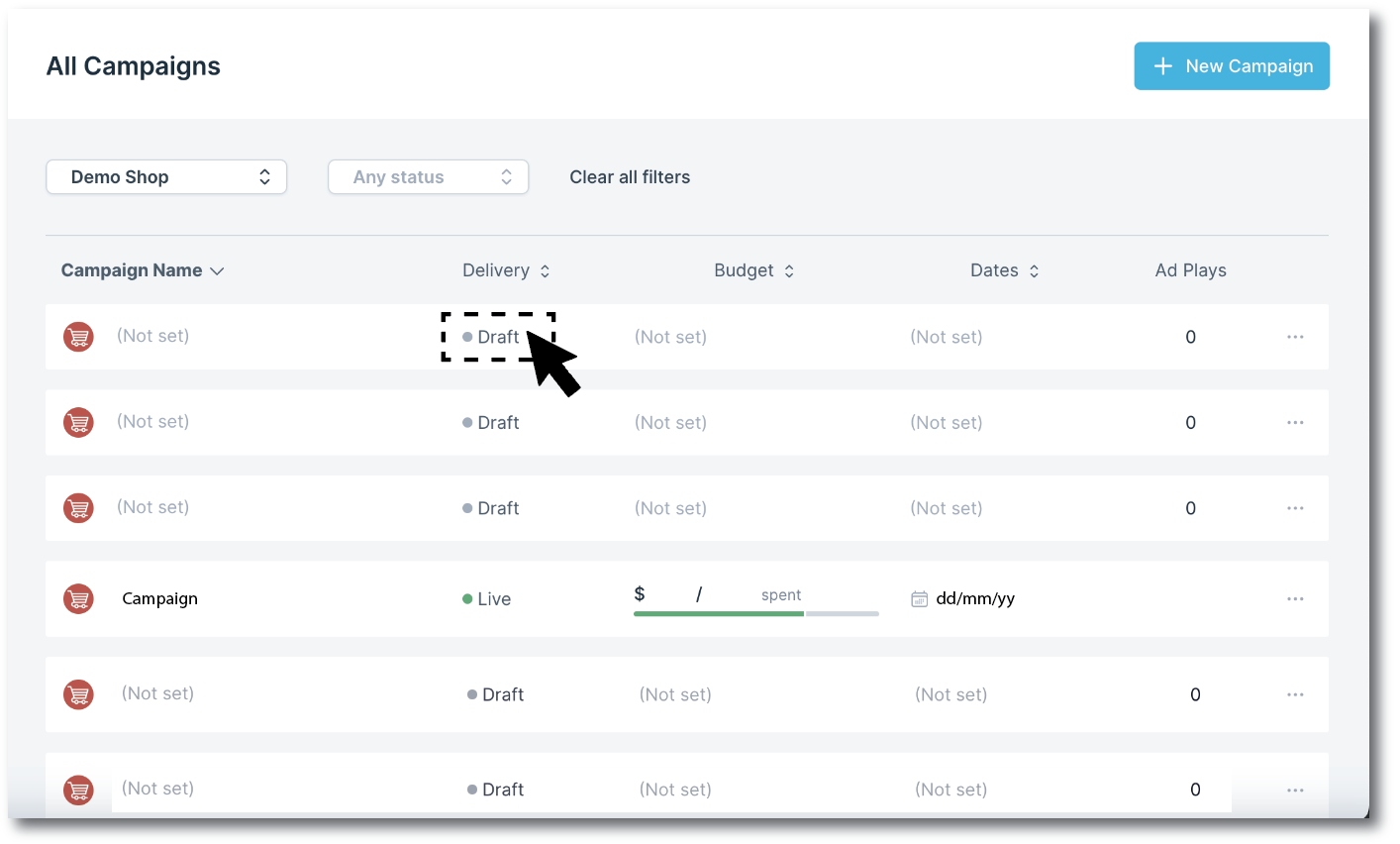
Draft - this means your campaign has not yet been paid for and will not run yet.
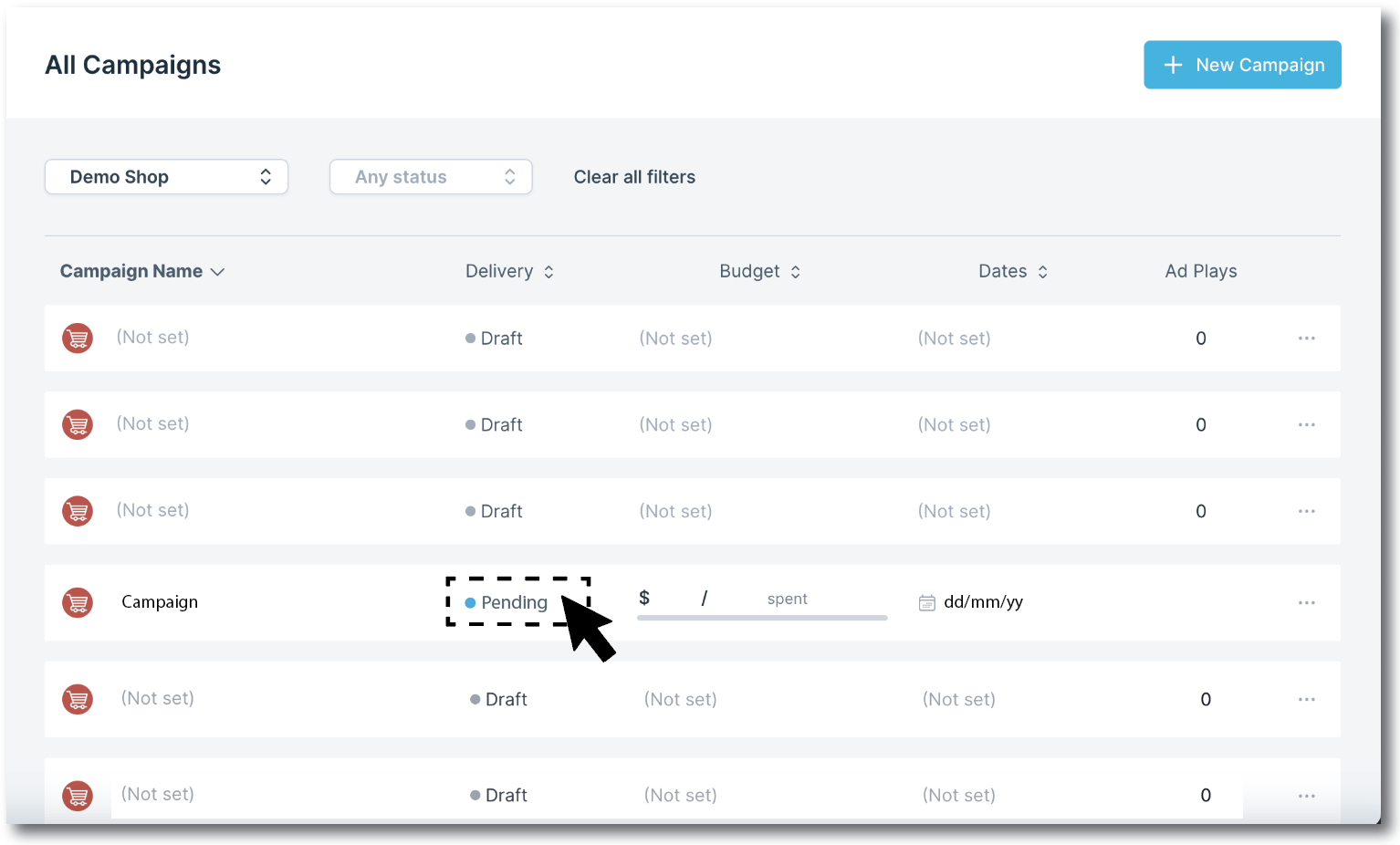
Pending – this means that your ads have been sent to the screen owners for approval.
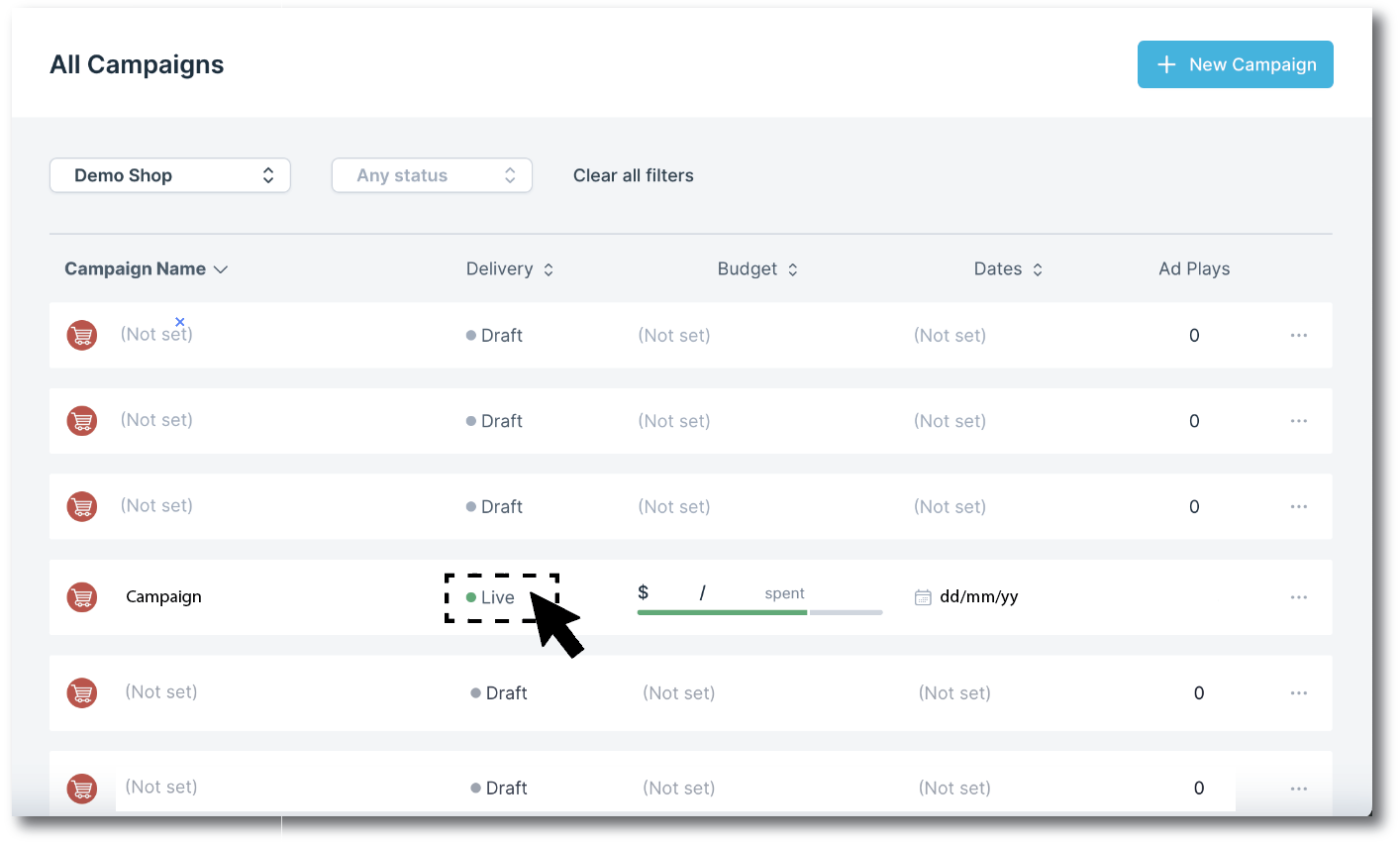
Live - your ads have been approved and your campaign is ready to go live on the start date you selected.
Disapproved – unfortunately your ads have been rejected. You’ll receive a communication on what to do next, which will either be to change your ads or request a refund by sending us a message.
Once your ads are approved get ready for your campaign to run and your ads to be seen!