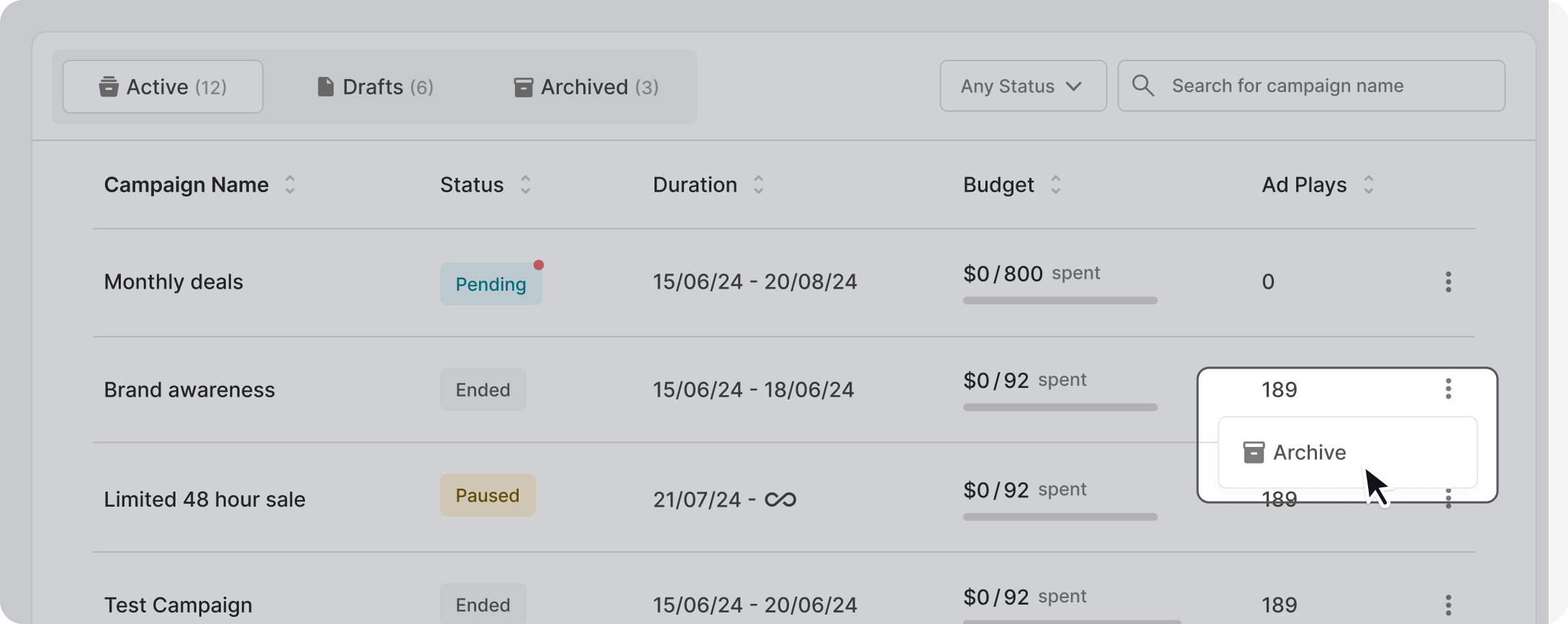
There are three campaign folders in total - Active, Draft, and Archived.
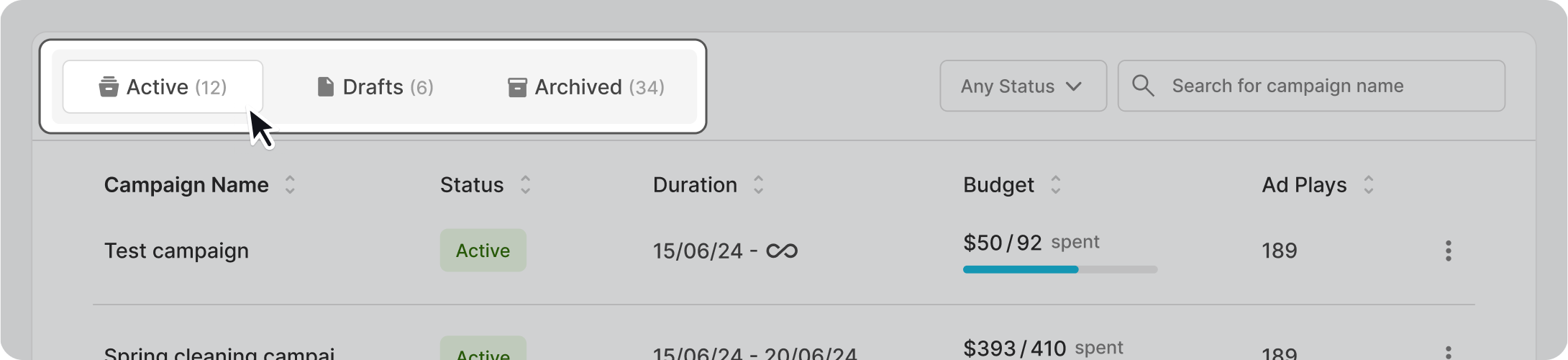
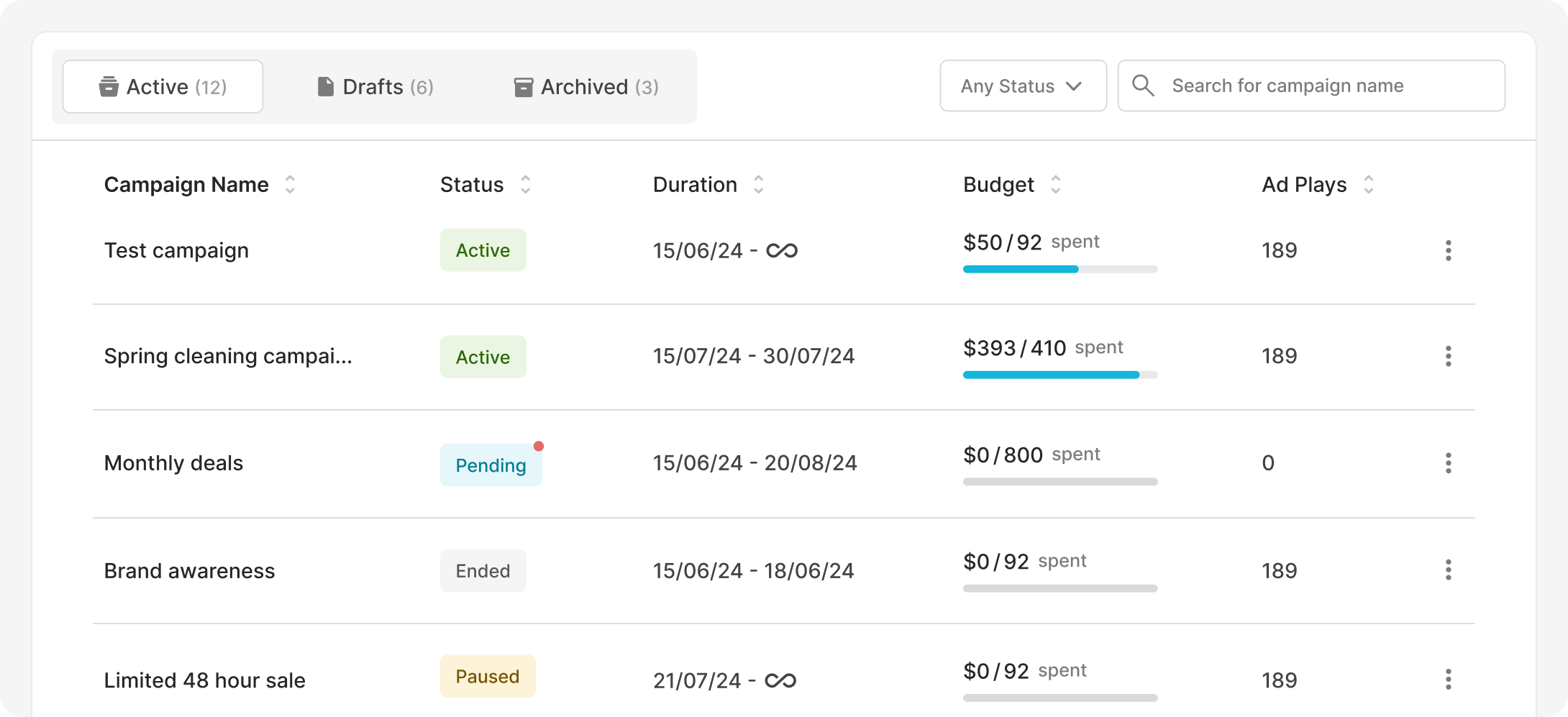
The 'Active' folder includes campaigns that are either active, paused, pending, or have ended.
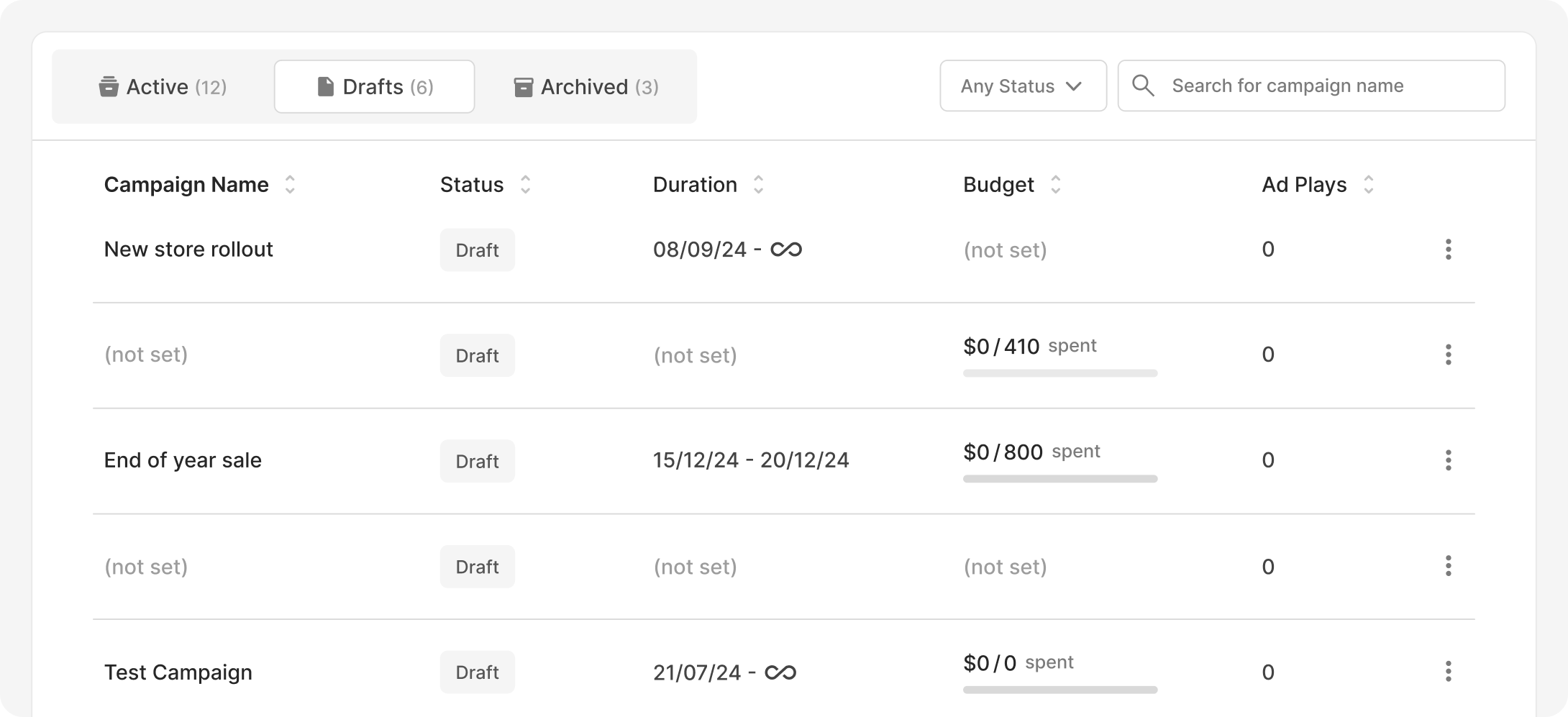
The 'Drafts' folder includes all new campaigns that have not been completed.
The 'Archived' folder stores all campaigns that are no longer relevant. To archive a campaign simple click on the three-dotted menu on the right side. Only paused and campaigns that have ended can be moved to archived.