Inviting a new user
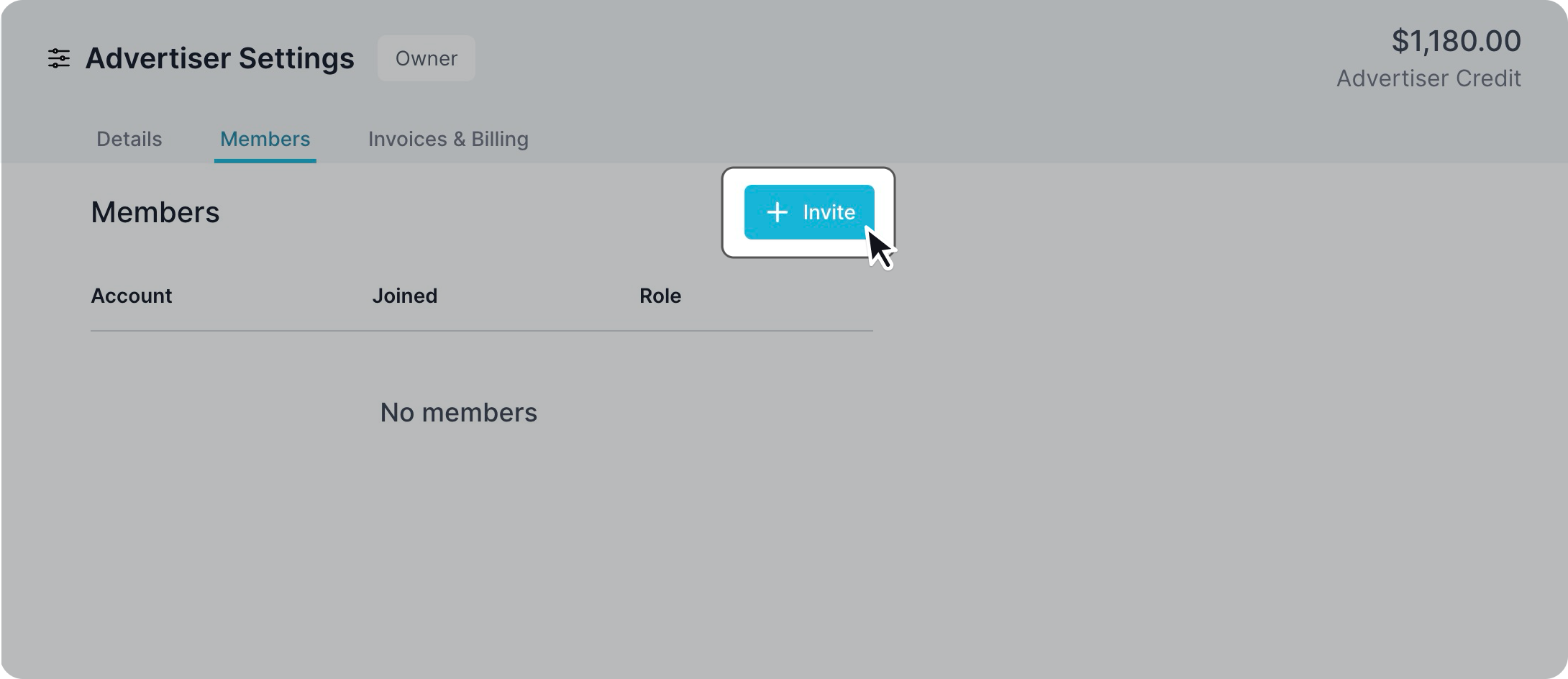
To invite a new user to your advertiser, click on the “invite” button on the top right corner and enter their email alongside which permission levels they will have access to. Don’t worry if they don’t already have an account, the invite will prompt them to sign up and will then be added to your advertiser.
Permission levels
Owners are able to invite and edit permission levels of other users. Editors are able to create campaigns. Viewers are able to see details of all campaigns but cannot make any changes.

Resend or cancel invites
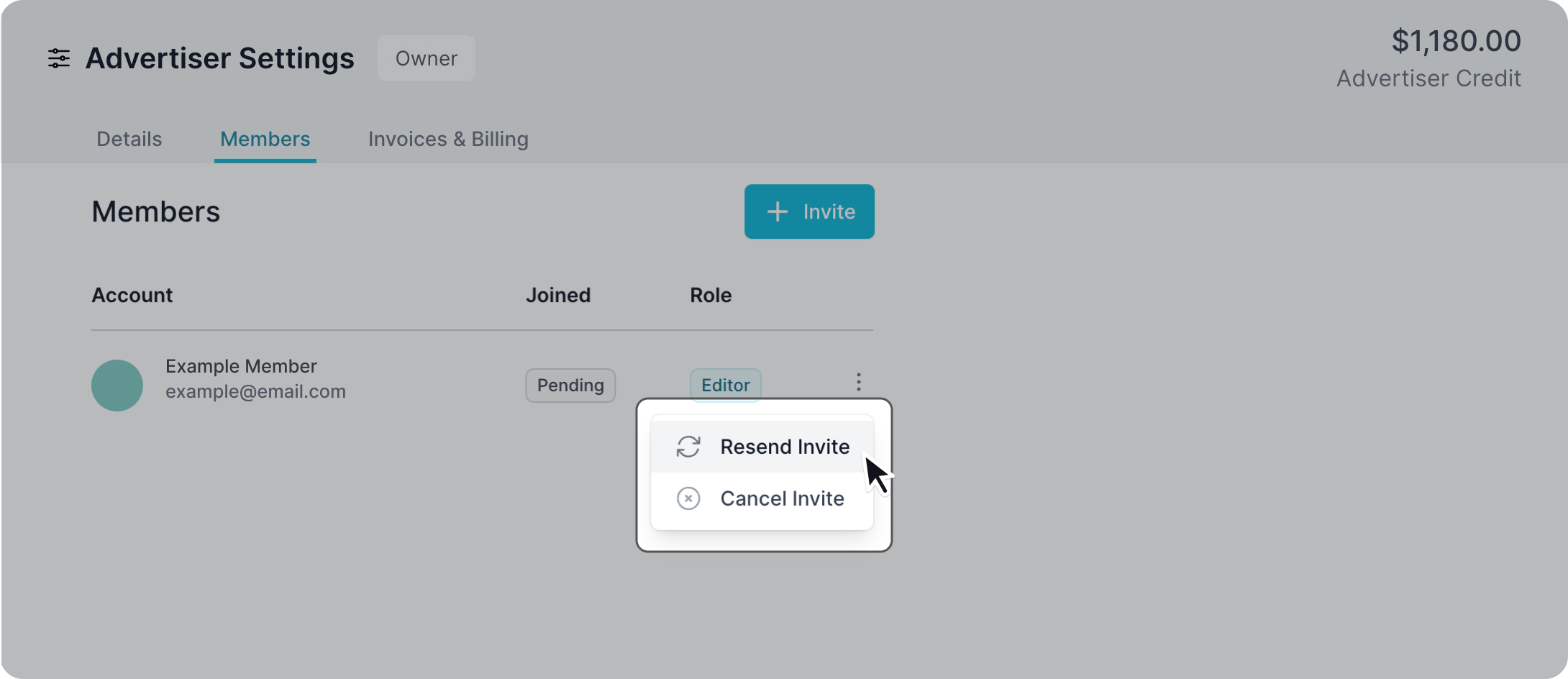
If you sent the invite to the wrong email address, don’t worry; you can simply click on the three-dotted menu on the right-hand side of the invitee to retract your invite. This will also remove the user from your list.
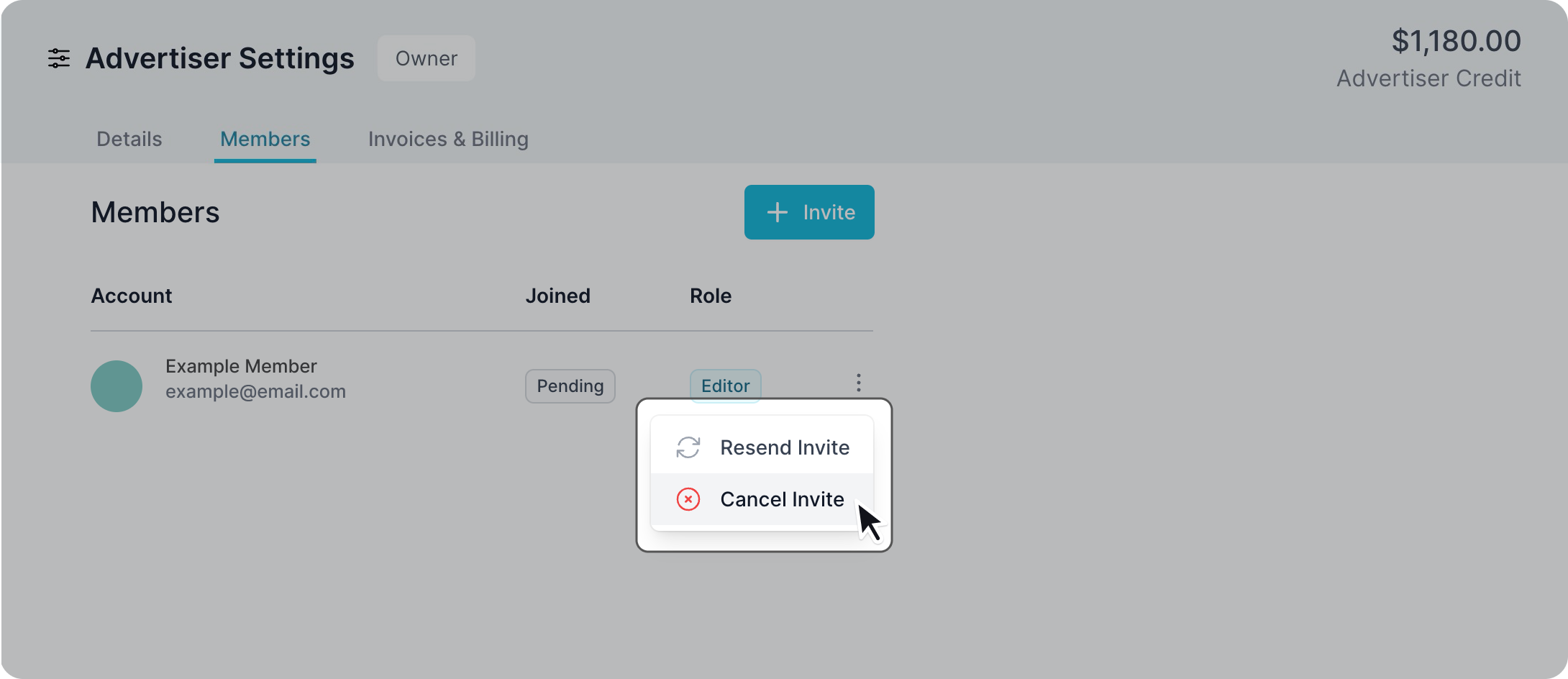
If for some reason your invite got lost in their mailbox, you can click “resend” and this will send through a new invite to join the advertiser.