

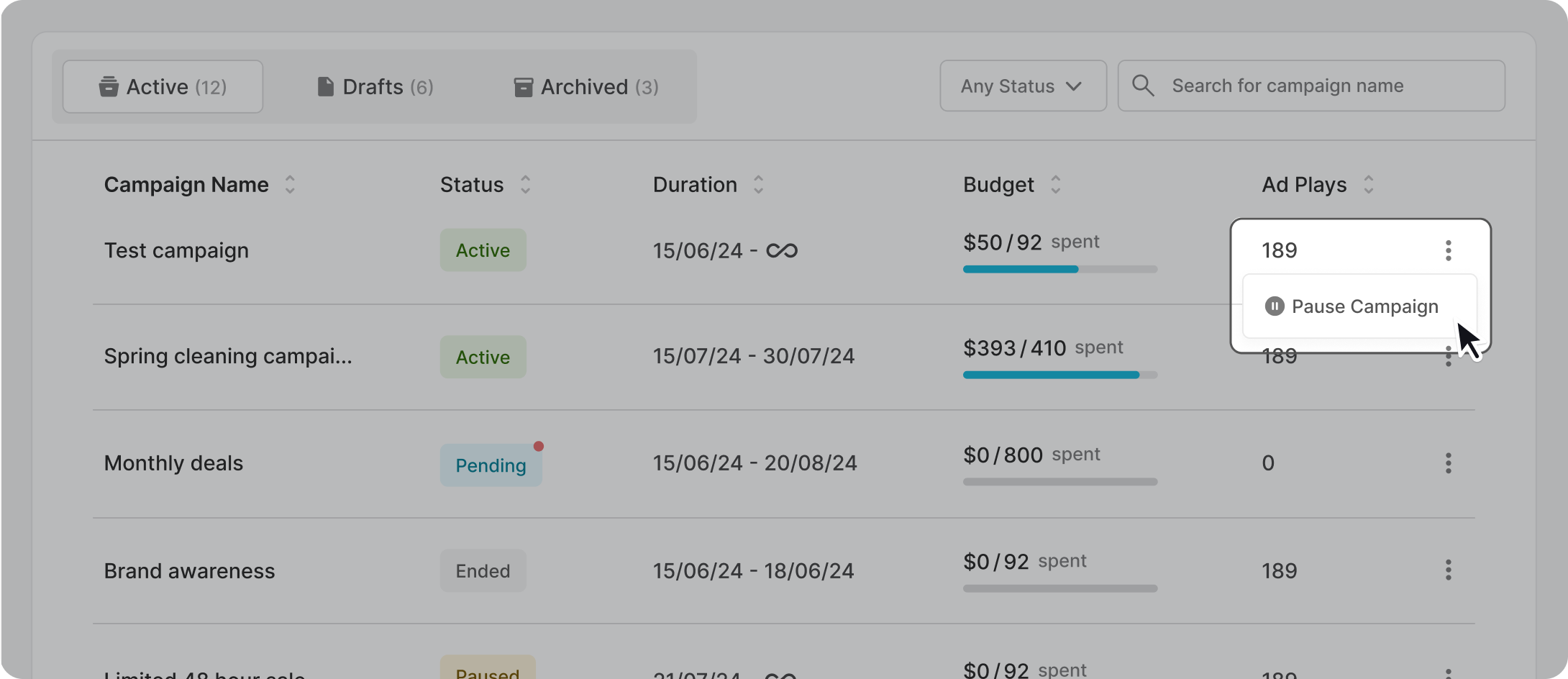
Open up All Campaigns (located on the left-hand side navigation) and locate from the list which campaign you would like to pause. Click on the three-dotted menu on the right hand side, and select “Pause Campaign”.
Open up the campaign dashboard and click on the “Pause Campaign” button located on the top right corner.
