

Here you’ll see:
The estimated total average cost per play
The estimated number of weekly ad play plays
These estimations are based on all the screens and times you’ve selected.
Each screen is priced individually, based on factors like screen size, location and time of day.
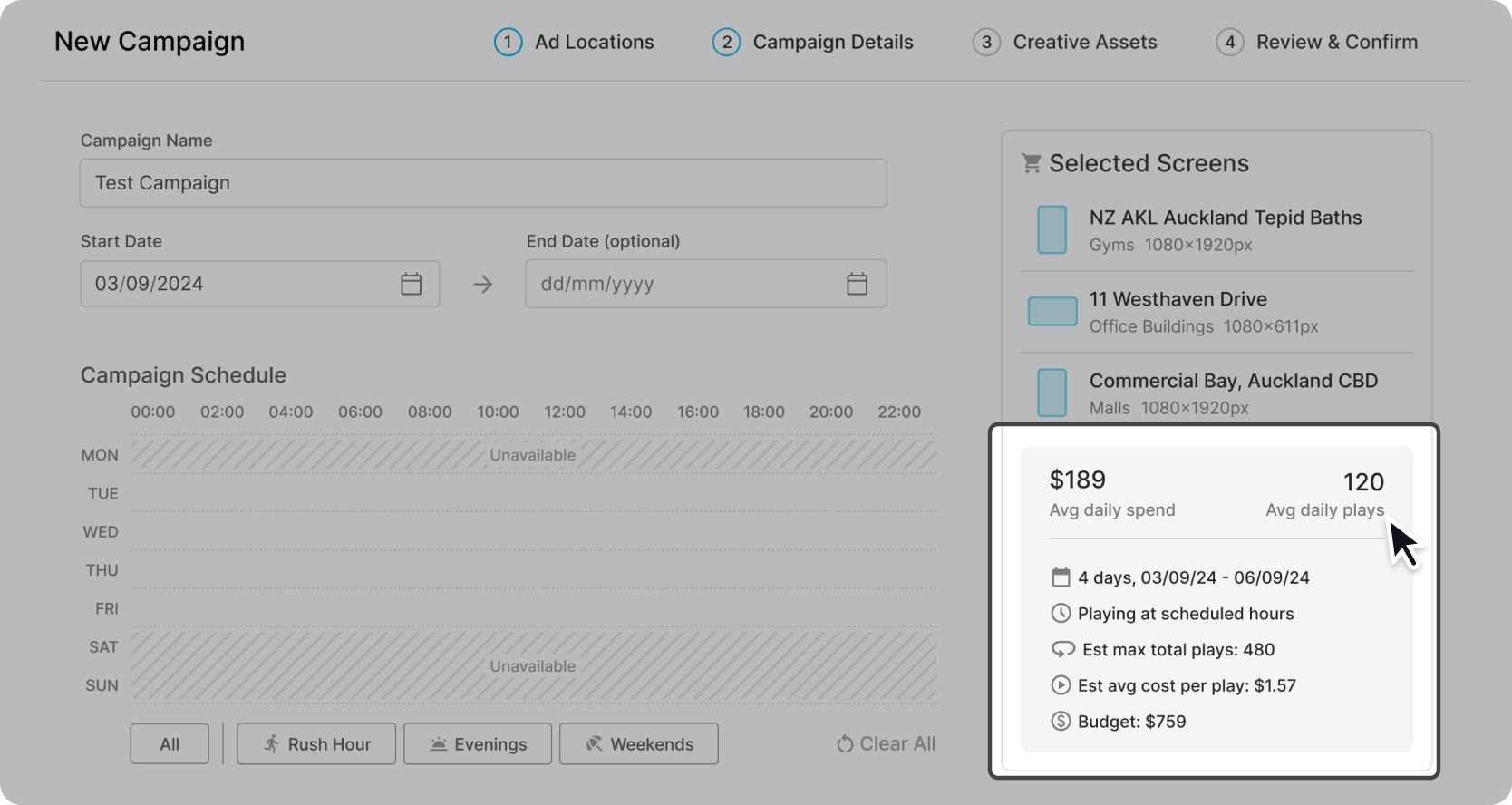
The initial campaign budget number you see
When you first see the budget number, this is an estimate of how much the campaign will cost to run. All costs are inclusive of GST.
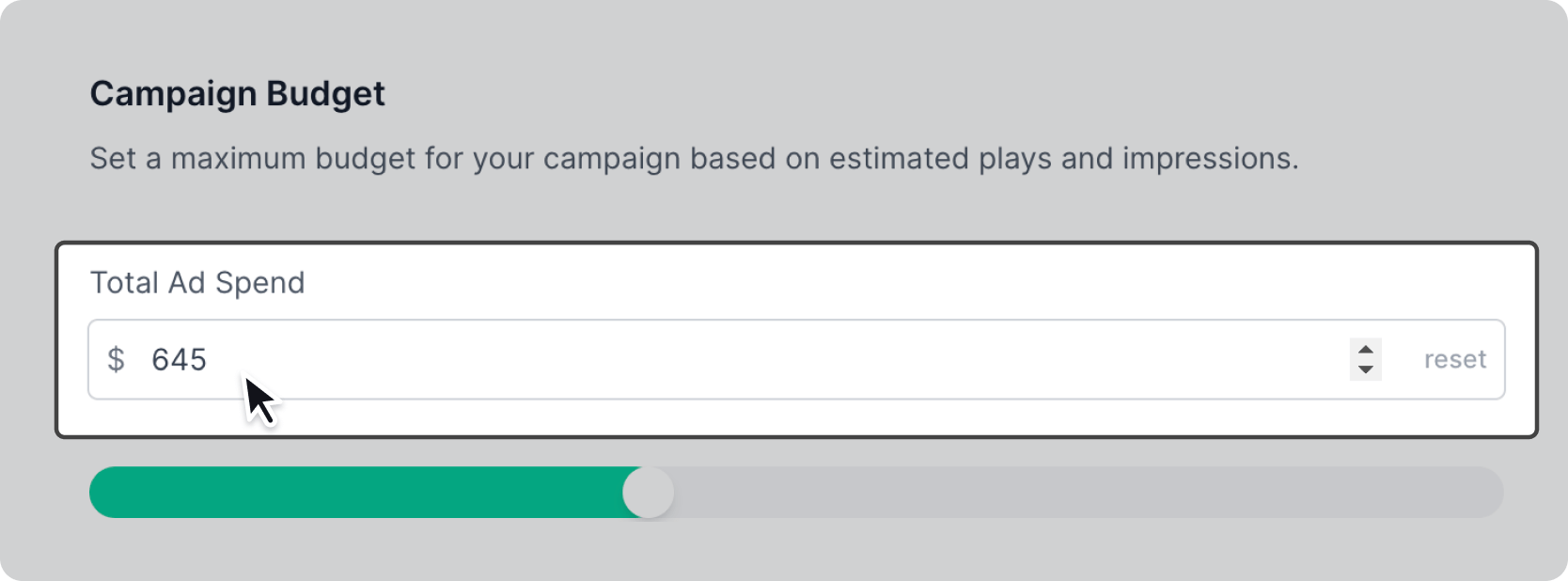
How your budget is spent
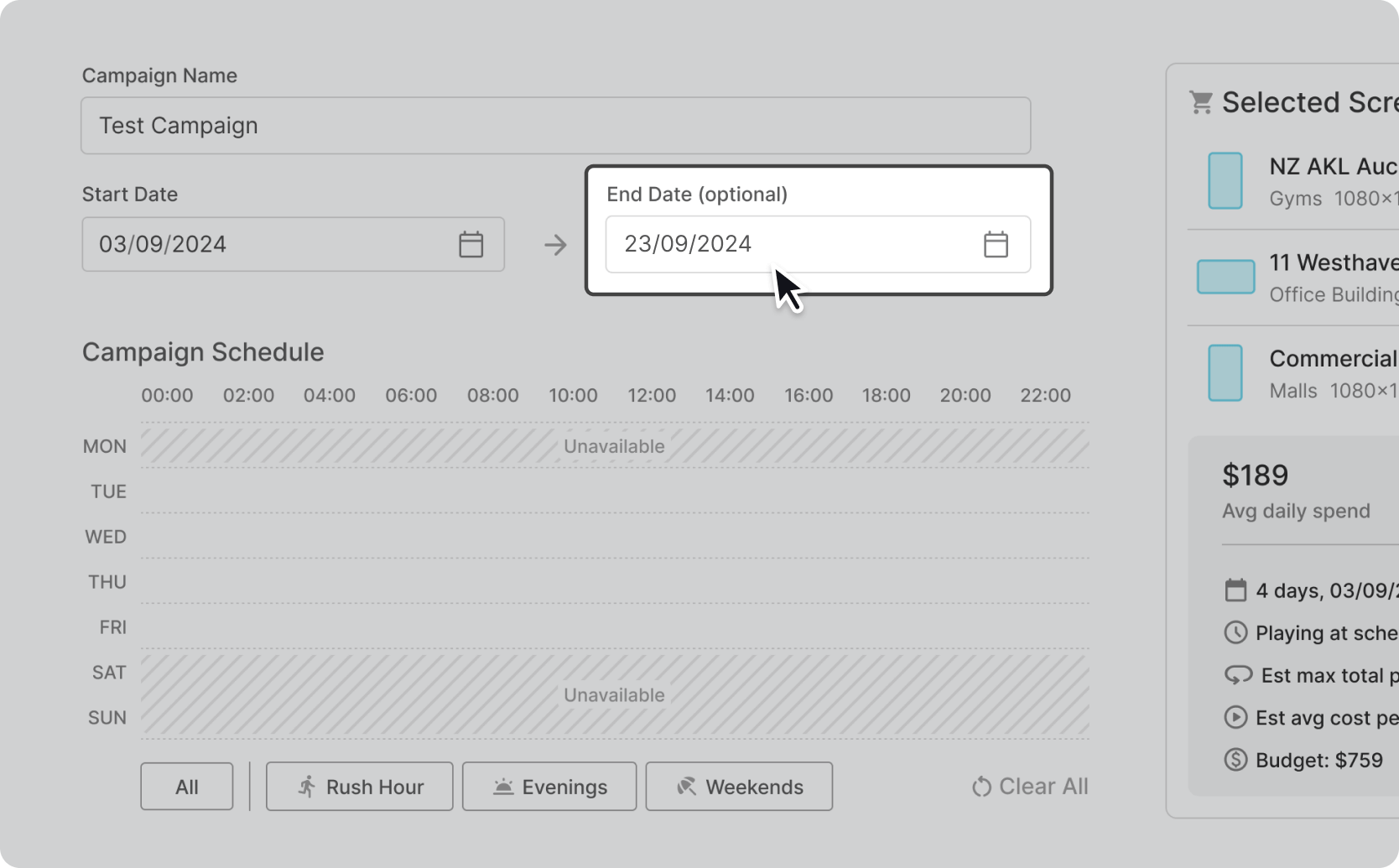
For fixed length campaigns (with a start and end date) your campaign will run until the set finish date unless your maximum budget is reached first.
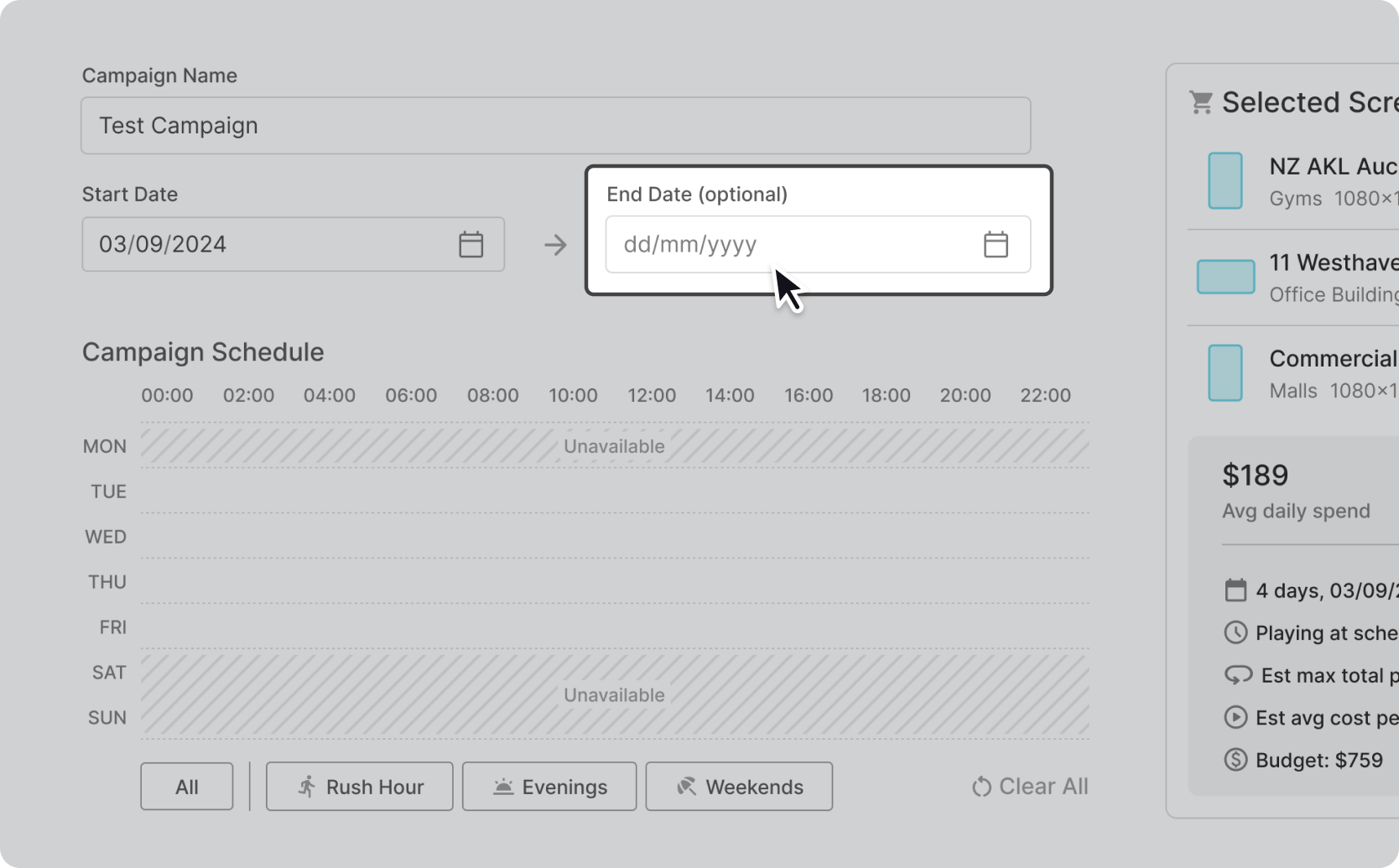
For ongoing campaigns, (without an end date) our campaign will run continuously until you pause it or reach your budget.
If you’d like to adjust your budget
There are few ways to change how much you want to spend running your campaign.
Click on the dot on the slider and drag it to the level you’re comfortable with spending

Type the weekly budget you want directly into the ad spend/week box
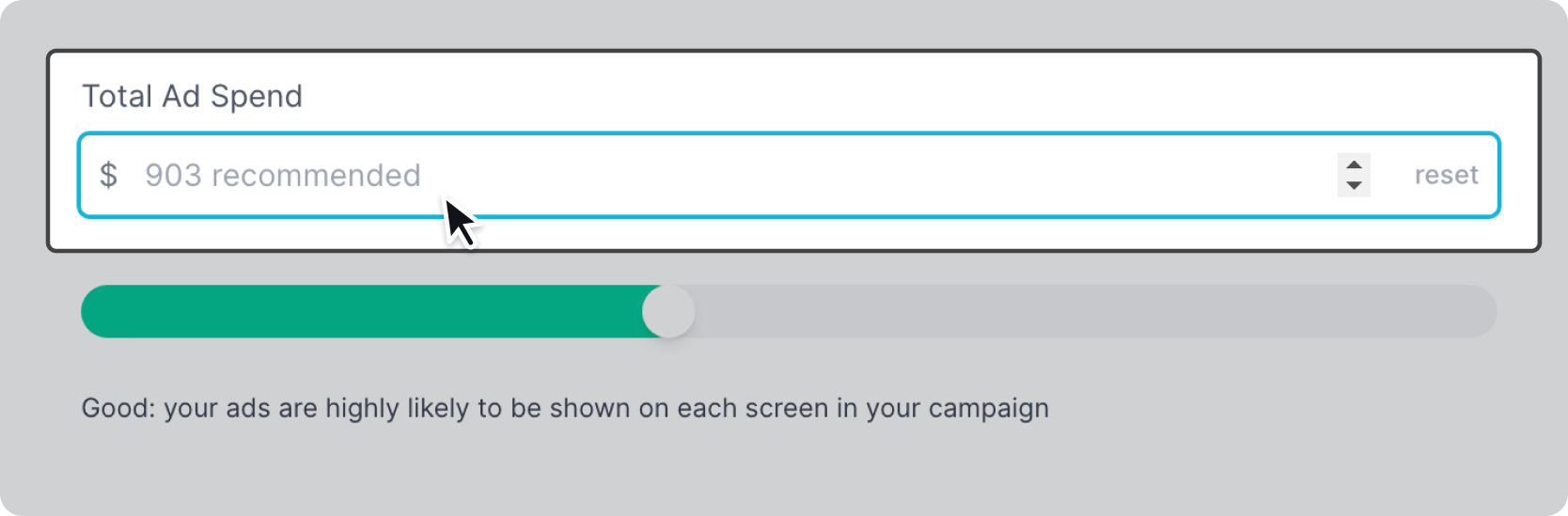
Depending on what budget you choose, you’ll be shown one of three messages to advise on how this will affect your campaign:
Good: your ads are highly likely to be shown on each screen in your campaign
Limited: your budget may limit impressions and plays on all screens
Restricted: your ads may not be shown often or played at all on some screens
