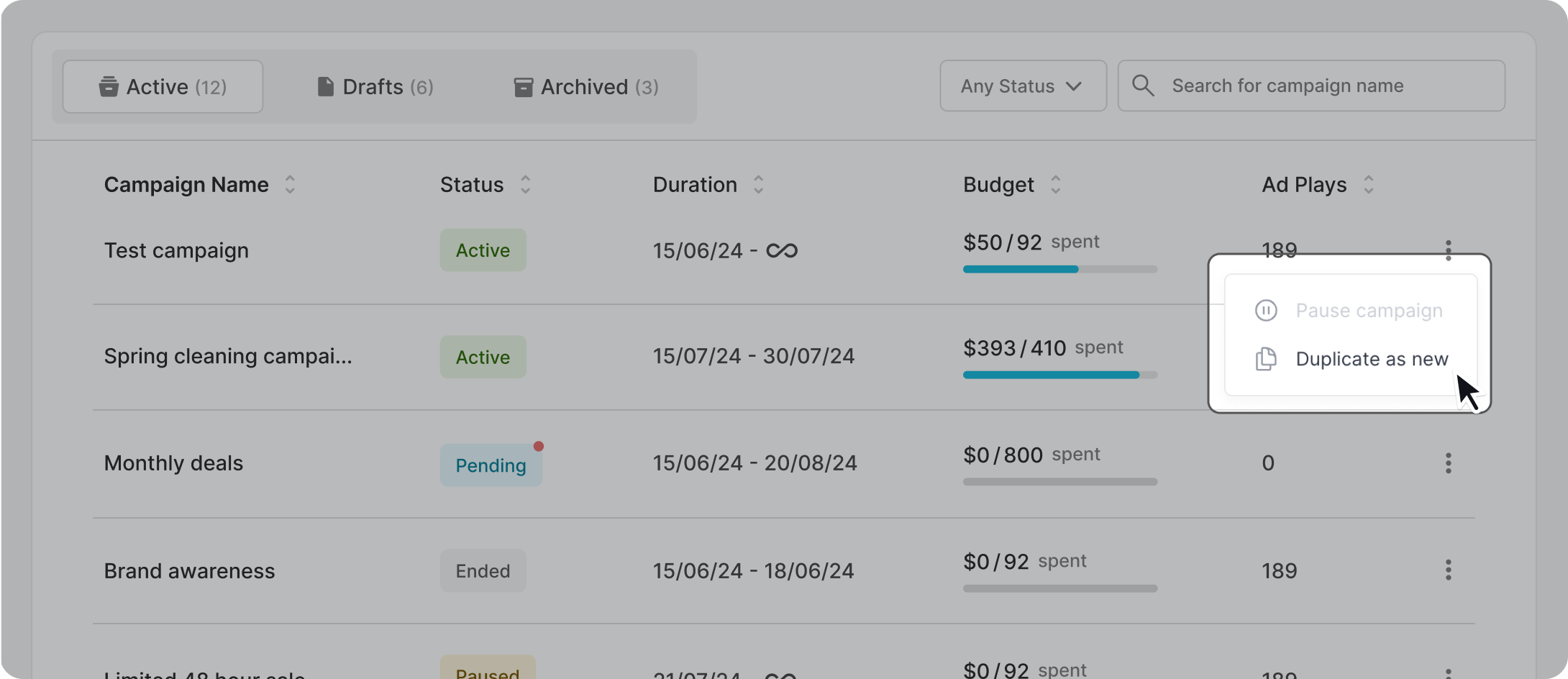
There are two ways to duplicate a campaign. In the “All Campaigns” list, click on three-dotted menu of the campaign you wish to duplicate, and select “Duplicate as new”.
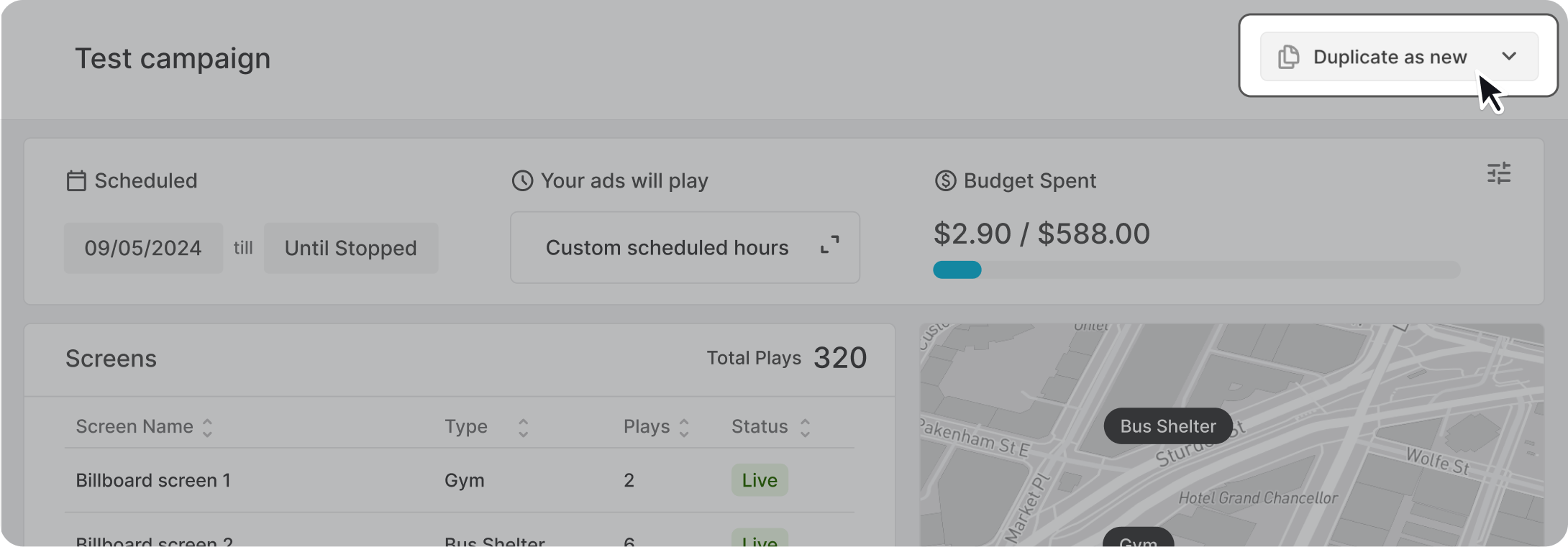
Alternative, open the campaign dashboard of the campaign you wish to duplicate, and select “Duplicate as new”. Depending on the status of your campaign, the option might be hidden in the dropdown.