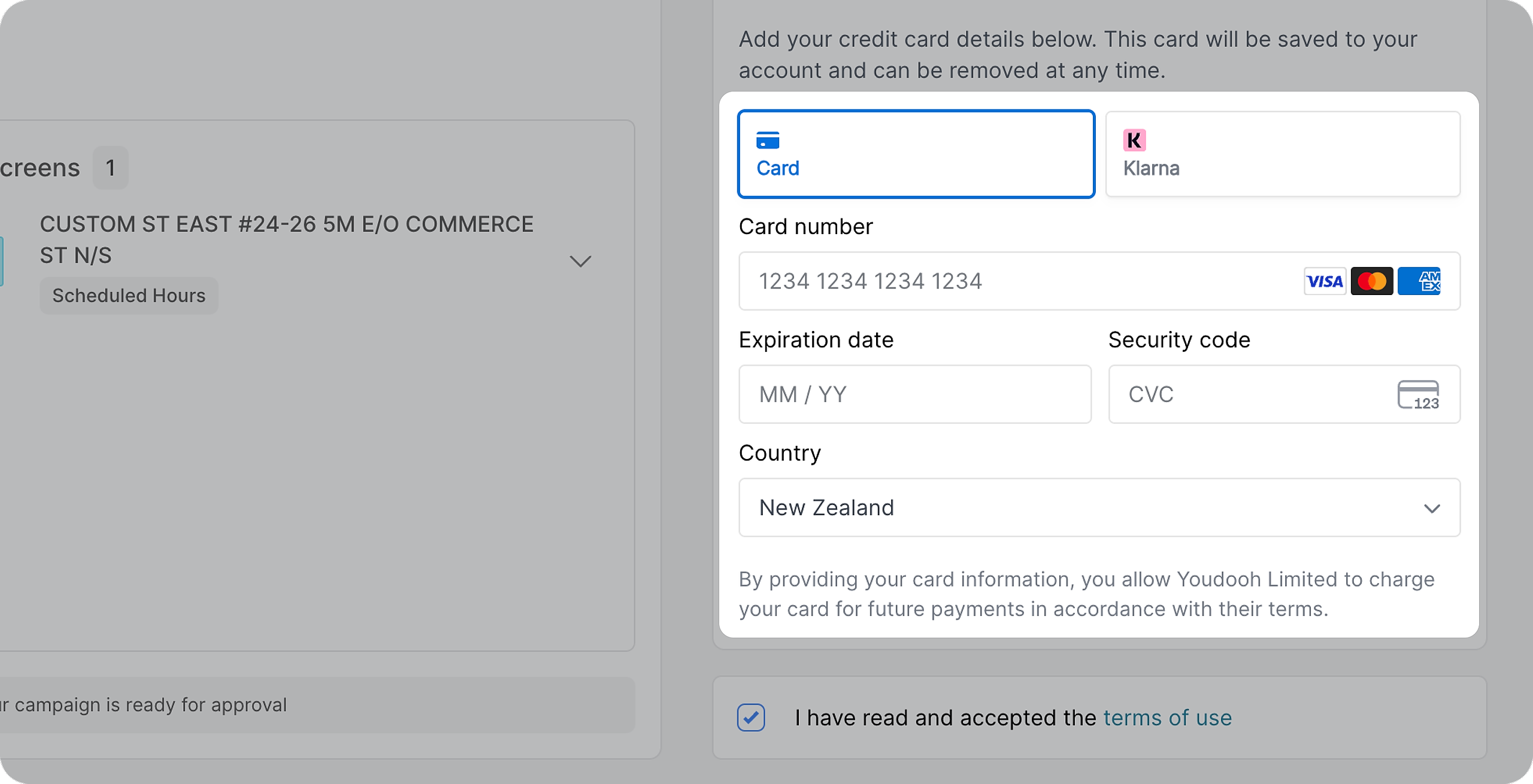
Take a look at your campaign summary and check everything is correct
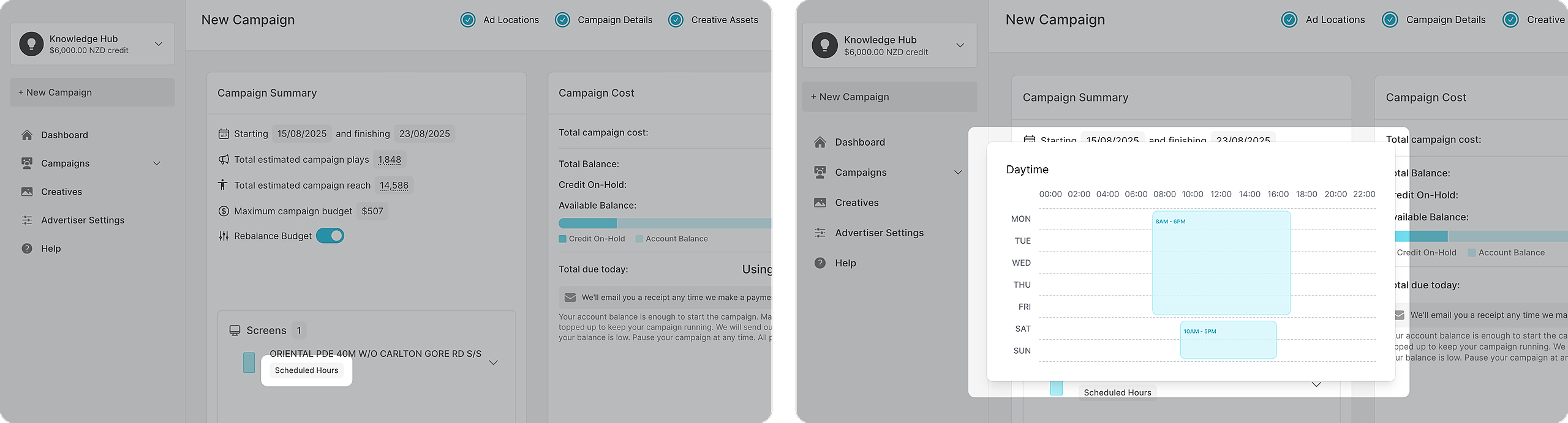
You can hover over or click on each of the grey boxes (AT SCHEDULED HOURS for example) to review the details.
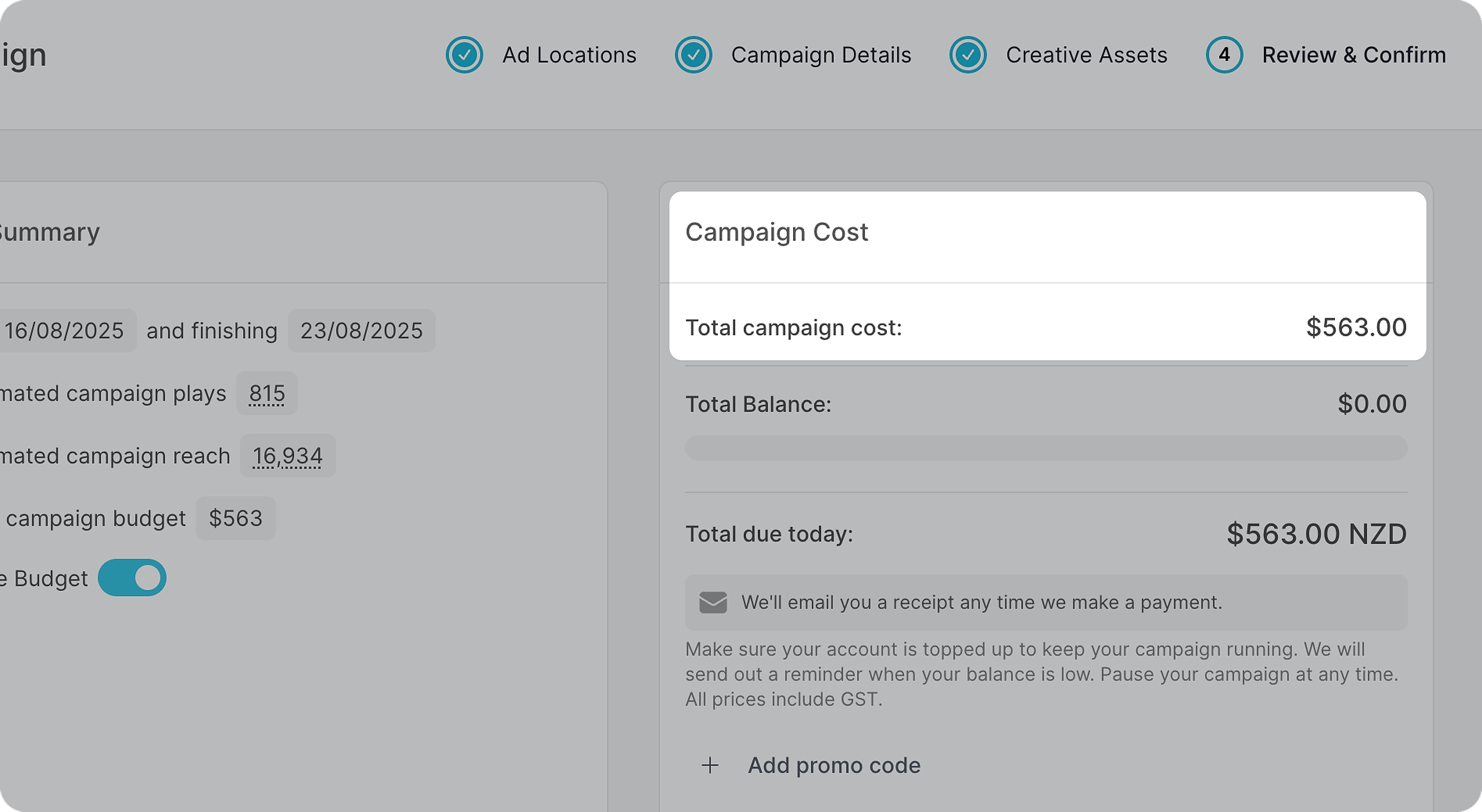
Check the payment schedule and the amount you’ll be charged initially. All prices are inclusive of GST.
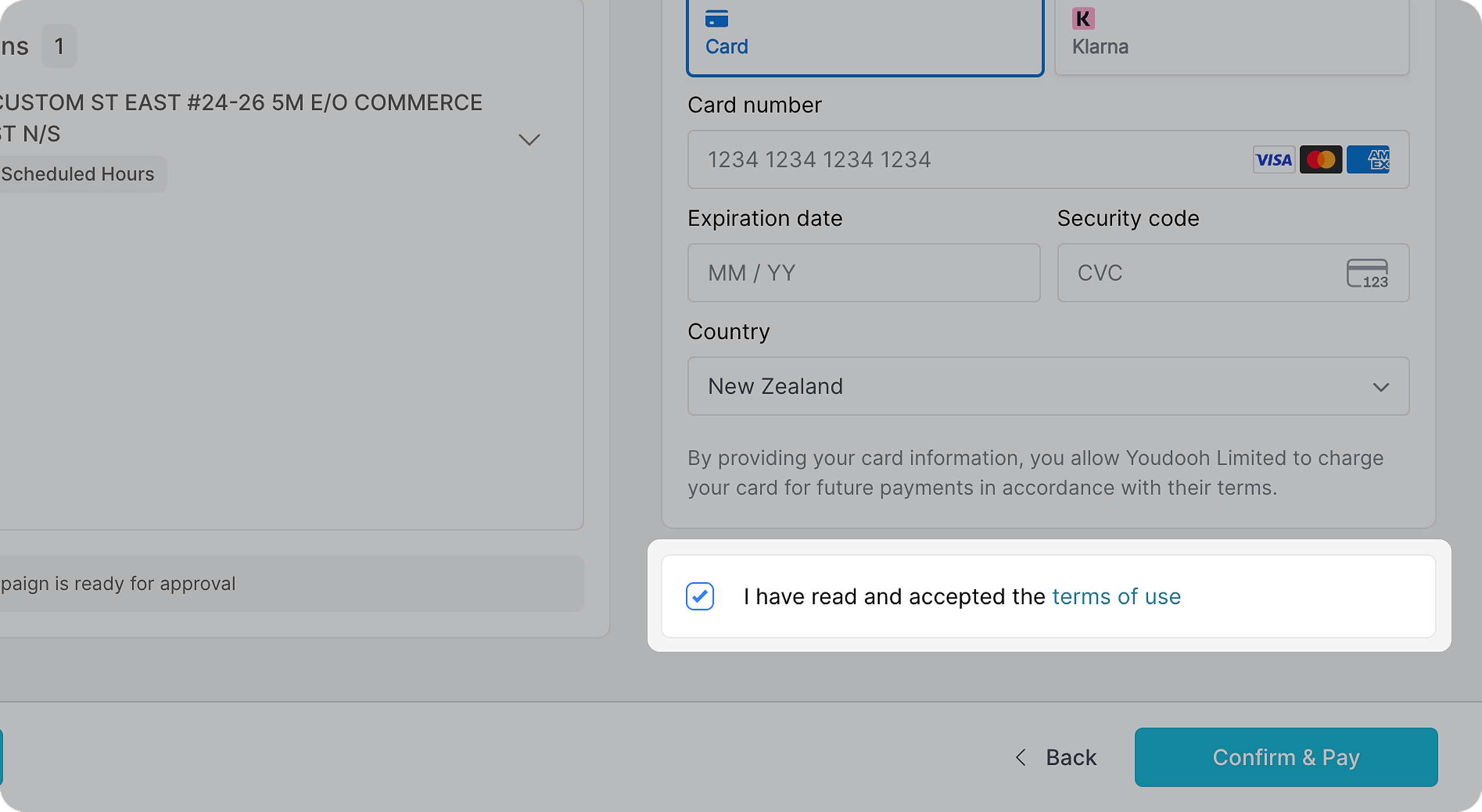
Read our terms of use and tick to accept.
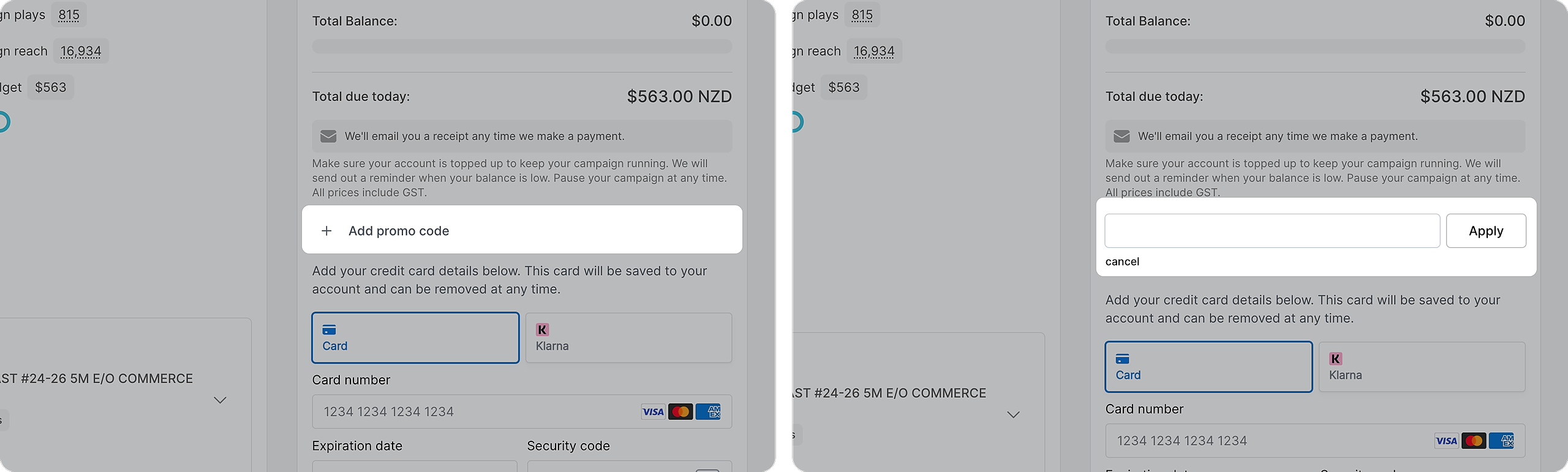
If you have a promo code, click on the "+" to apply a promo code
Then proceed to payment details.