

Scheduled Hours
By default all screens in your campaign use the same schedule (see below how to set). You can override the scheduled hours for specific screens if required. E.g. when you want to have one screen run in the morning and and the other in the afternoon, but still have them as part of the same campaign.
Selecting Times:
Click your cursor onto the section that corresponds to the hour you want your ad to play. By clicking and holding down your cursor, you can easily select a group of hours.
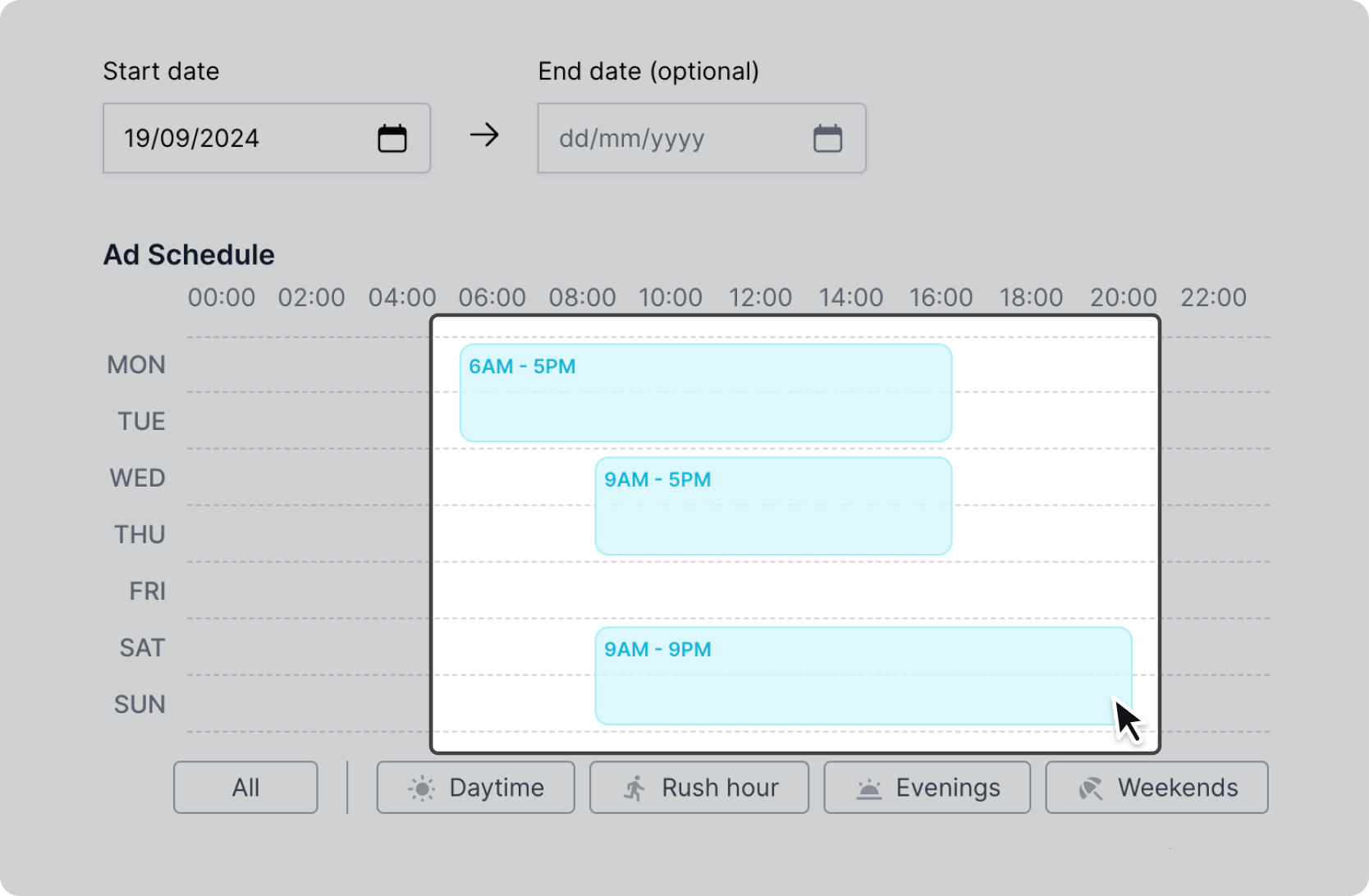
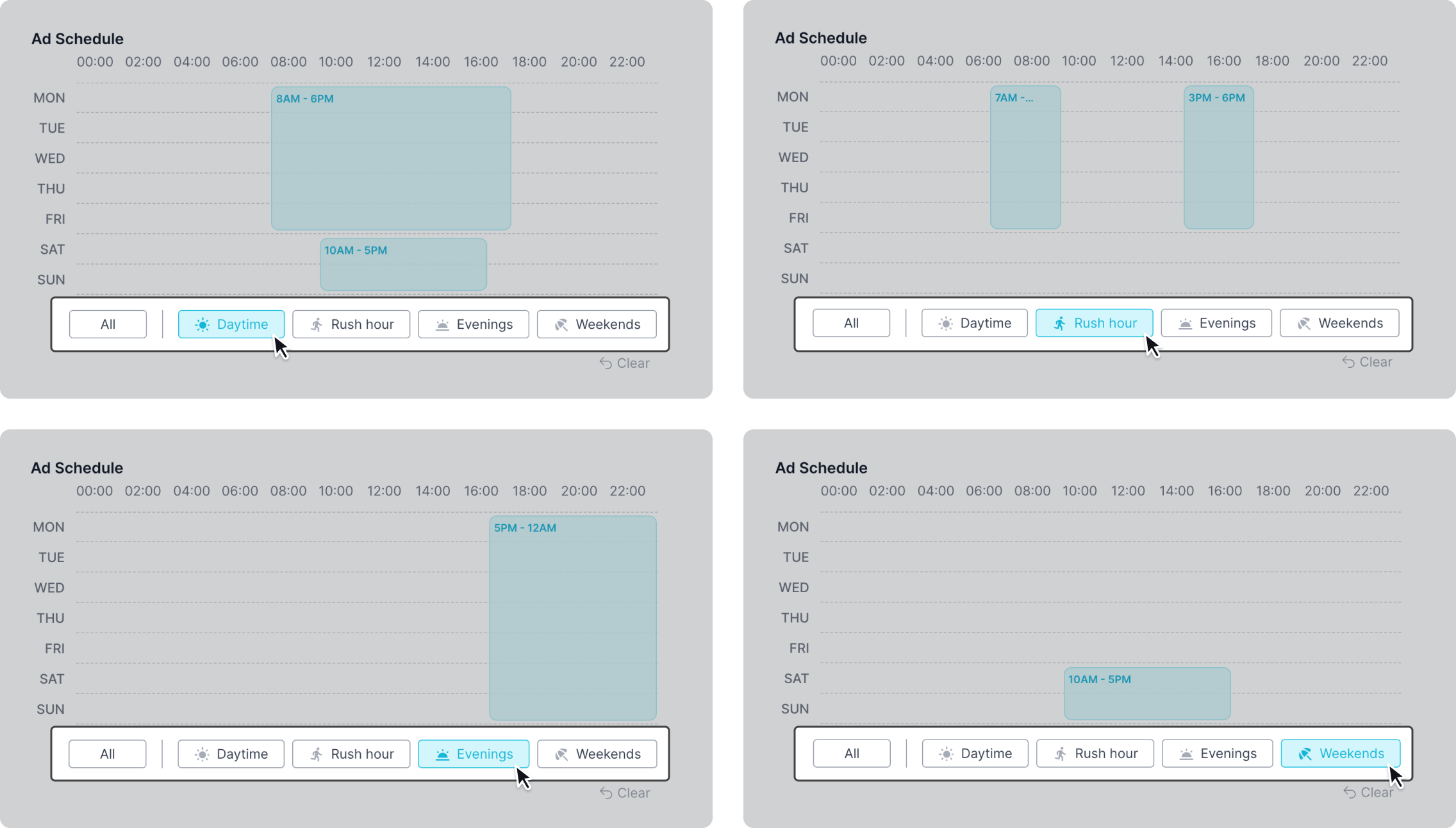
Choose preselected times by using presets. These include "Daytime", "Rush hour", "Evenings", and "Weekends".
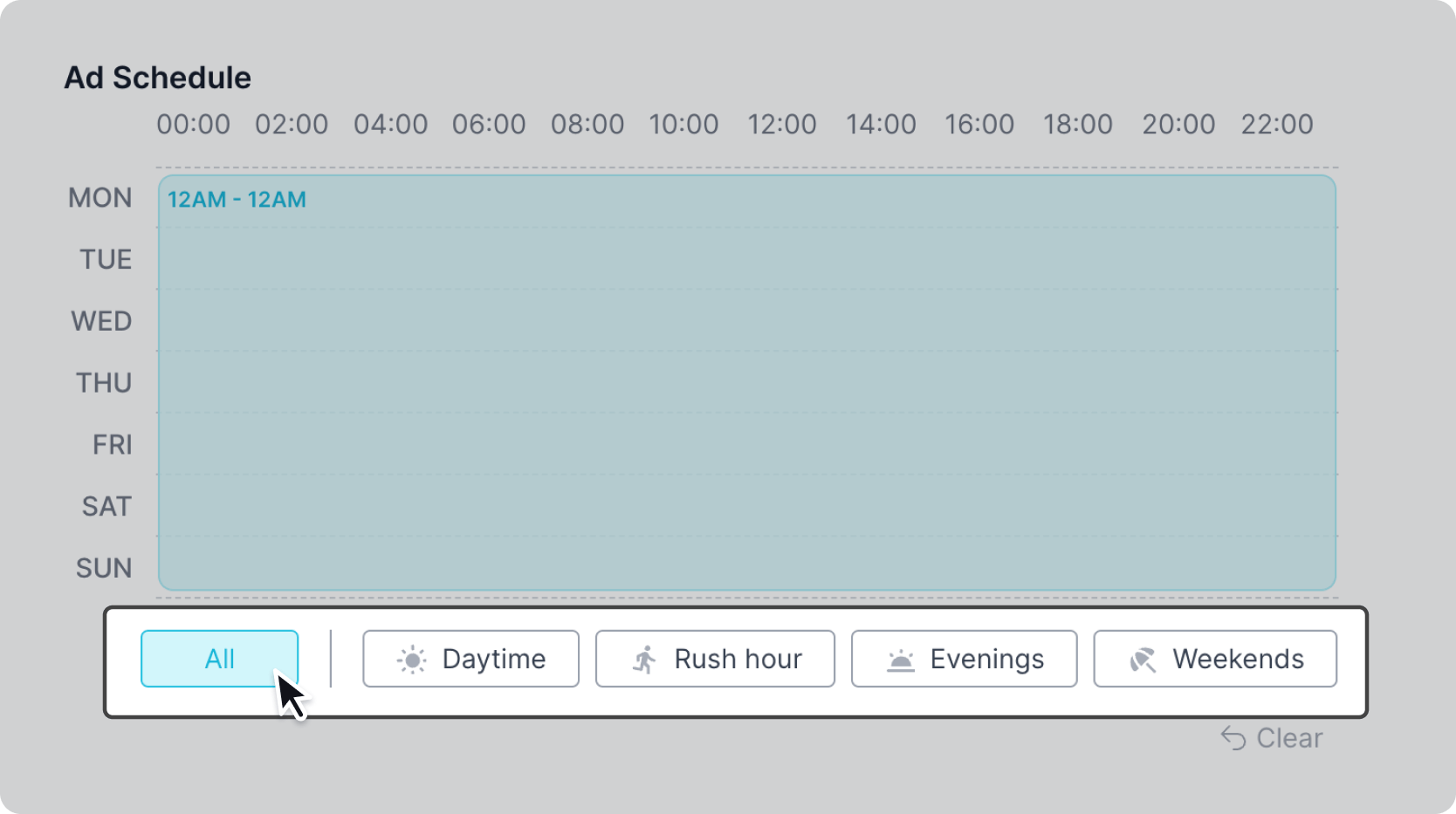
If you would like your ad to play at all times simply select the "All" preset, or click and drag your cursor across the scheduler.
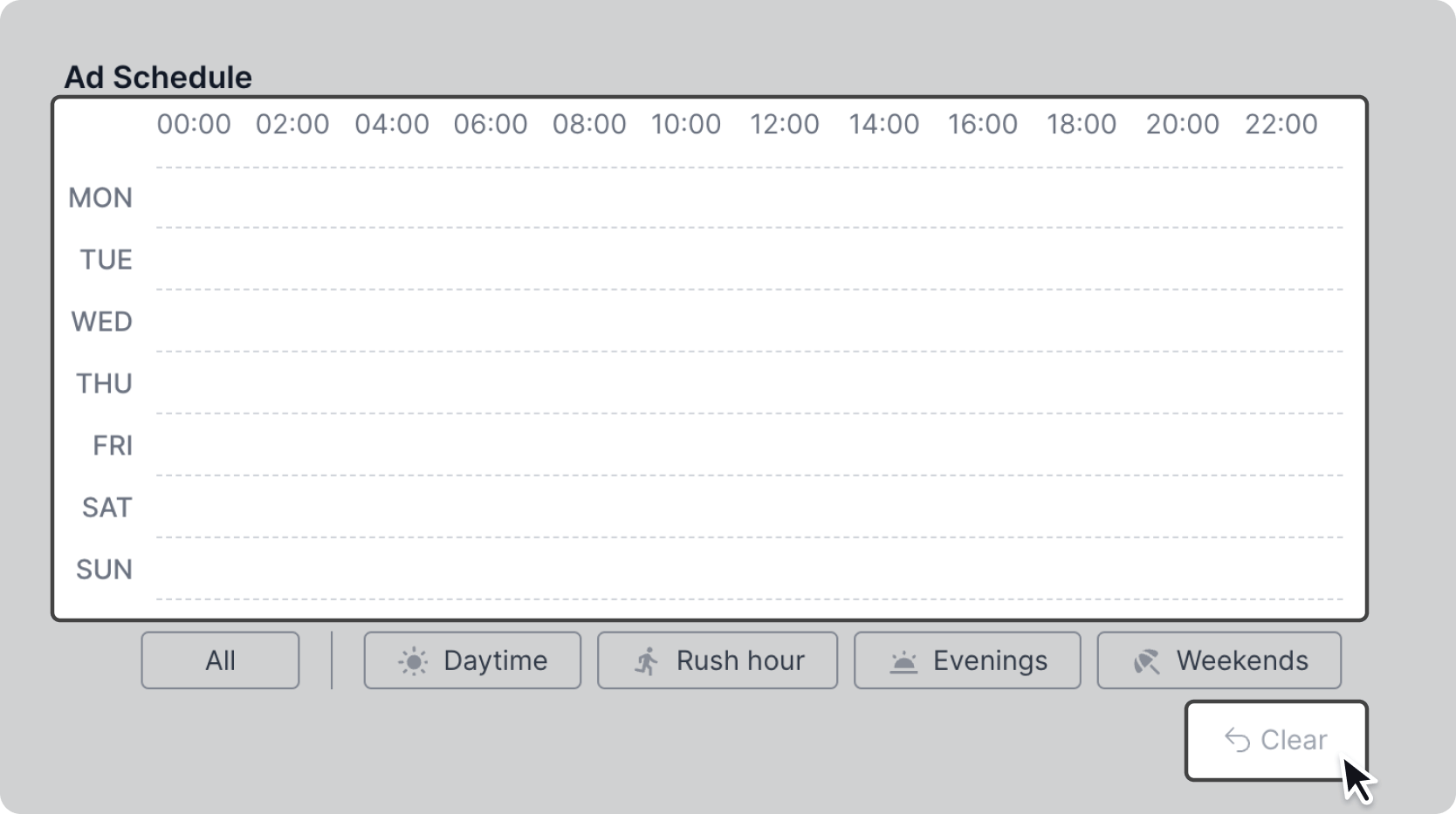
To clear your selection either de-select any times or presets, or click the "Clear" button to start over.
Screen Operating Hours:
Some screens power down at night or only display ads at certain times of the day. Time outside of the screen operating hours will be greyed out and made unavailable to select.
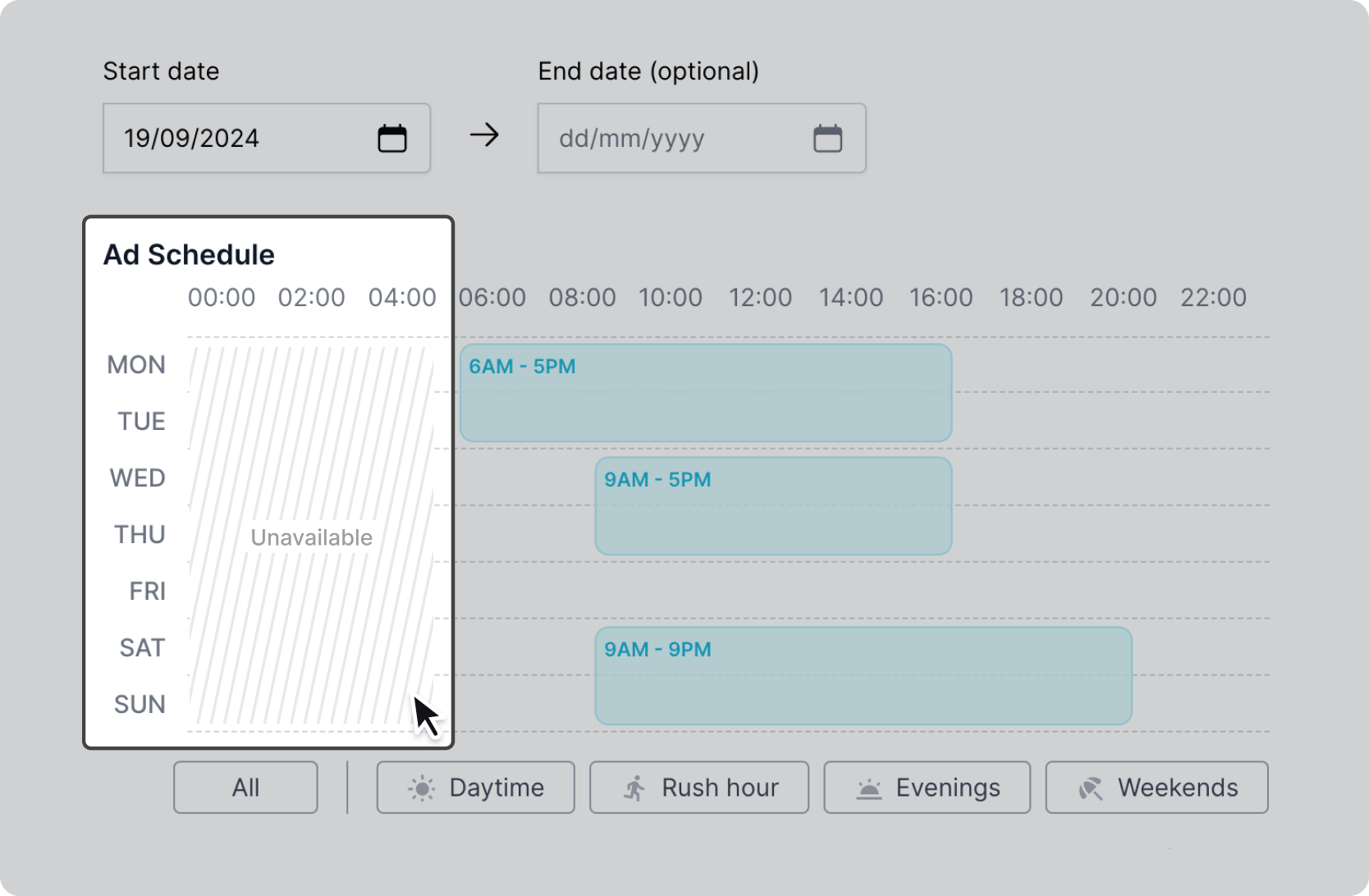
To make these times available, try removing screens from your campaign that are not operating at the scheduled times you want.