
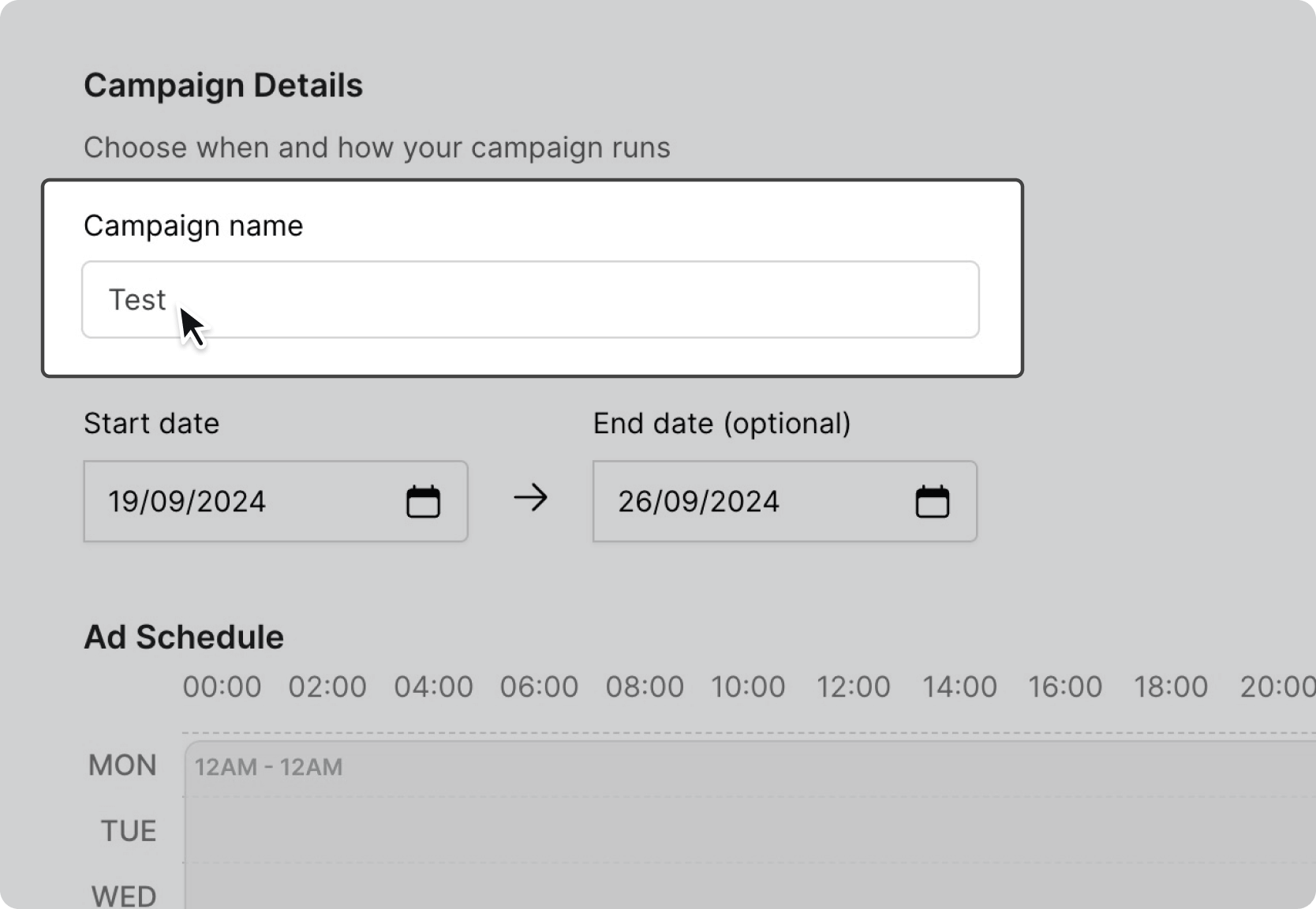
Start by choosing a name for your campaign.
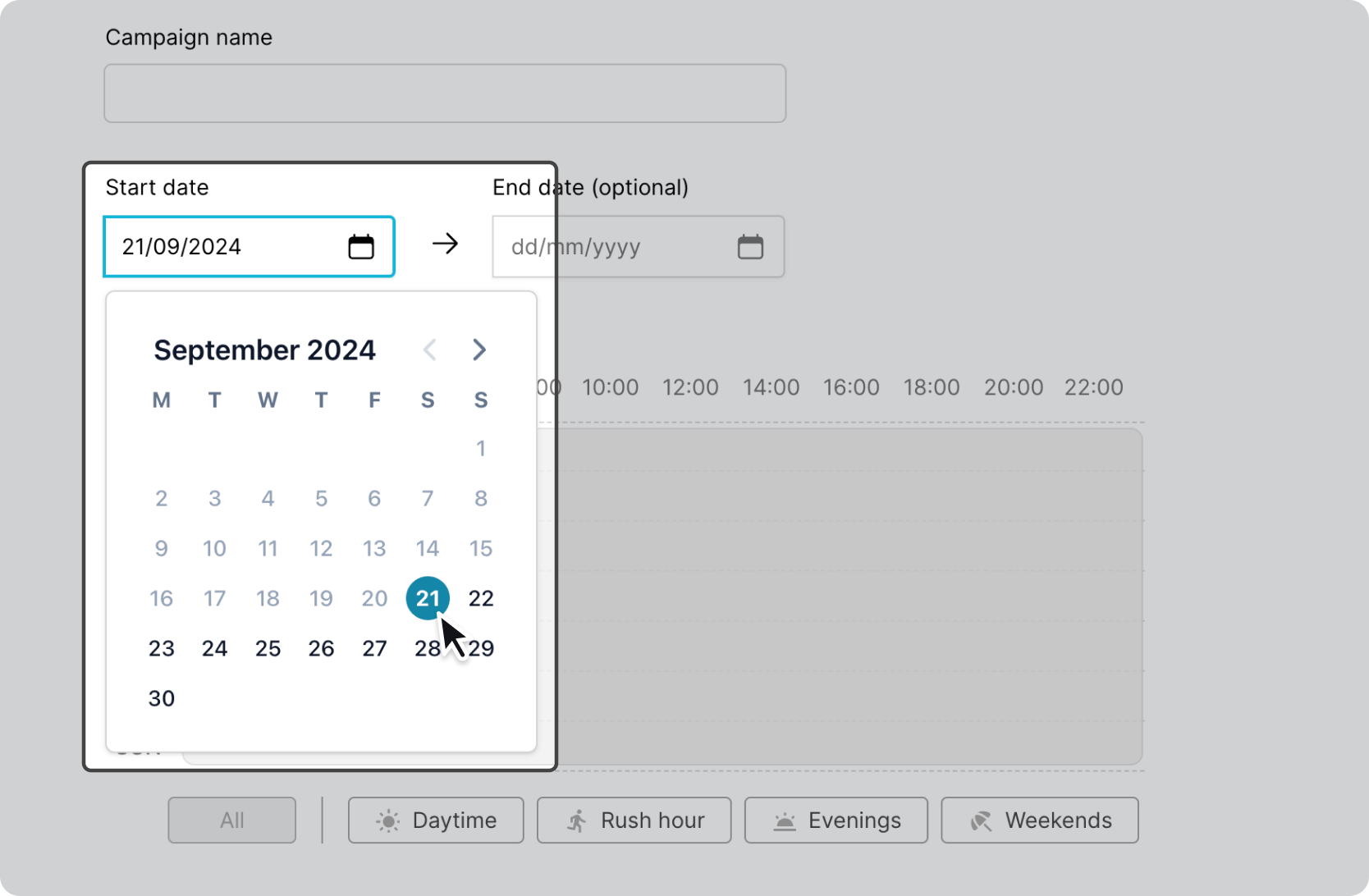
Choose the date you want your ads to start showing on the screens you’ve selected. The earliest day your campaign can start is the day after today.
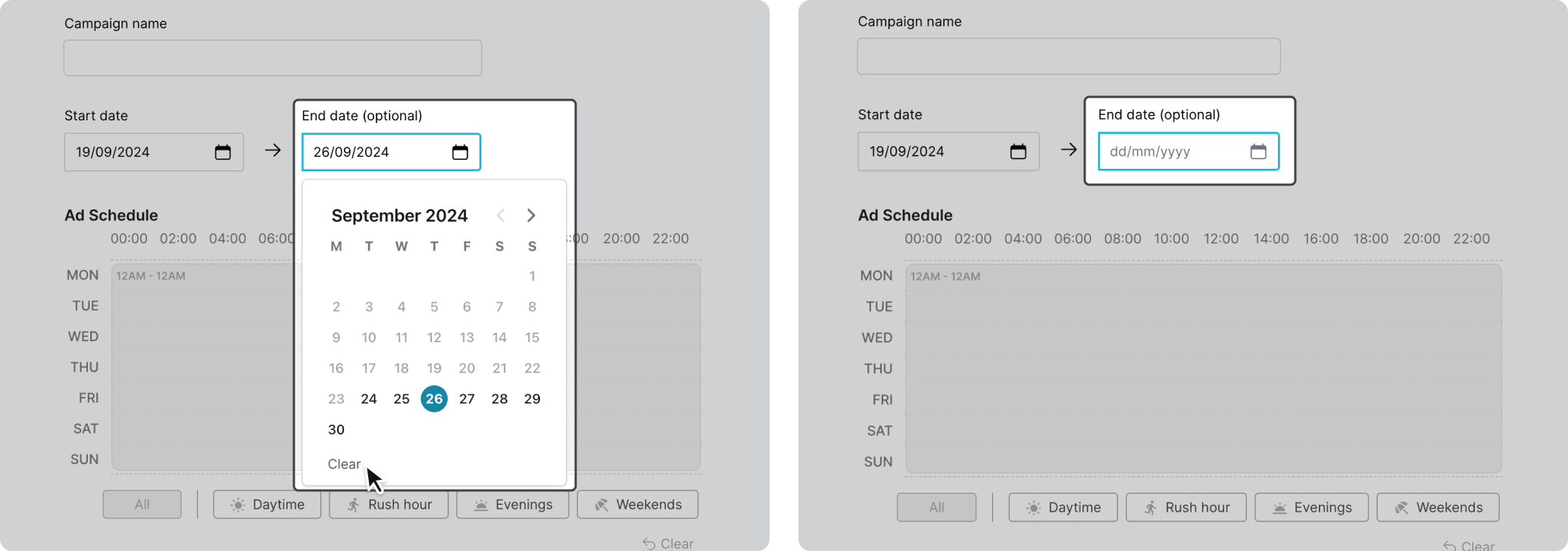
Pick an end date for your campaign, this will be the last day your ads will play. If you want your campaign to run indefinitely, just leave the end date blank. After your campaign has been approved you can pause it at any time.