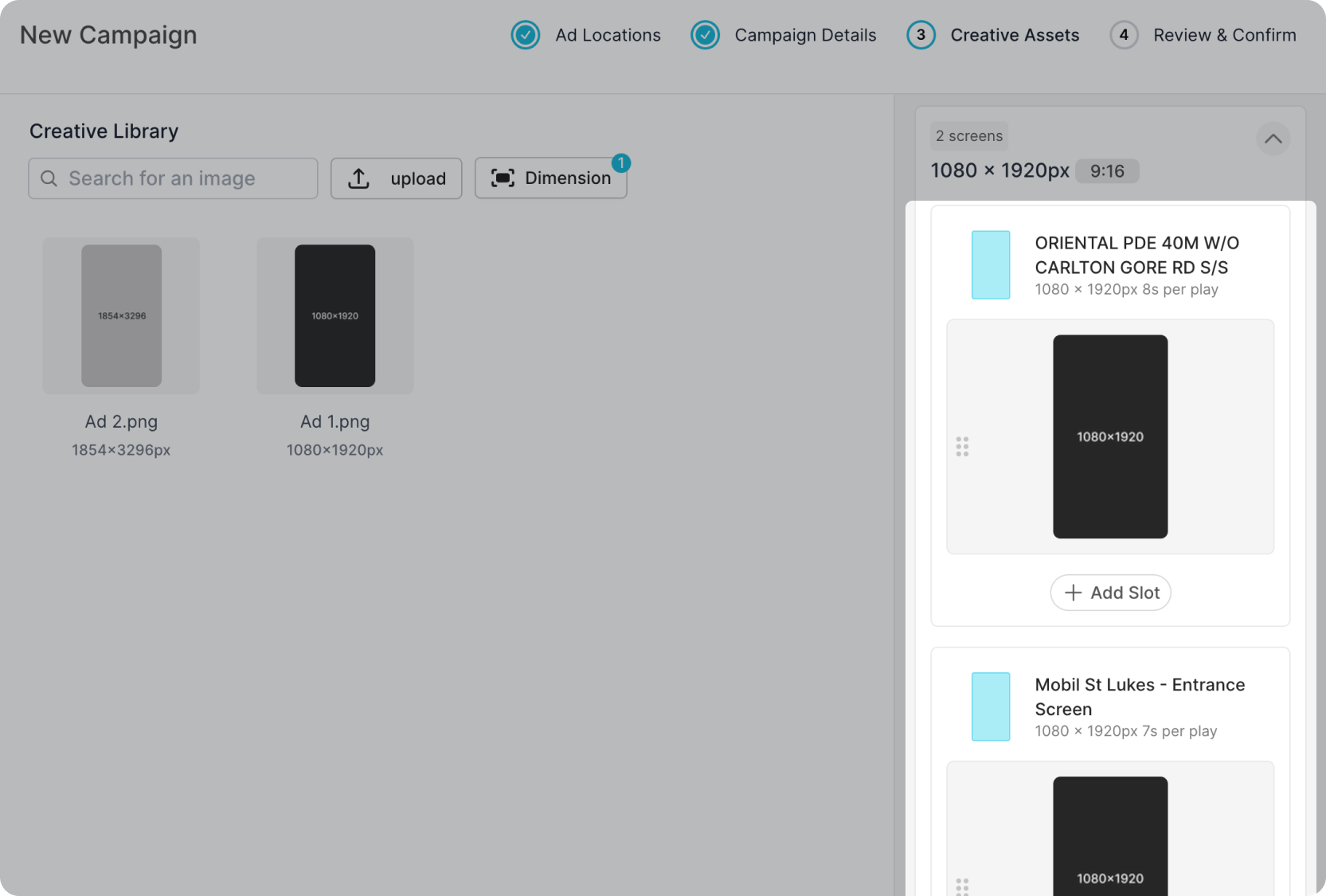
Assign Creative to Screen
Click on a creative and drag it to the screen with the corresponding pixel dimensions and aspect ratio.
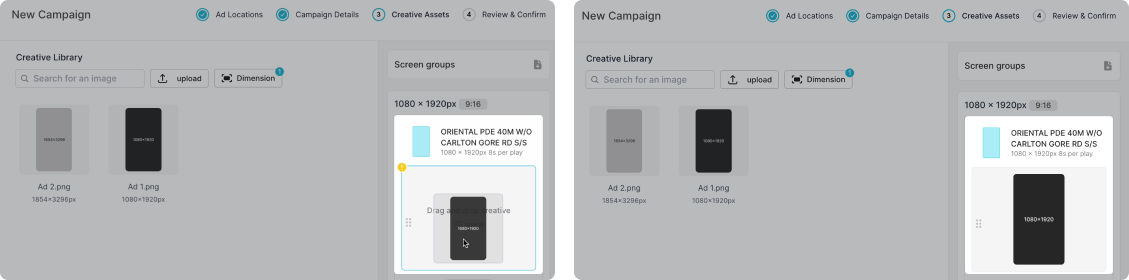
You are able to assign multiple creatives to a single screen by adding a new slot. Repeat the same drag and drop process to add any additional creative assets.
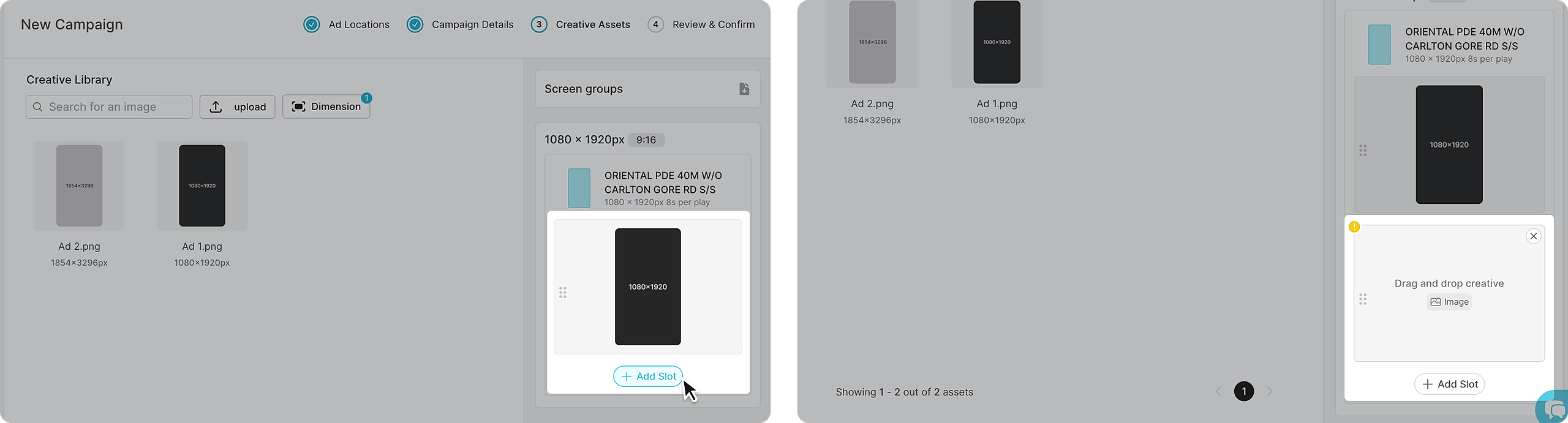
Batch Assign Versus Individual Screen
If the selected screens match the same pixel dimensions they will automatically be grouped into one single slot. A) refers to the number of screens in the group, in this instance there are 2 screens in one group.
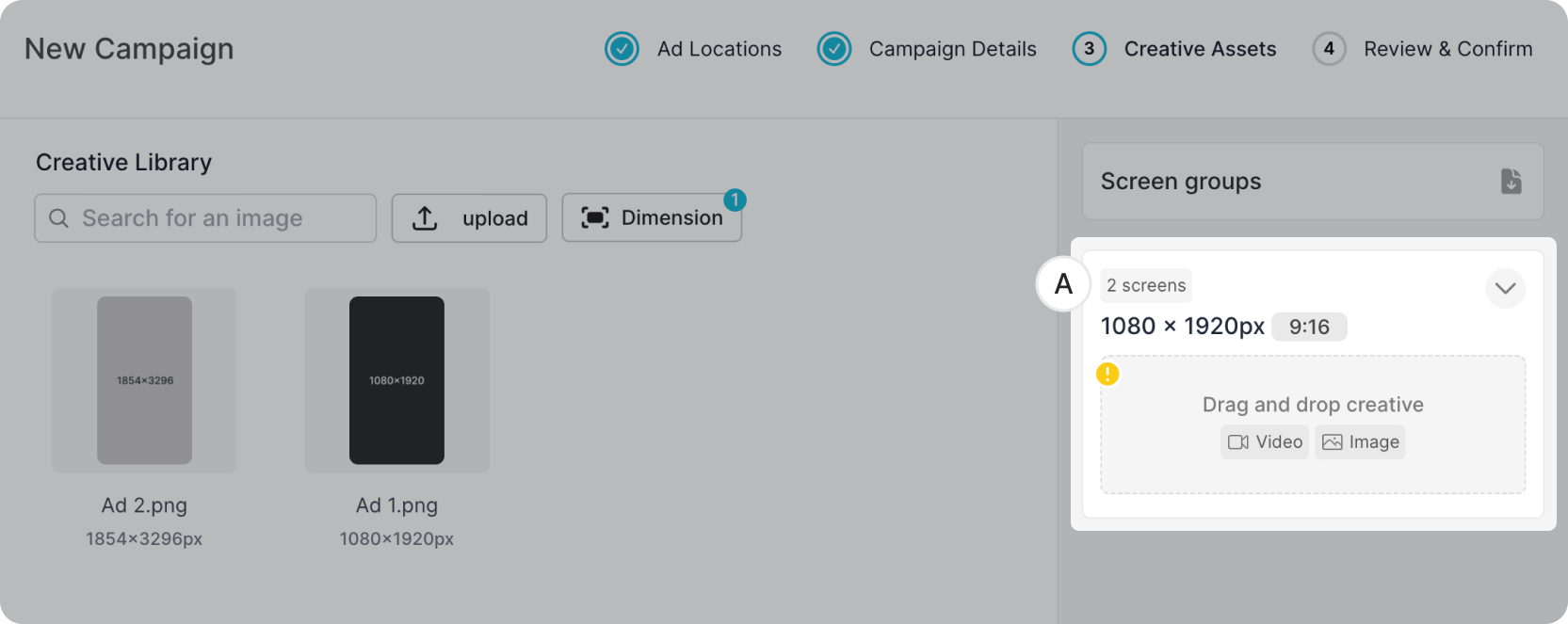
To assign the same creative asset to both screens, simply follow the same process as above and drag and drop to assign.
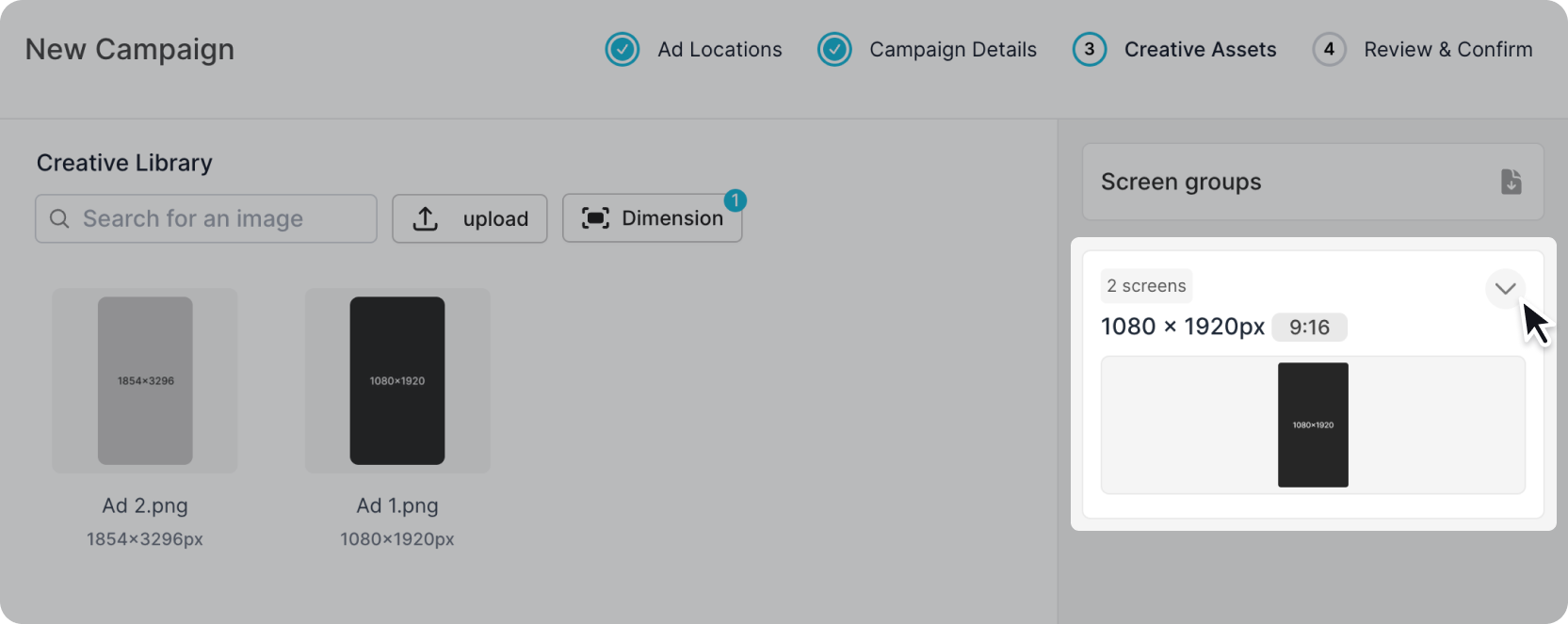
This will populate both screens within the group.