

Logo

What are you looking for?

detailed guides and answers to FAQs...

Searching for a location or screen

Selecting Screens or Locations

Searching for a location or screen

Choosing where to advertise is an important step in your campaign planning process. Use our interactive map to select the screens that match your requirements.

Last updated on 29 Oct, 2025

Search Bar

Use the Search box and type in any address or business. Once you found a match and select your place of interest, a blue marker is dropped on the map and the map zooms and centers on that location.
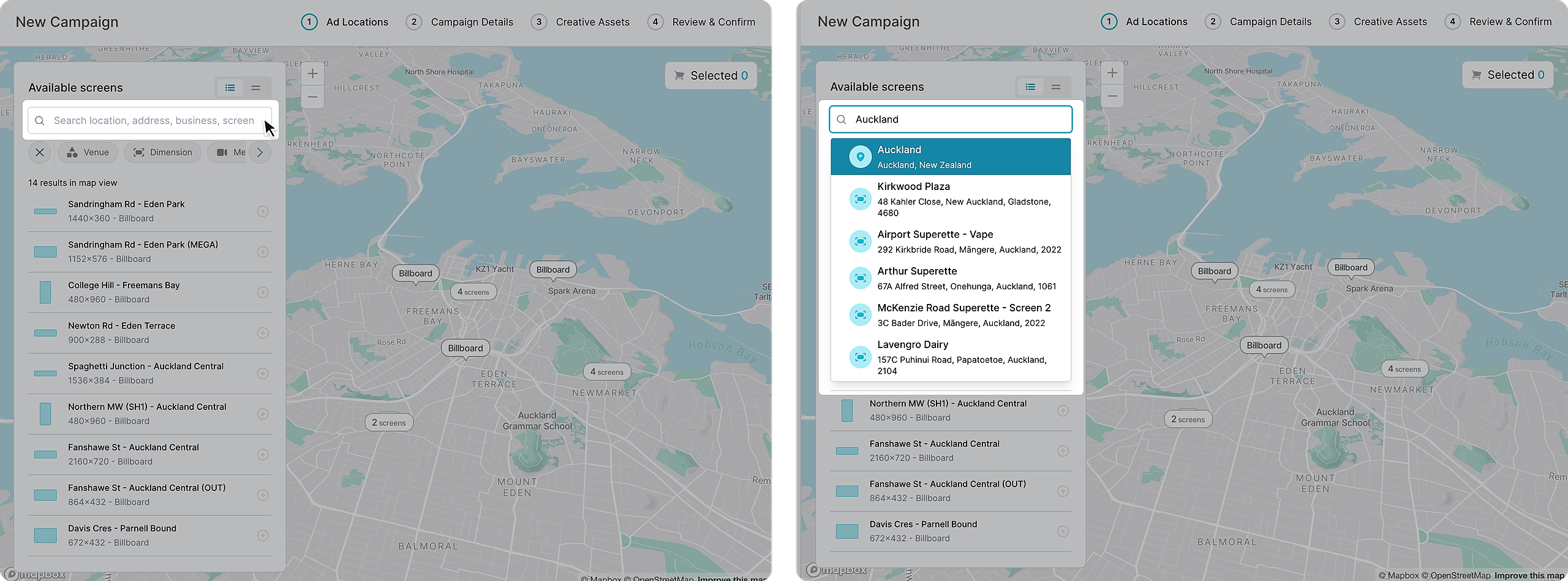
Image


Interactive Map

 Use the map / mouse controls or drag the map around and pinch and zoom to explore an area of interest.
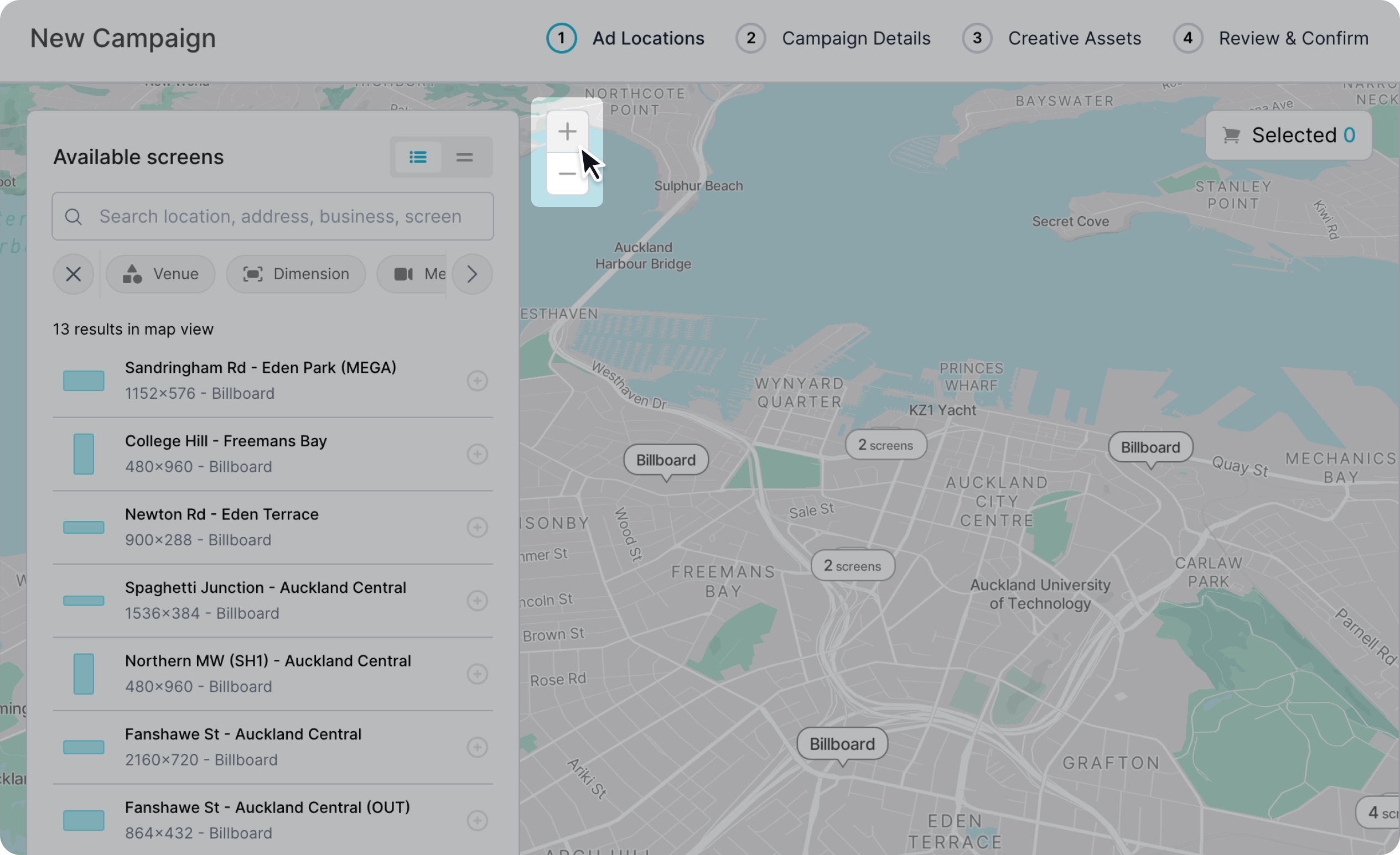
Image


Filters

Use the filters on the left hand corner of the map to narrow down the selection of screens shown on the map.
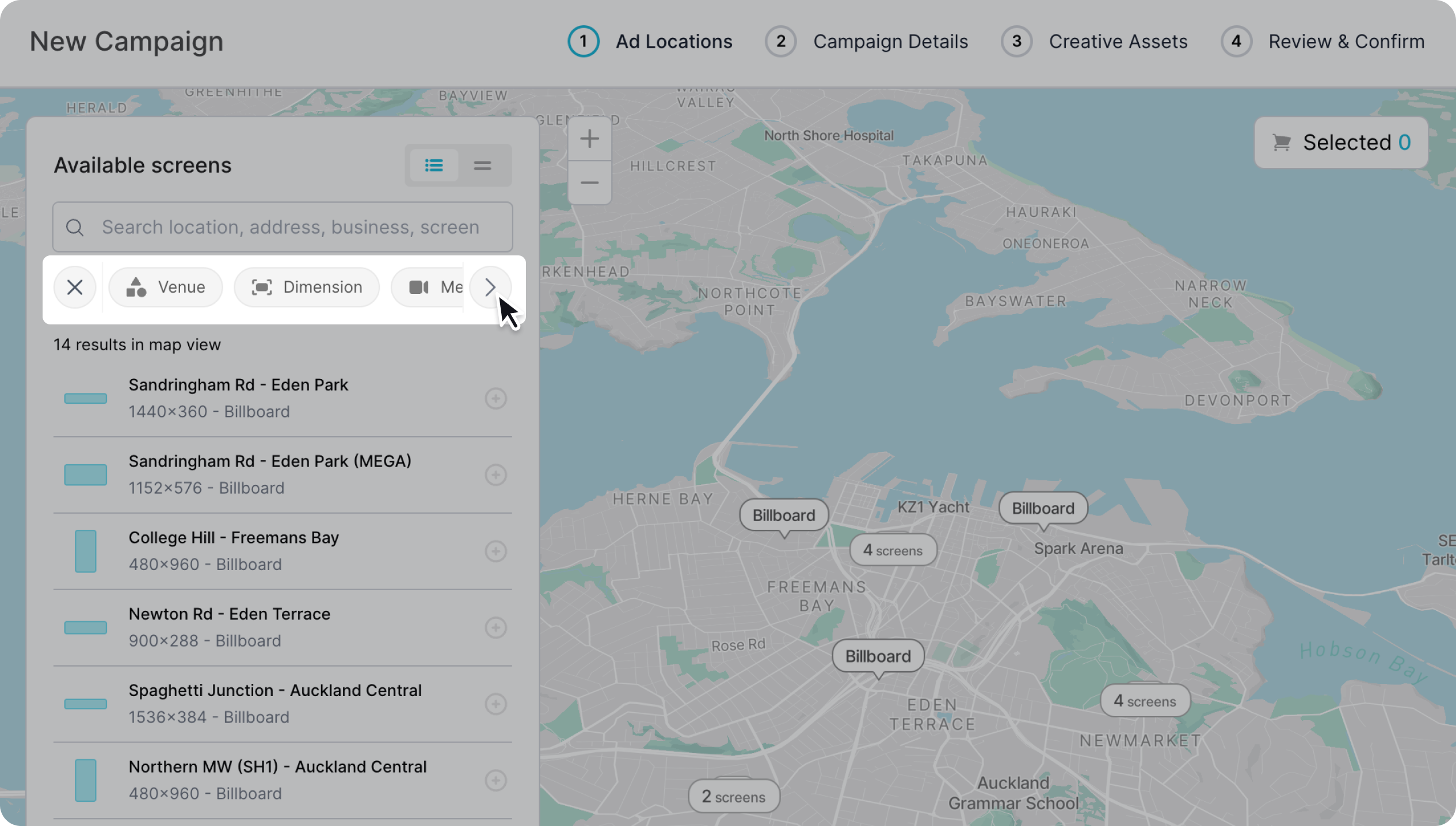
Image
Did you find this article helpful?
Previous

Adding and removing screens from your campaign

Next