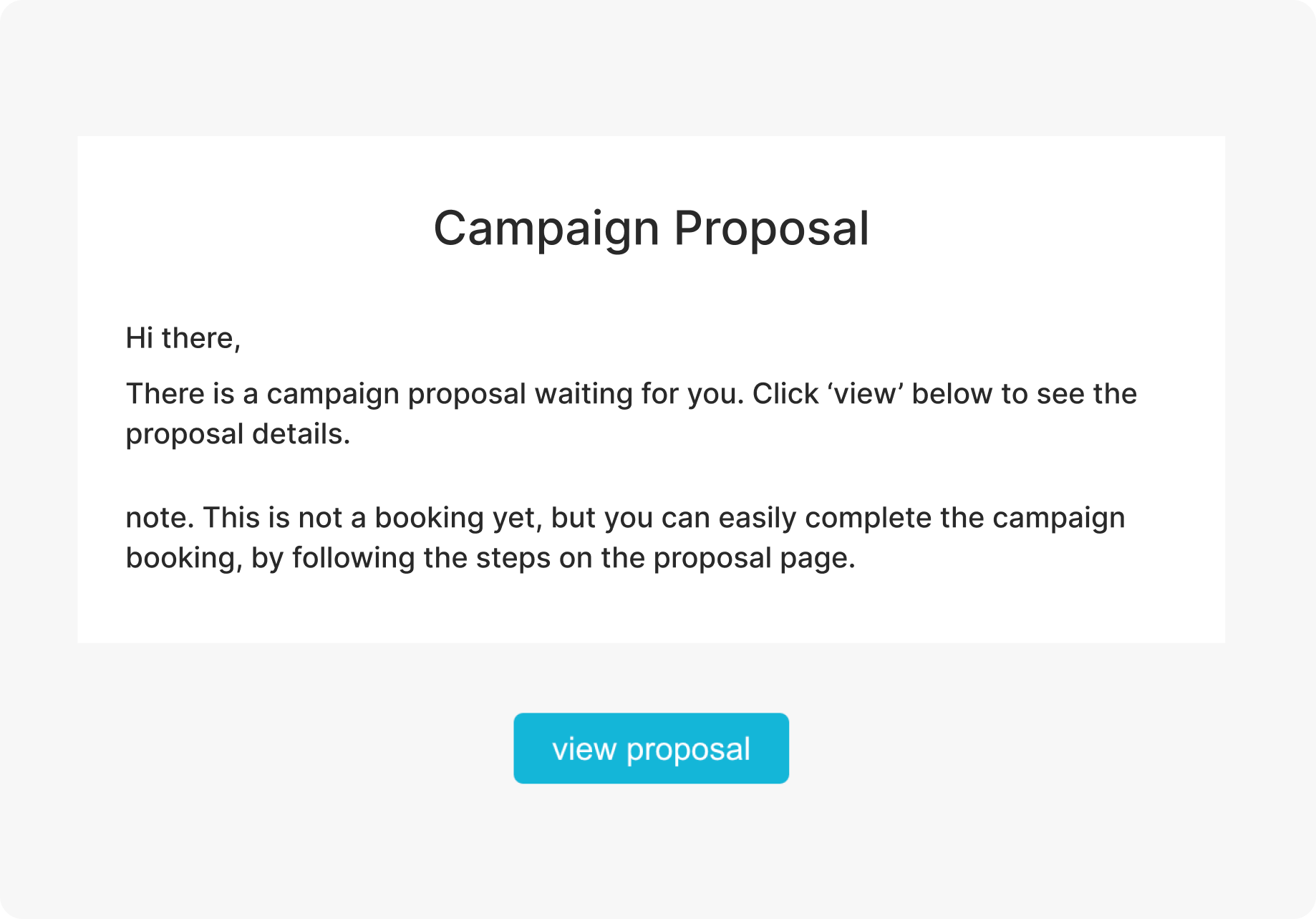
Invite Link
All campaign proposals will be sent to you through email. Click on the invite link to join and review your campaign. If do not see the campaign proposal in your emails, make sure to double check the "junk" folder in your emails.
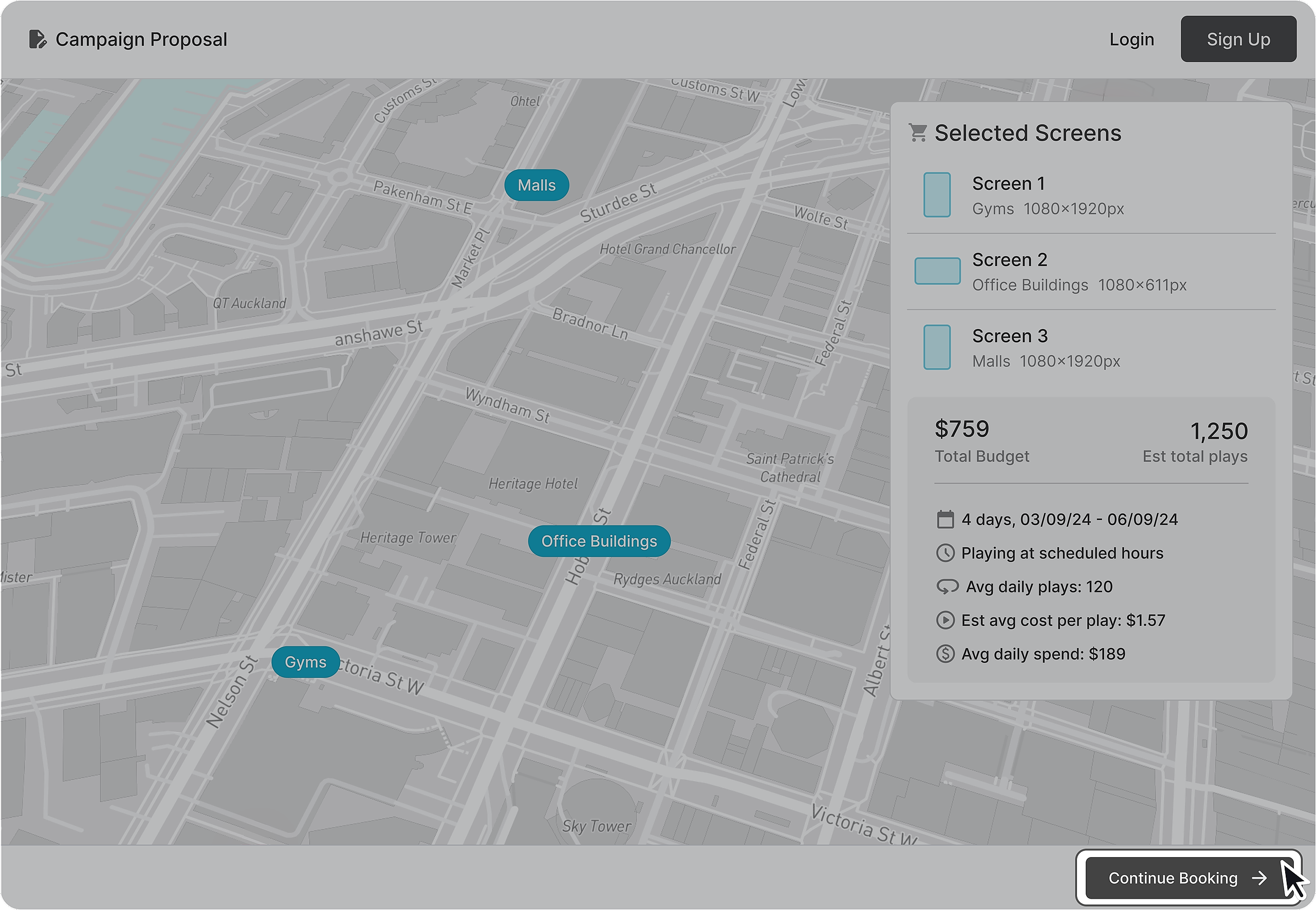
Continue Campaign Booking
If you are happy with the details and book the proposed campaign, simple click "Continue Booking". If you already have an account on the platform the campaign will automatically be added to your account. If you are a new user, you will need to create an account to continue.