

Sending an Invite Link
To share a campaign proposal, use the share button located at the bottom left section of new campaign creation. This creates a unique link and sends the campaign proposal via email invite.
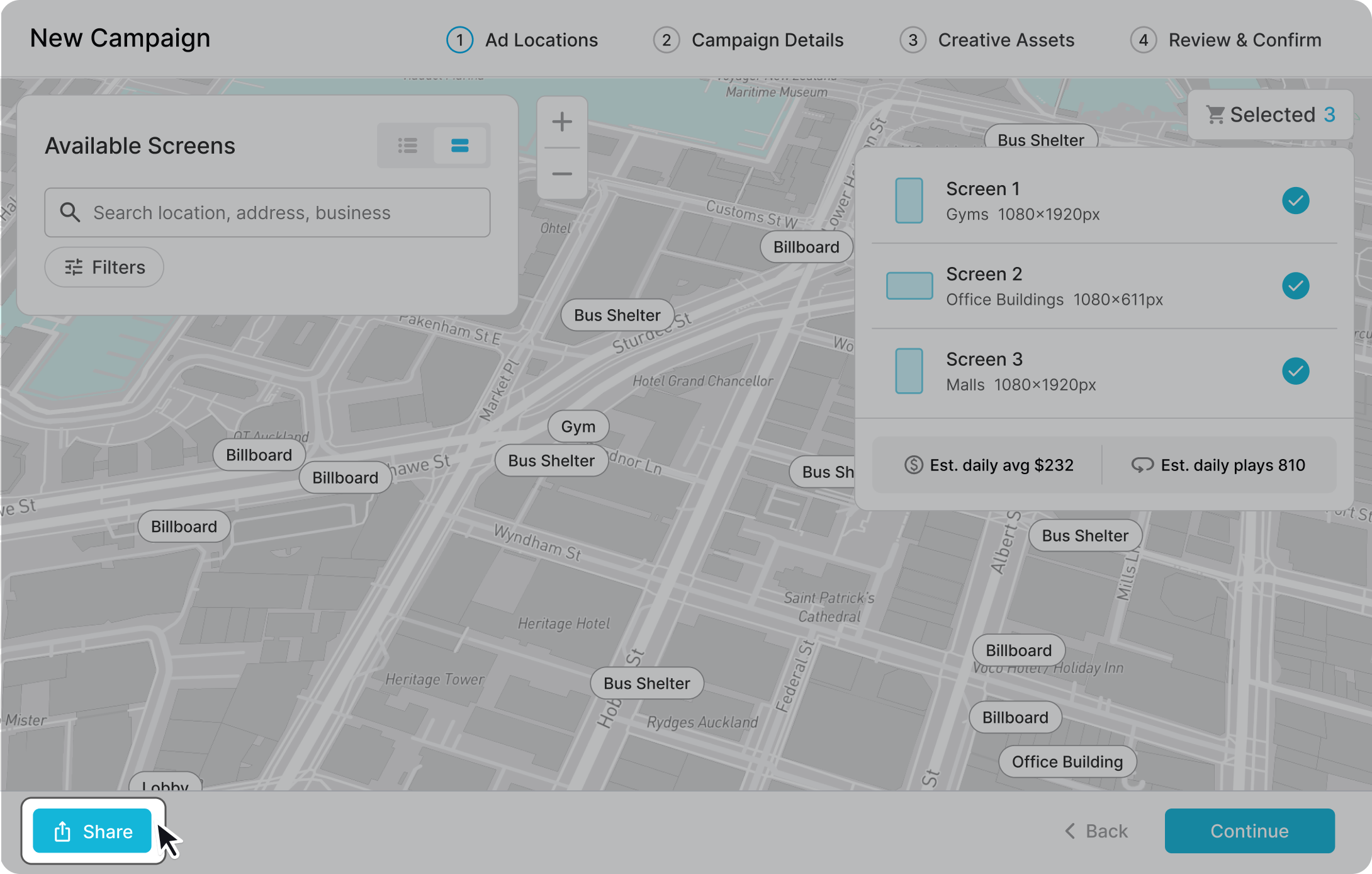
You have full flexibility to populate the new campaign up to any step.
For example, if you send someone a campaign that is populated with only Step 1: Screen Selection, the receiver will continue the campaign booking on Step 2: Campaign Details. Depending on how populated the campaign is, the receiver sees different levels of information when they review the proposal.
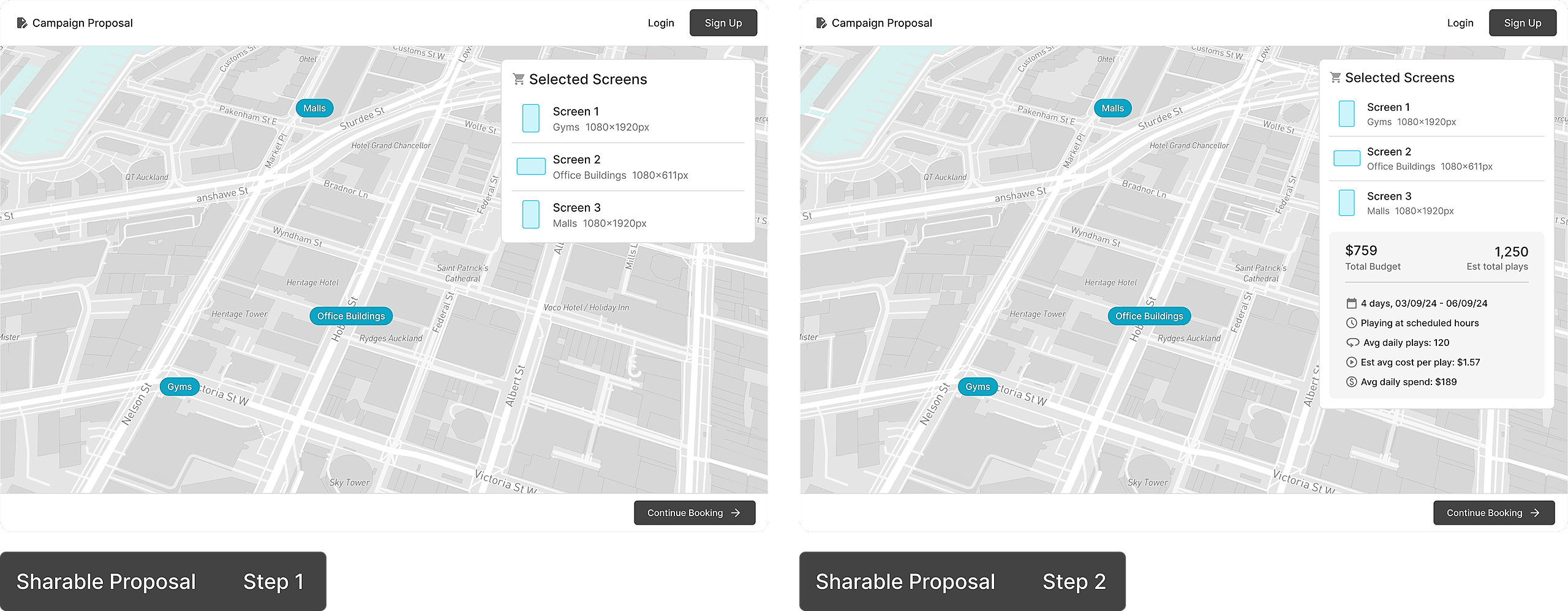
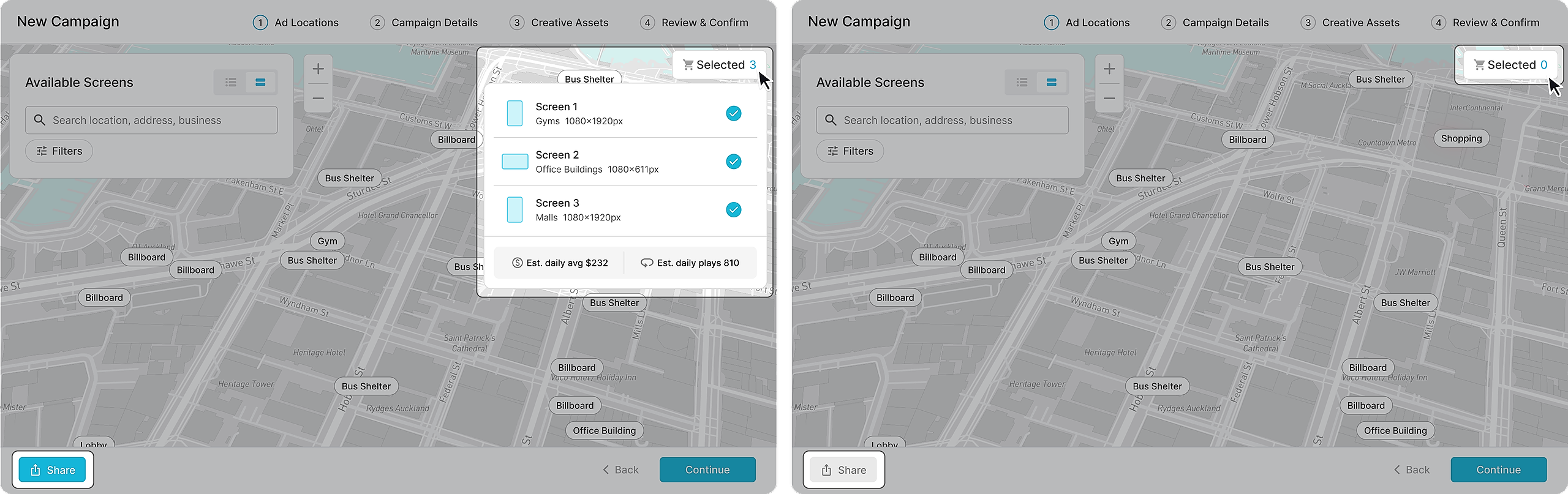
In order to share a campaign proposal, all required fields of a step must be populated.
Receiving a Campaign Proposal
To get a better understanding of what it’s like to receive a campaign proposal, check out Receiving a Campaign Proposal.