

Logo

What are you looking for?

detailed guides and answers to FAQs...

Uploading your ads

Creative Assets

Uploading your ads

Once you have the ads in the right specifications, it’s time to connect them to the screens you’ve selected.

Last updated on 29 Oct, 2025

You can upload your ad files by either:

Clicking on the green “+” button or the UPLOAD AN ASSET link and choosing them from your computer folders.
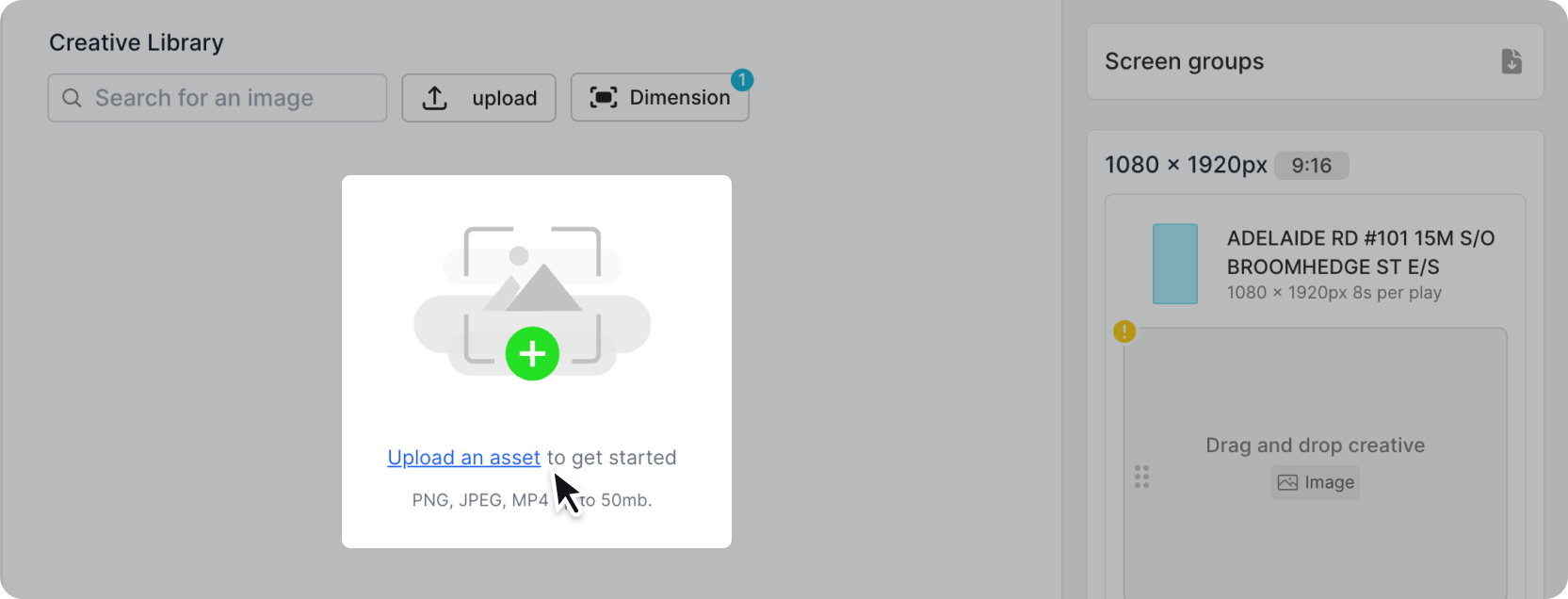
Image


Alternatively, you can also upload new creative assets by dragging and dropping the file from your computer your library. 
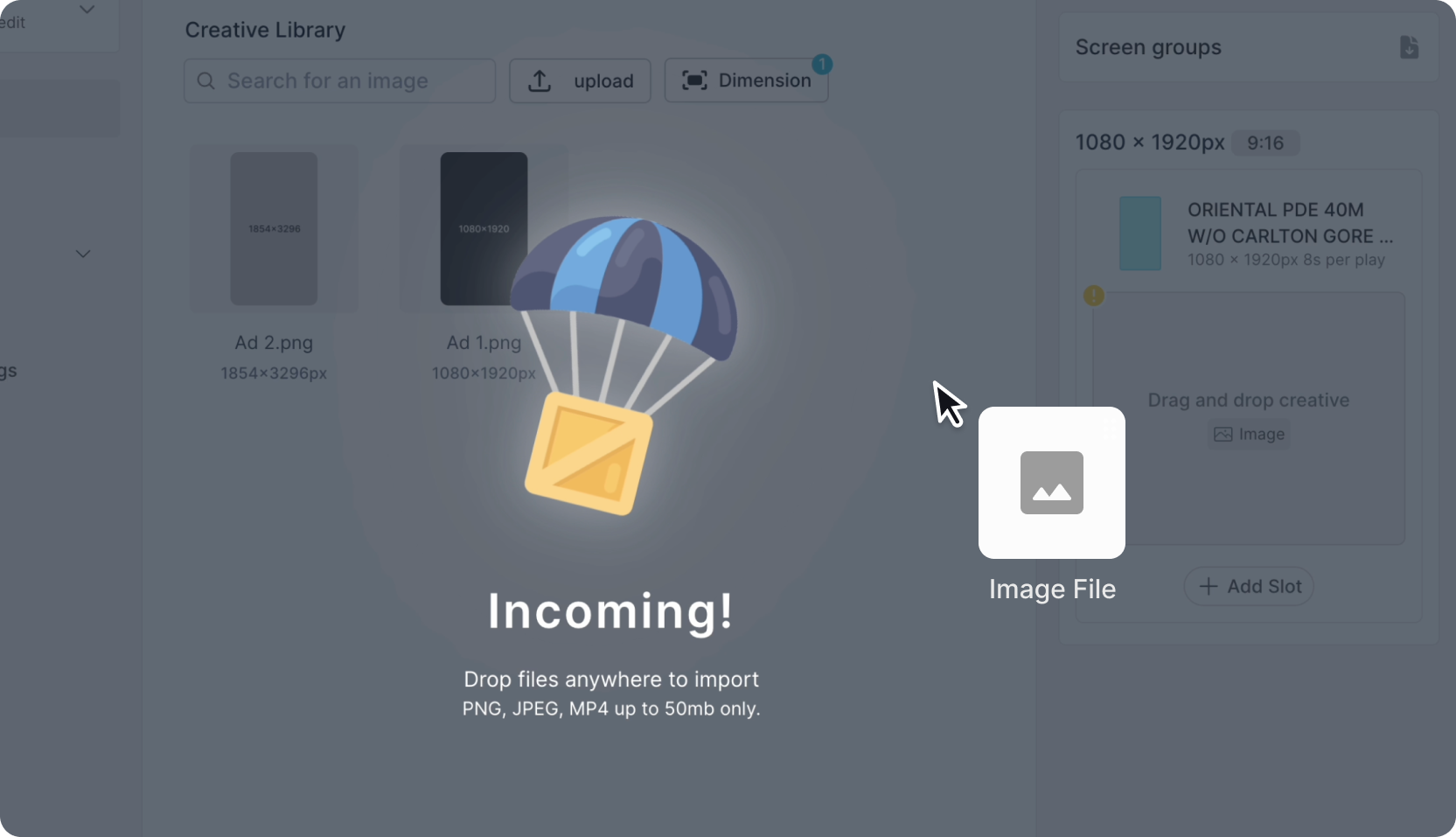
Image
Did you find this article helpful?
Previous

Assign your ads to screens

Next