
Once you’ve reviewed your campaign:
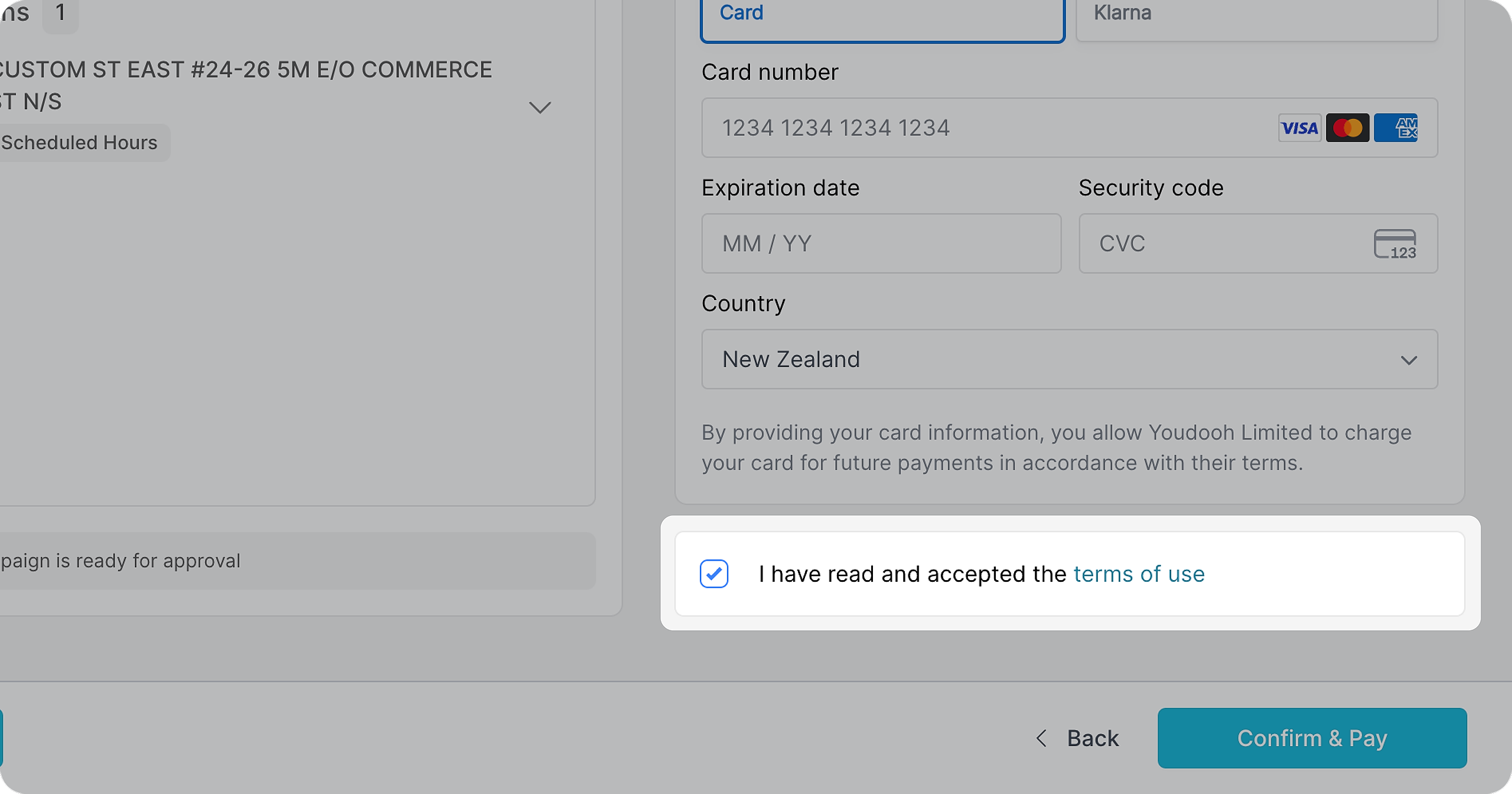
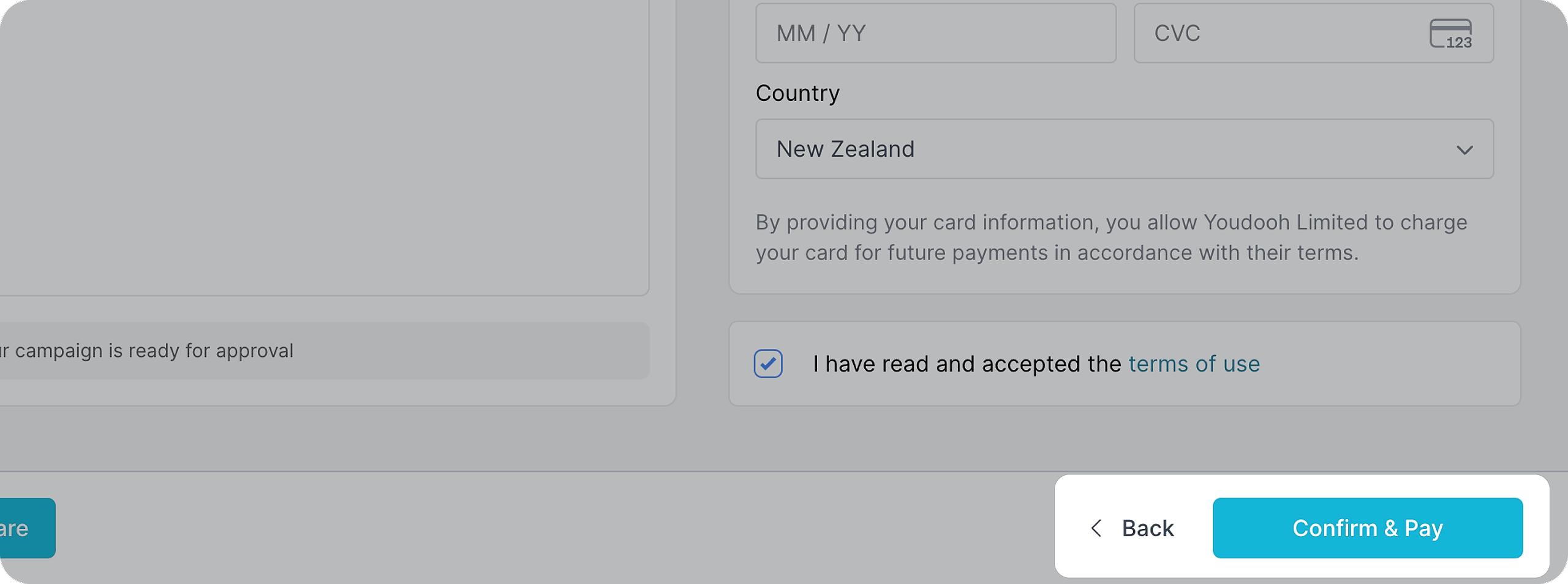
Read and accepted our Terms of Use.
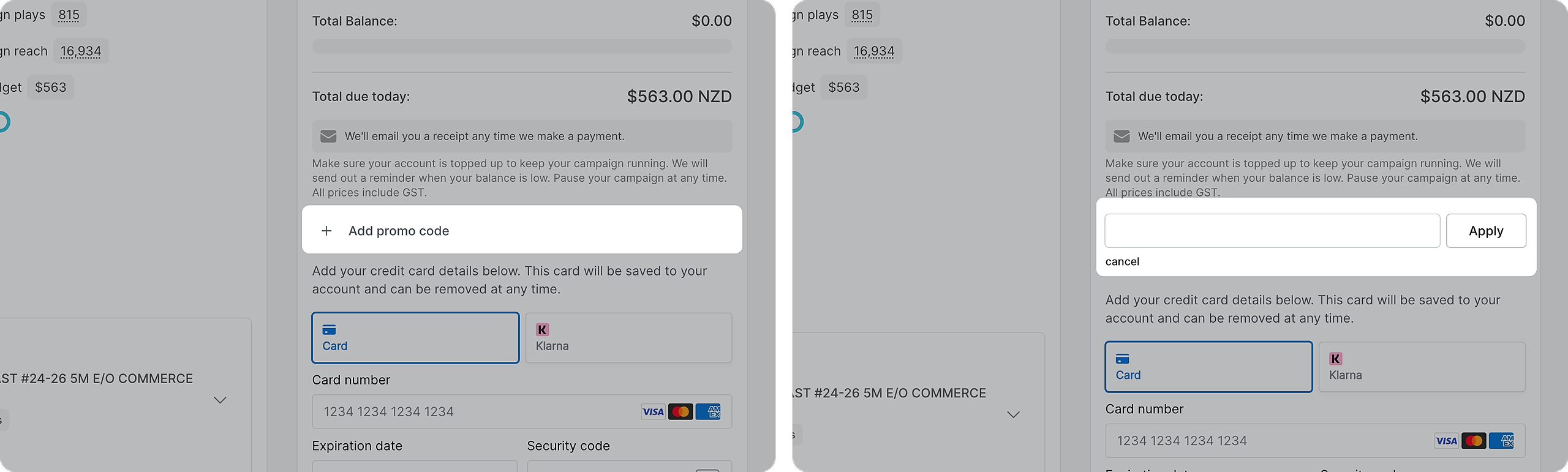
If you have a promo code, click on the "+" to apply a promo code
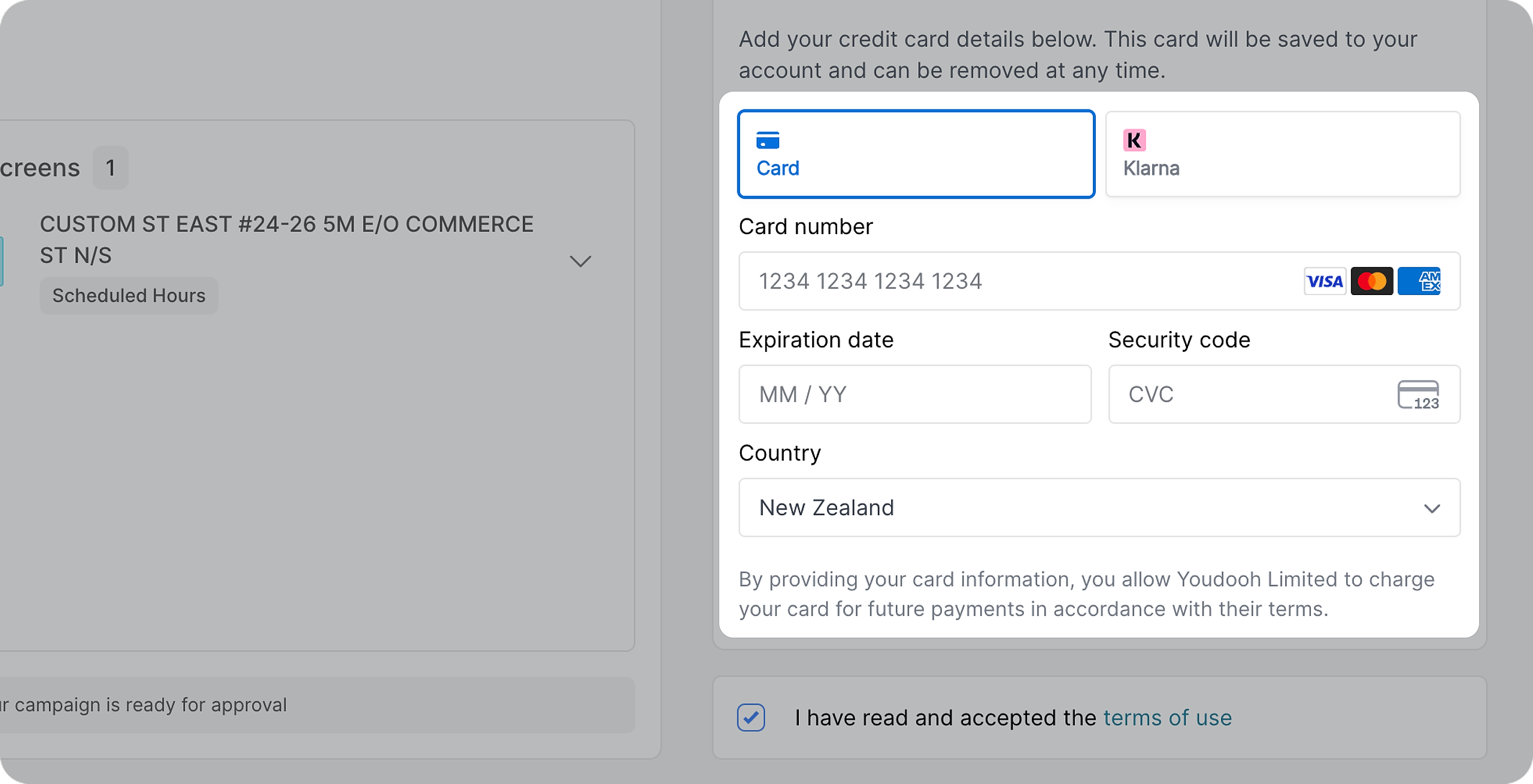
Enter your credit card details, you are good to go!
Click on “CONFIRM & PAY”
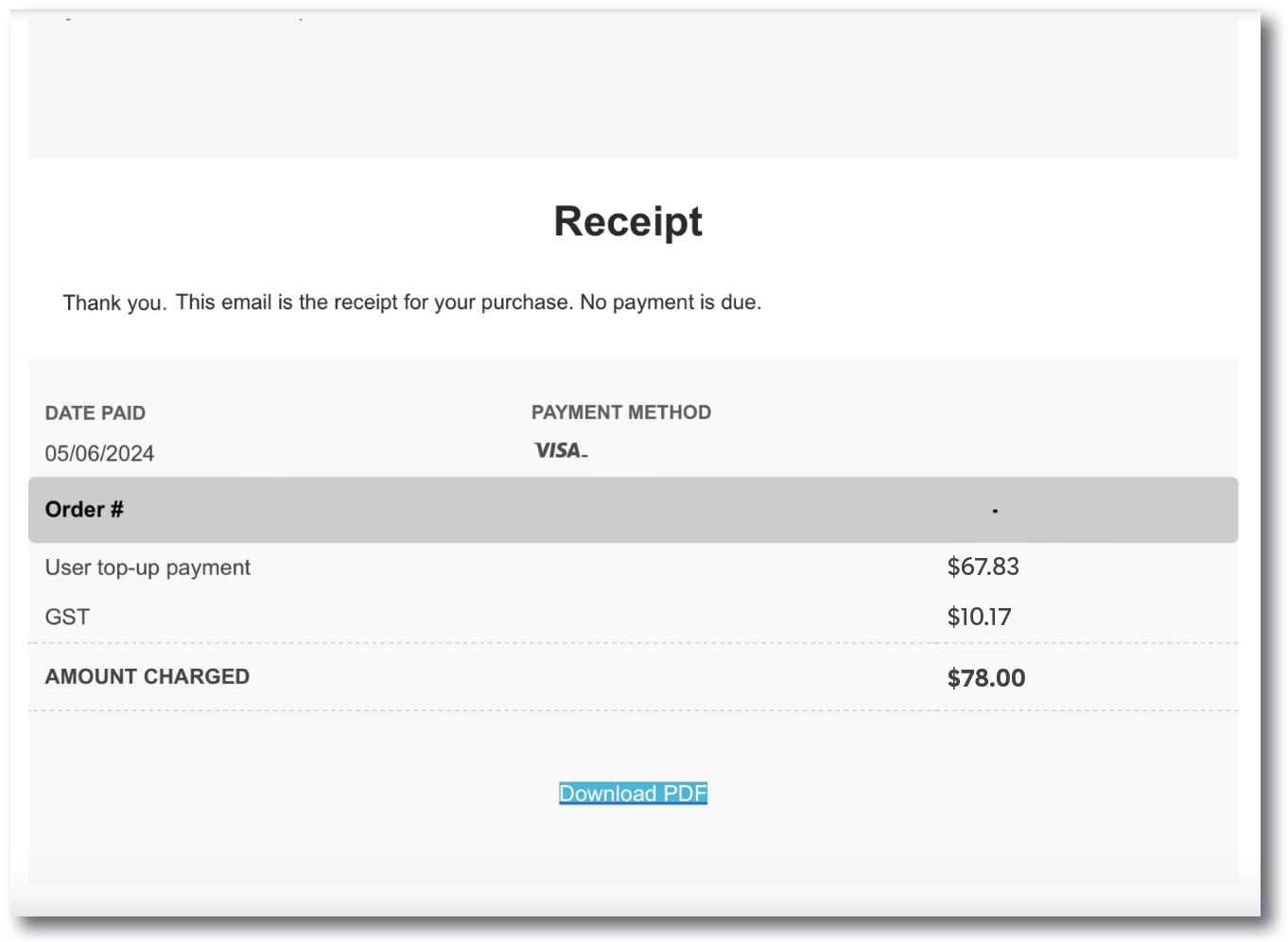
You will be redirected to a confirmed page with your campaign receipt.
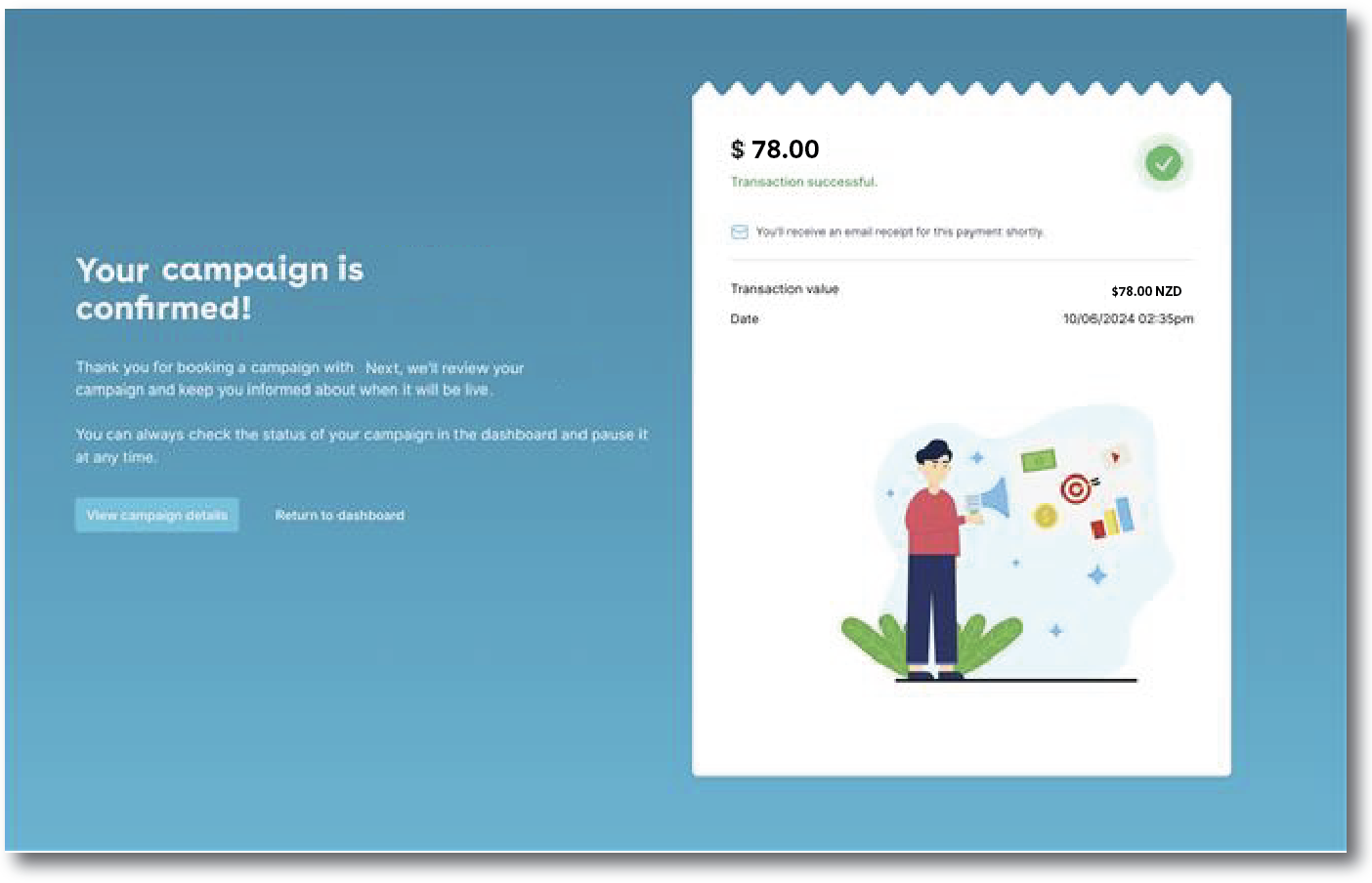
Once confirmed, we'll email you a GST receipt and send your ads for approval with the media owners.