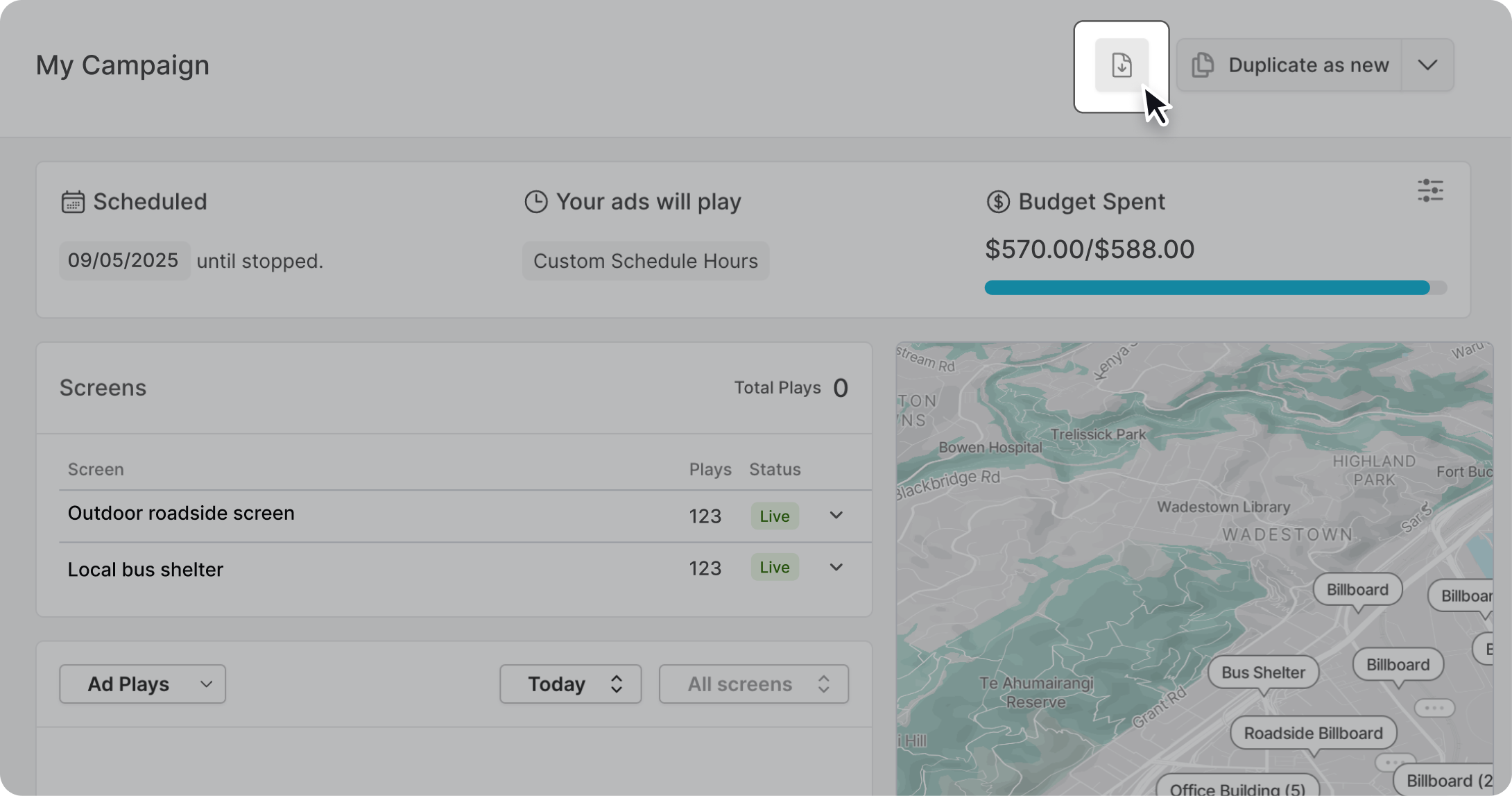
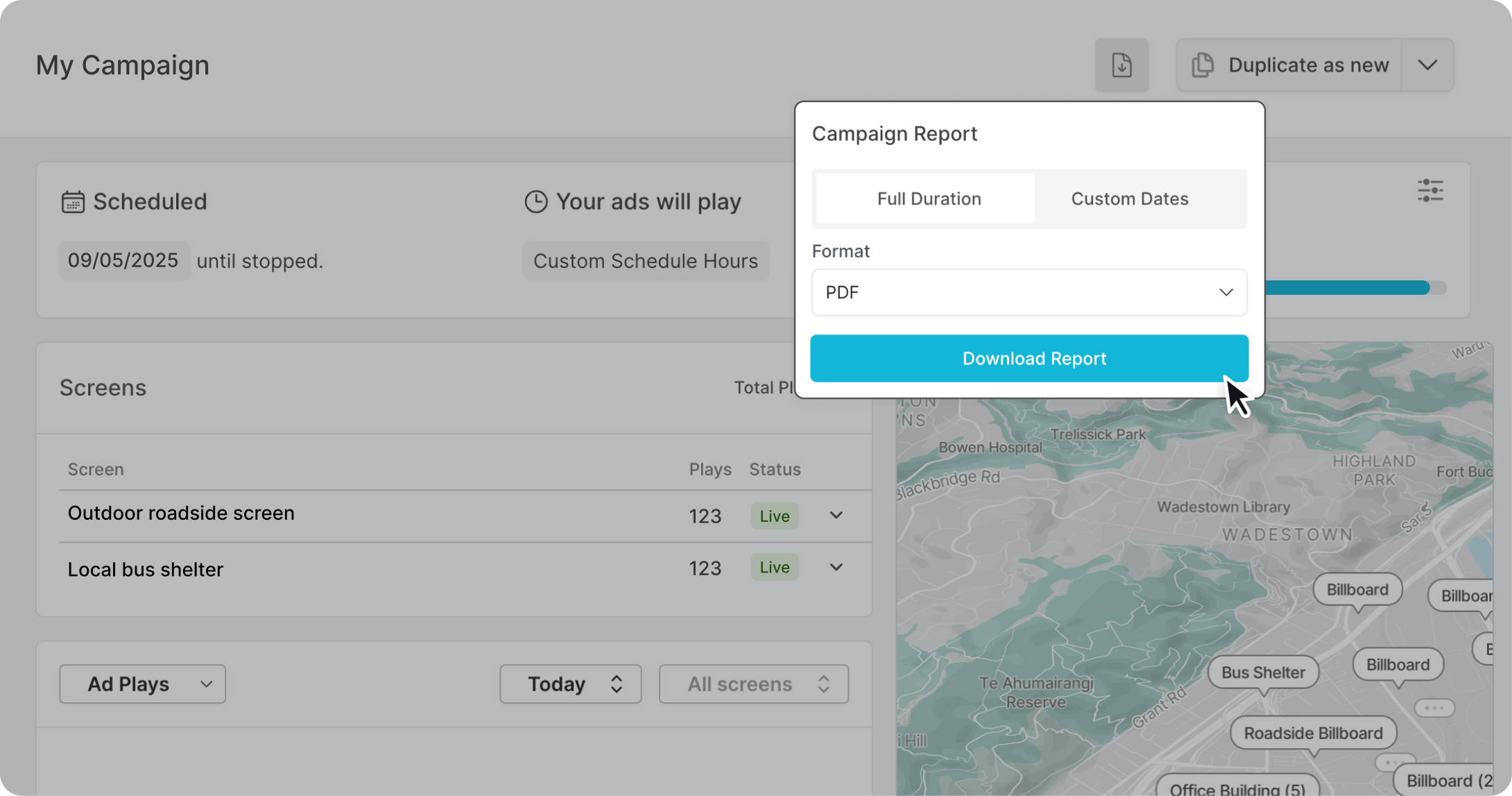
Select the campaign you wish to create a report for and locate the "create report" button at the top right of the campaign dashboard.
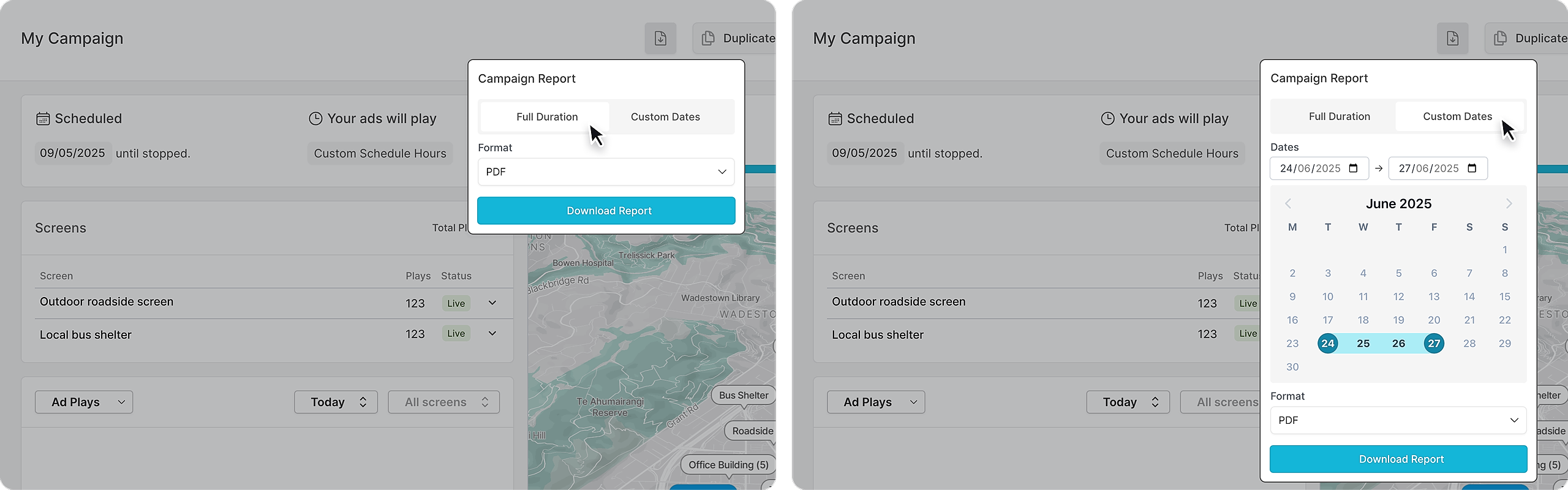
You can generate a report for the entire duration of the campaign or select specific dates.
There are two report options you can select: PDF – a visually formatted document ideal for presentation or sharing, and CSV – a plain-text, spreadsheet-friendly format designed for data analysis and easy import into tools like Excel.
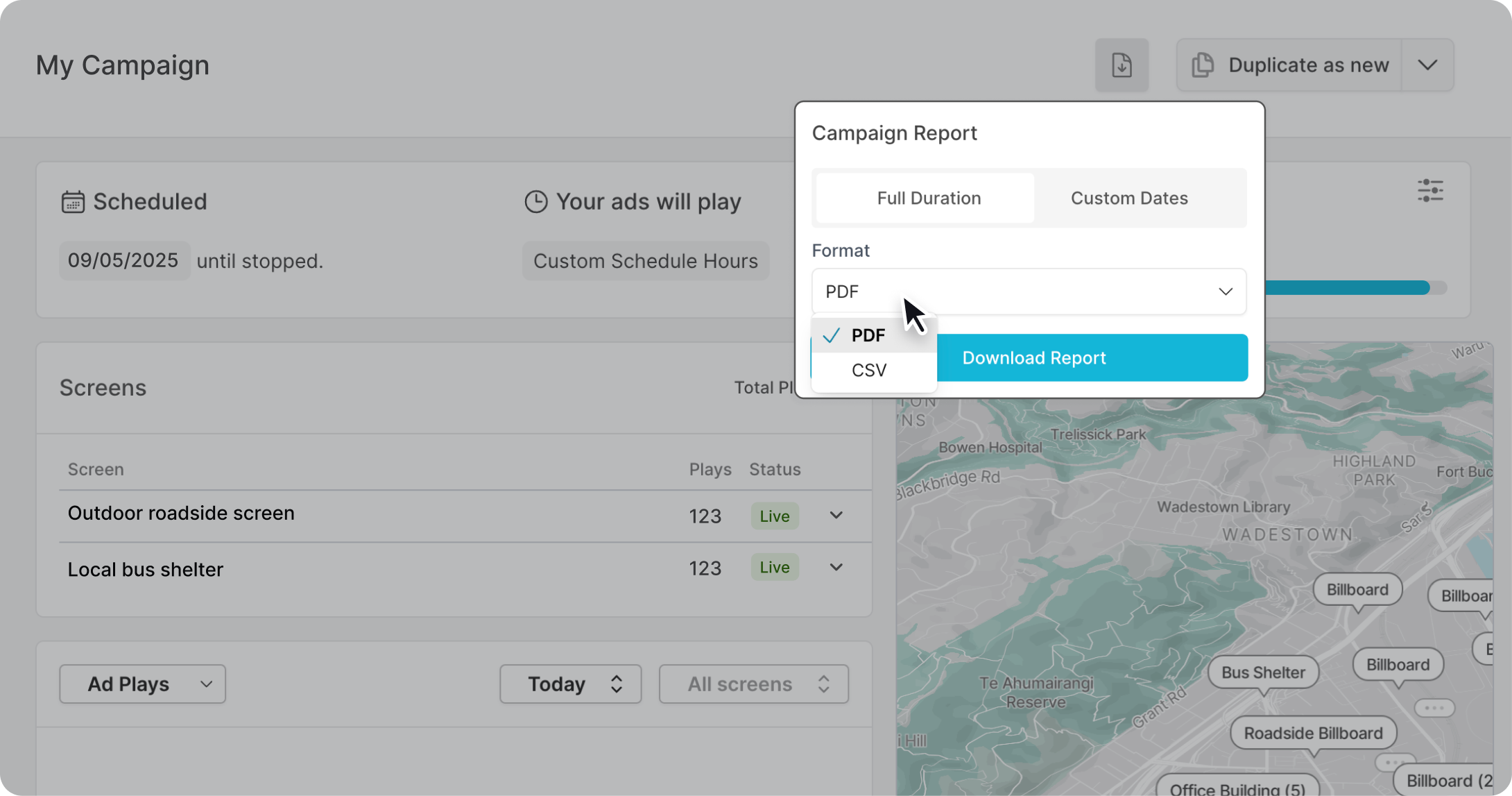
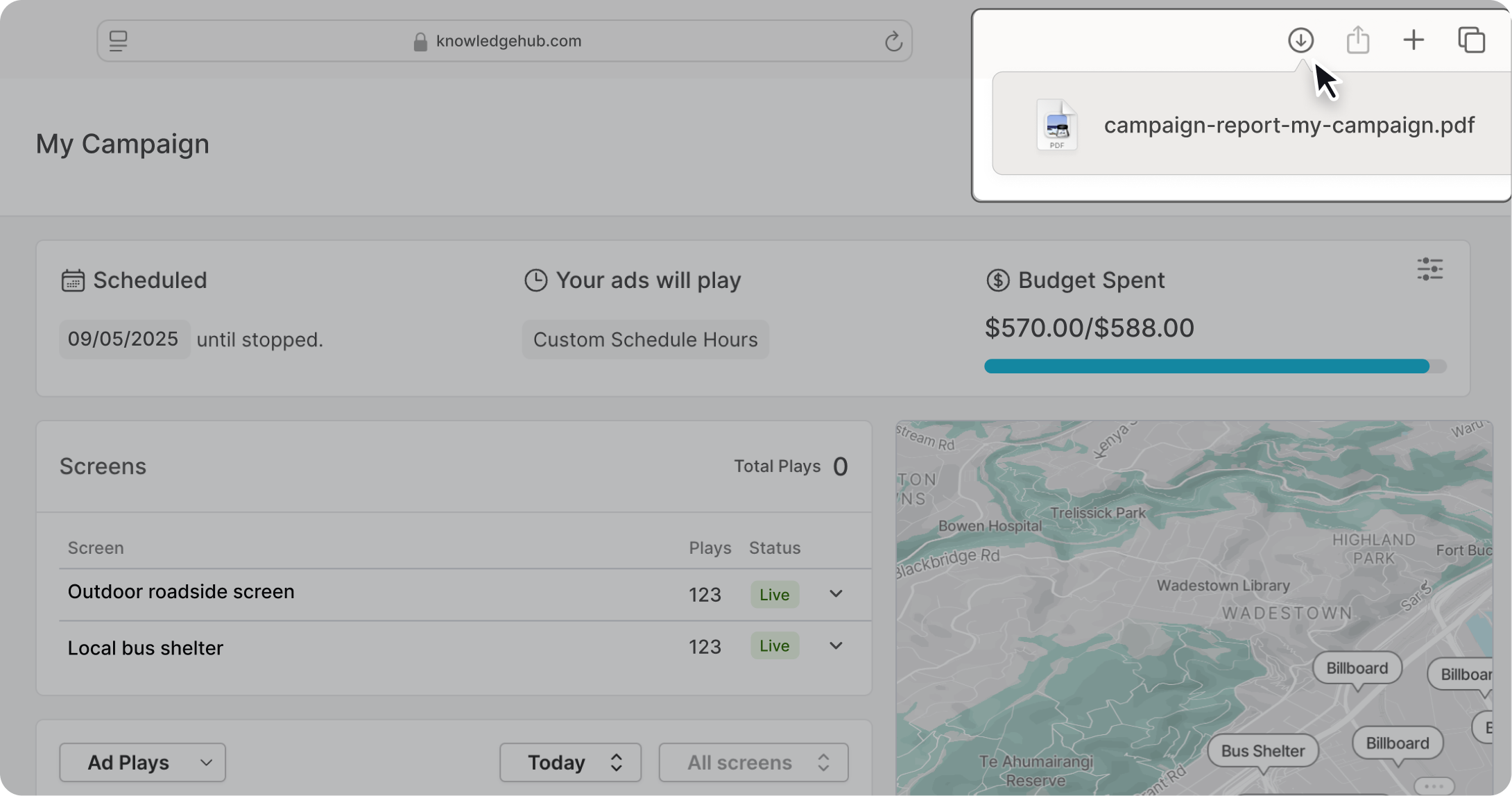
Once you click "Download Report" it will automatically be downloaded onto your device.
Batch Export Multiple Reports
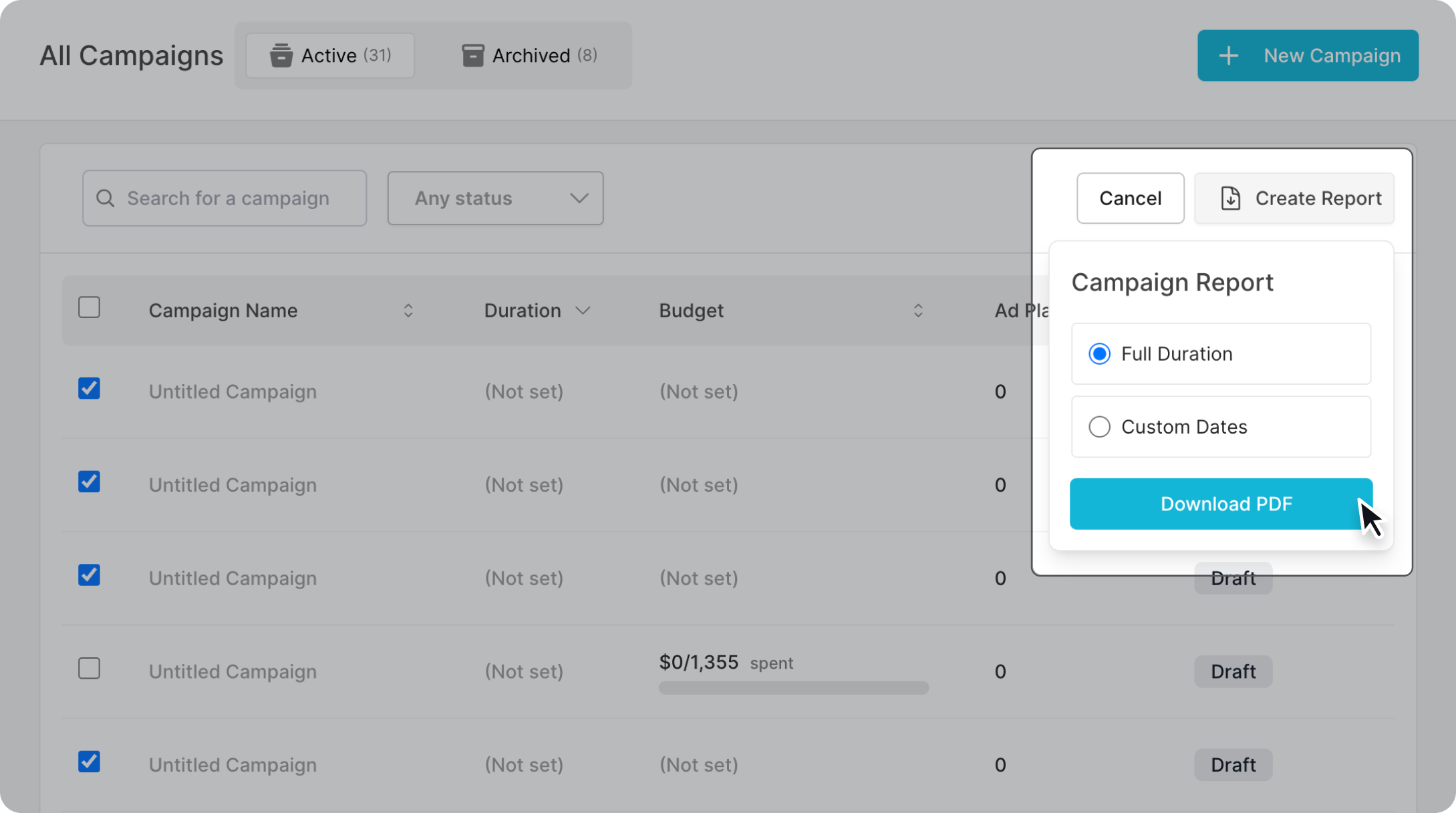
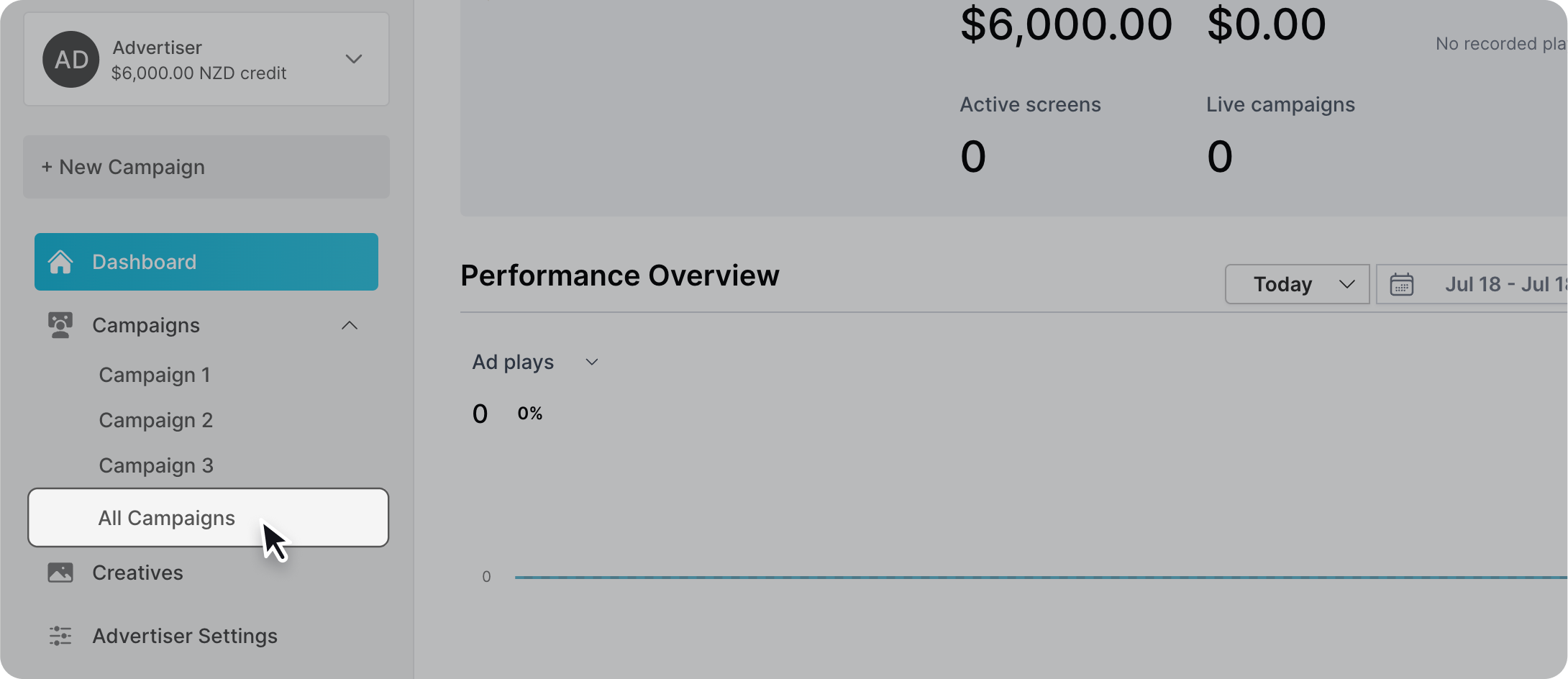
There is an option to condense multiple campaigns into one downloadable report. To do this go to the Campaign Management page and click the "Select" button
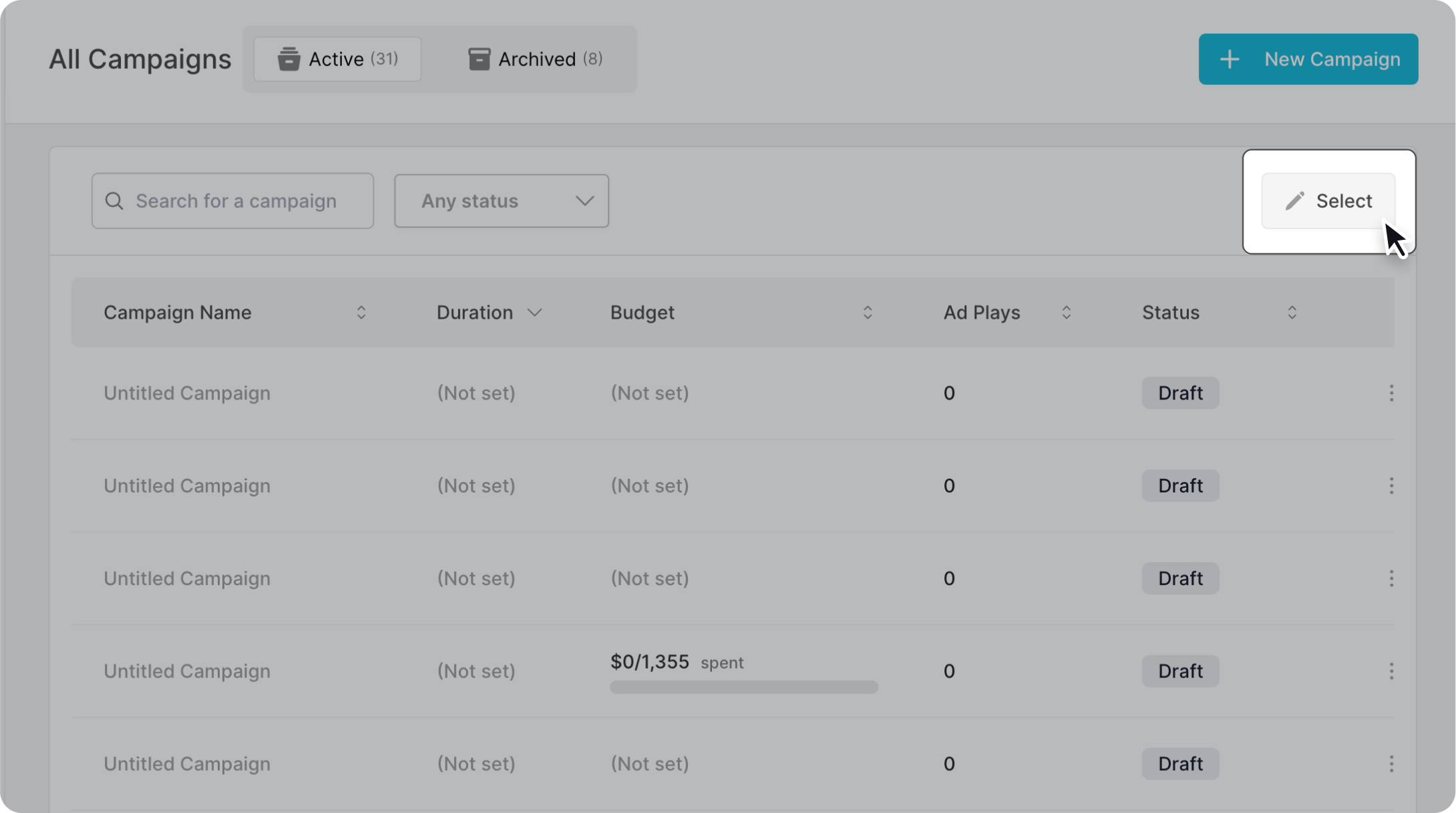
Check the campaigns you would like to batch export.
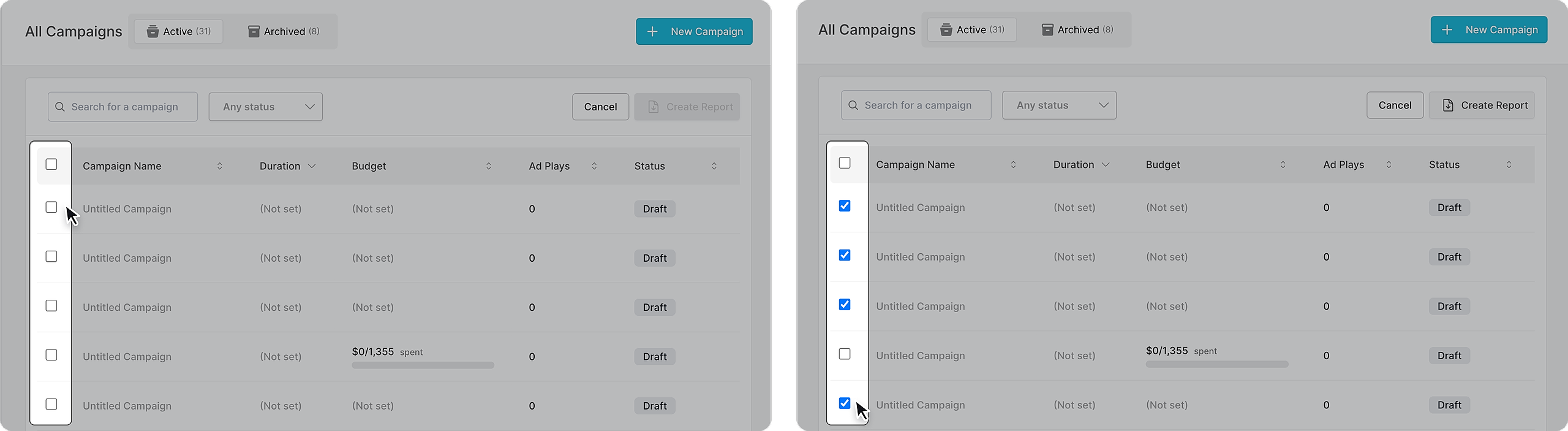
Click "Create Report" on the top right, select the desired date range and confirm by selecting "Download PDF"