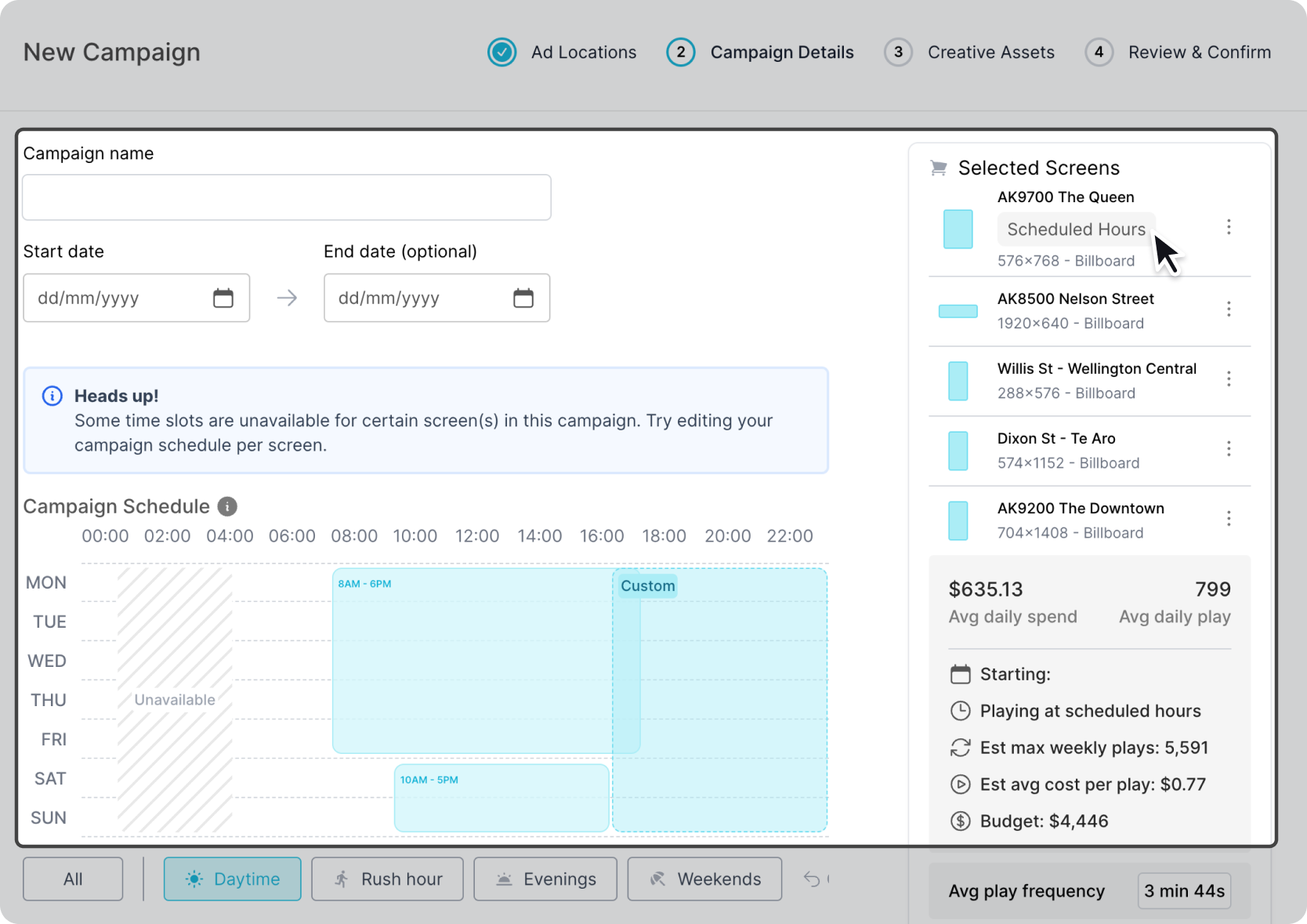
Add Custom Schedule
Override the main schedule and create custom schedules based on the individual screen. Click on the dotted menu in Step 2 and select "Custom Schedule".
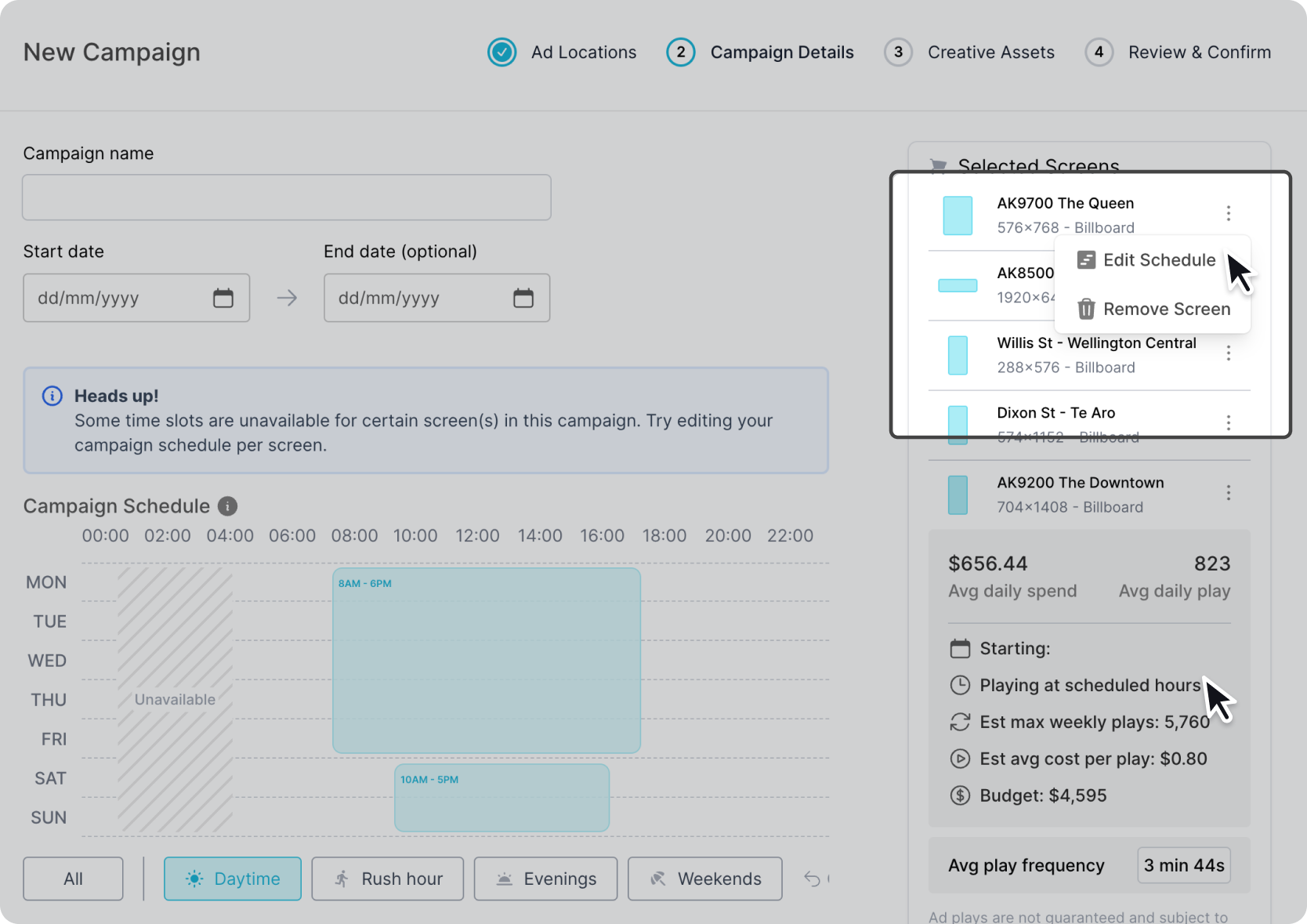
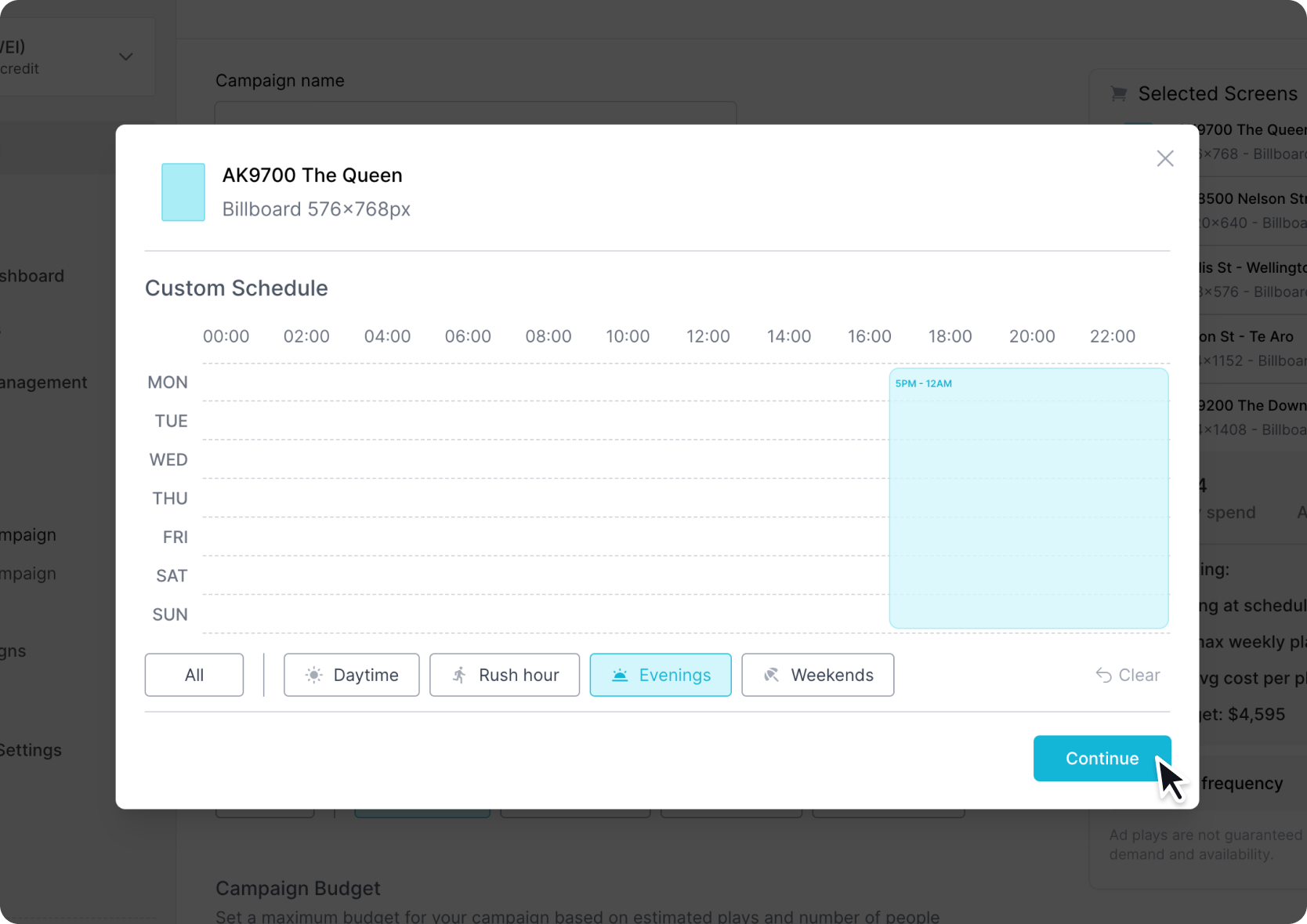
Select the screen-based custom schedule using the popup modal.
View Custom Schedule
All custom schedules will be tagged with "Custom Schedule". To view all the custom schedules simply hover over the screen and an overlay will appear above the default scheduler so you can view and compare your custom schedule.