Advertiser Settings
Advertiser settings are only available to users with the “Owner” status, and can be accessed through the nav bar. To switch advertisers settings use the dropdown at the top of the nav bar.
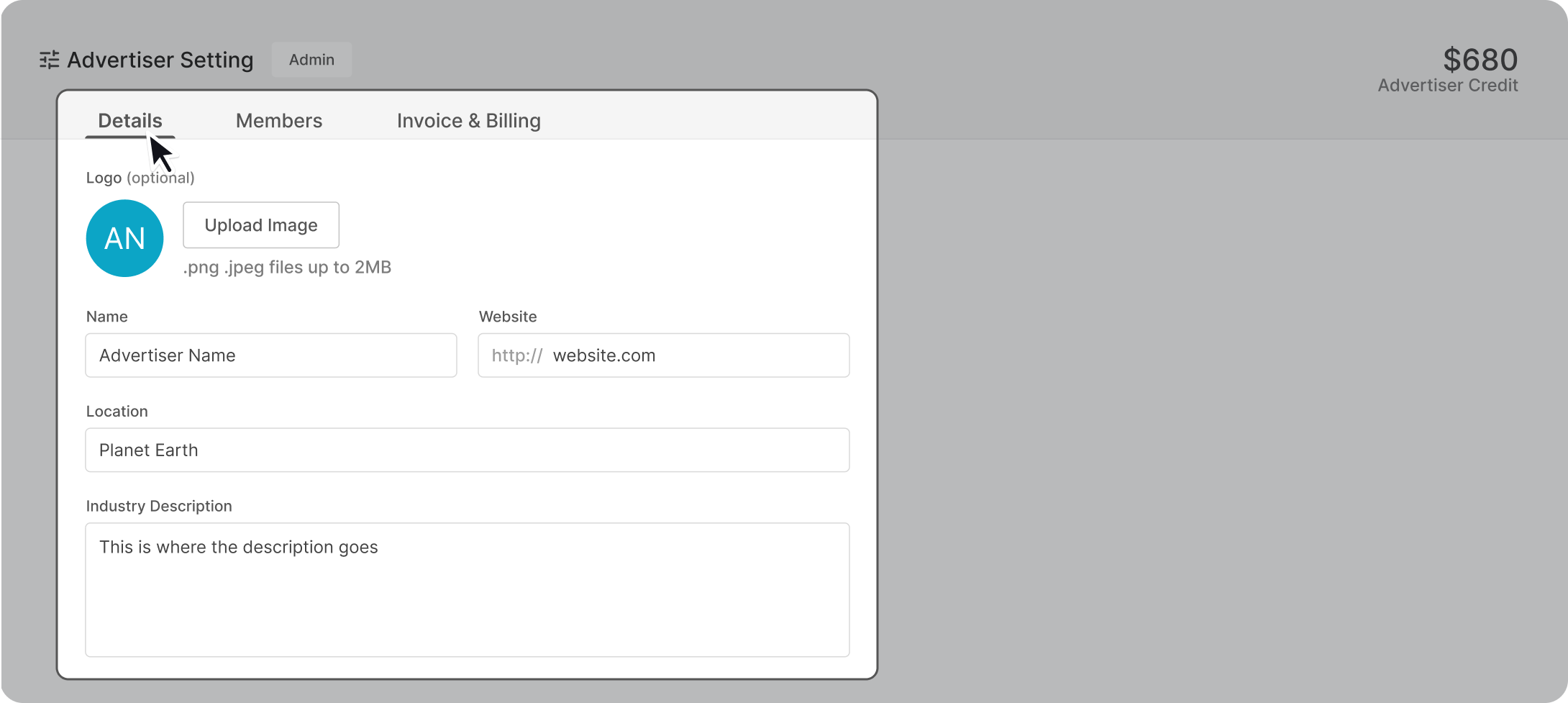
Account Details
Edit and upload your logo, name, website, location, and industry description at any name. Note, your advertiser location is how we centre your screen map during on the first step when you start a new campaign.
Members
The members tab allows you to check who in your team has access to which features. Learn more about how to invite and change permission levels.

Each member is assigned a permission level, this grants them different levels of access within the advertiser account.

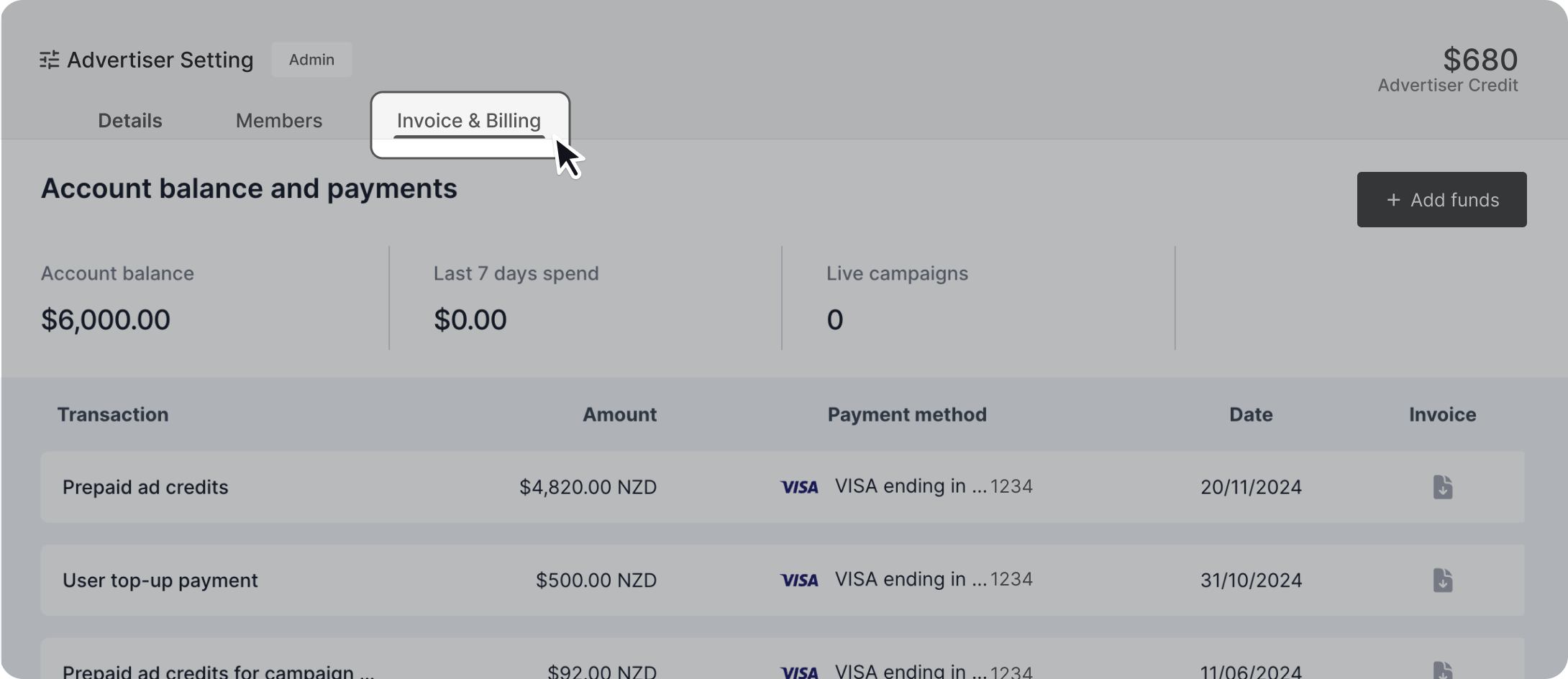
Invoices & Billing
See your purchase history and export your invoices as a pdf. Set which card you’ve set as payment method to purchase ad credit.