
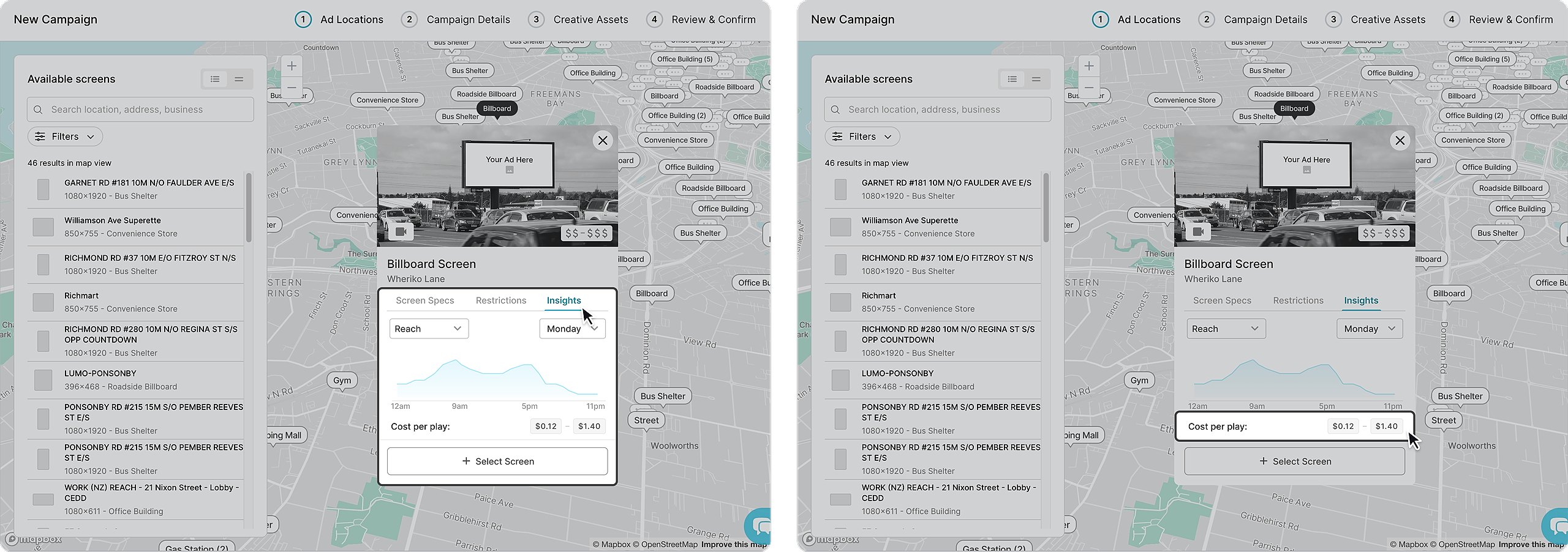
Reach Insights
Click on the "Insights" on the chosen screen card to see how the screen tracks throughout the day. Reach is the estimated number of people likely to see your ad, showing your campaign’s potential visibility.
Certain screens also have an estimate cost range based on the reach data.
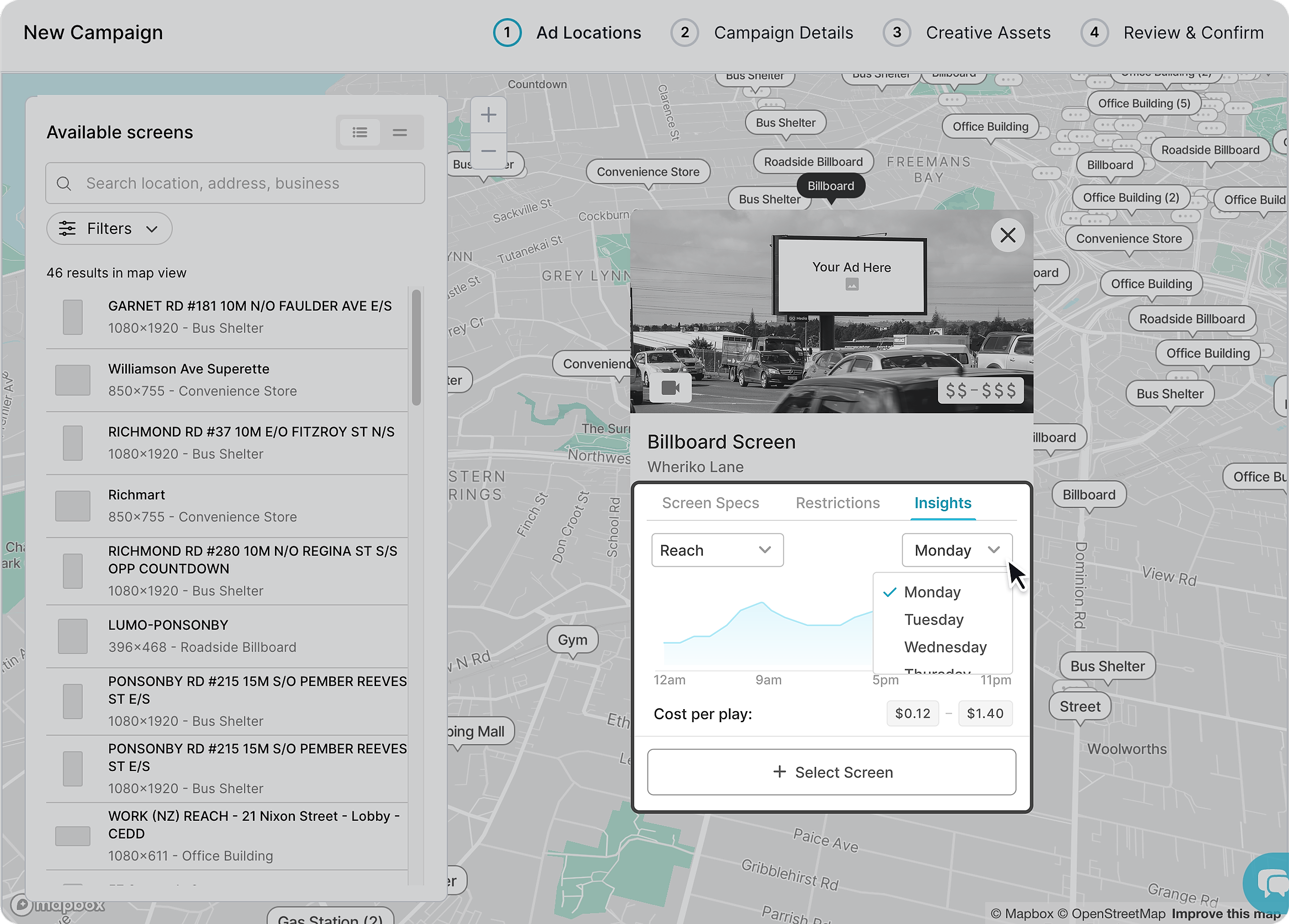
Adjusting Insight Datapoint
To see how the reach measures throughout the week, simply click on the dropdown and select which day of the week you want to see.
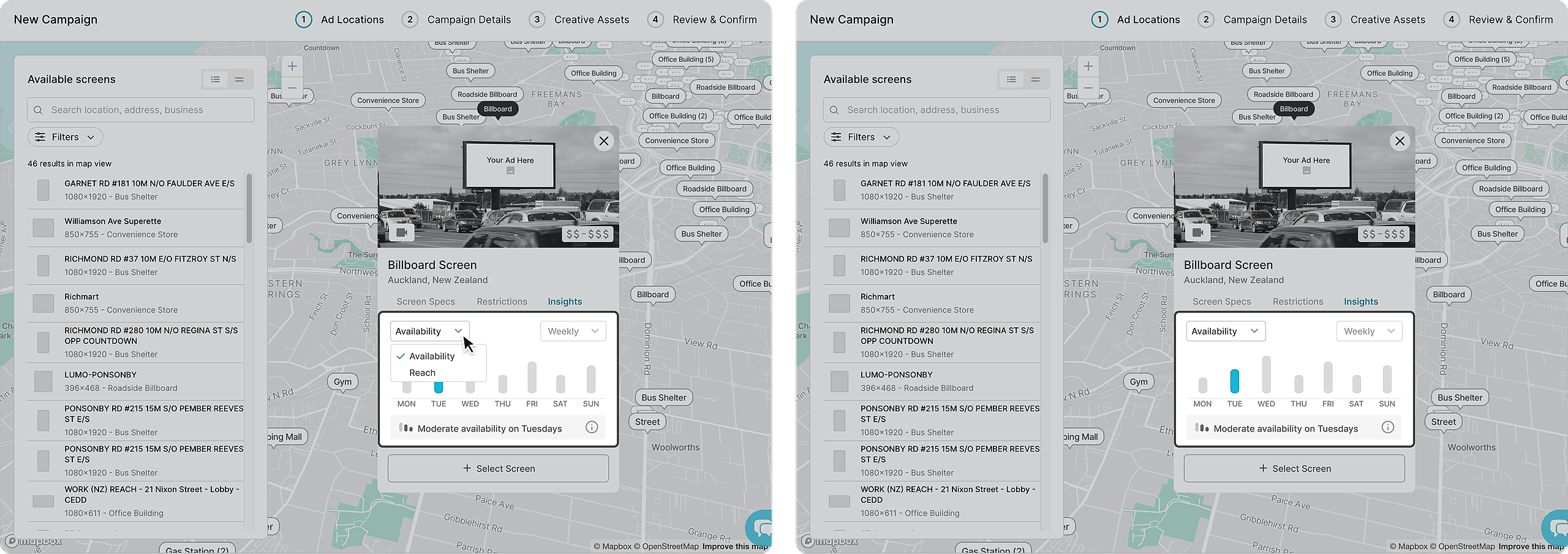
Availability Insights
Click on the dropdown to switch between availability and reach insights. Availability insights are displayed as daily averages across the week. This data is an estimate on the how likely your ad will be played on a screen based on the availability from the past 14 days.