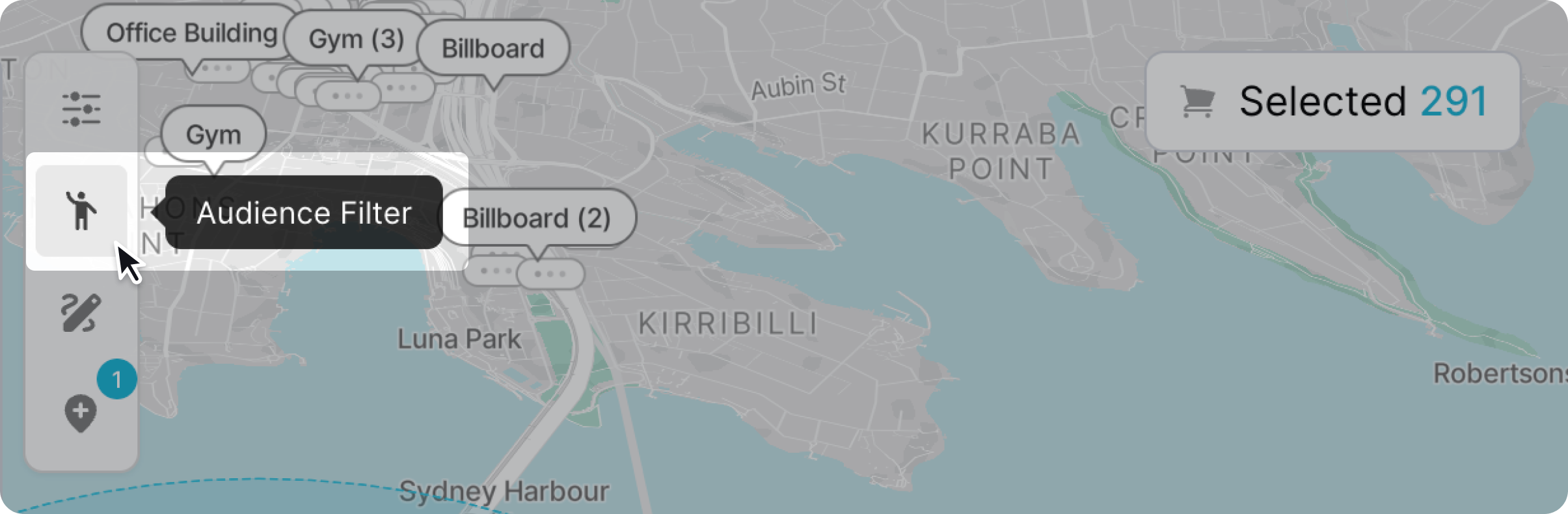
You can find certain screens based on the type of audiences you want to find. To filter based on audiences click the audience filter icon.
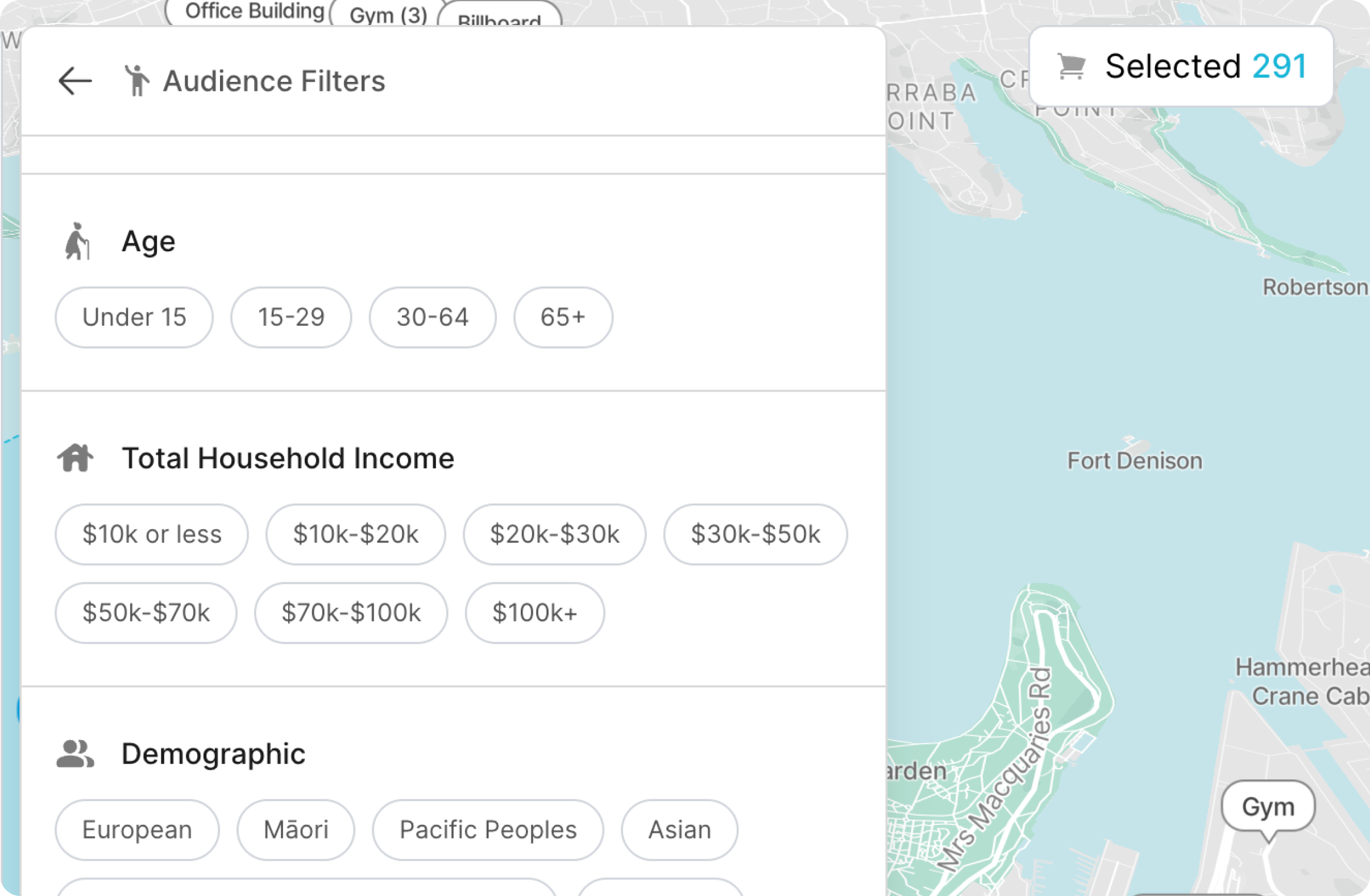
A panel will popup with all the audience filtering options. Scroll up and down the panel to make your selection.
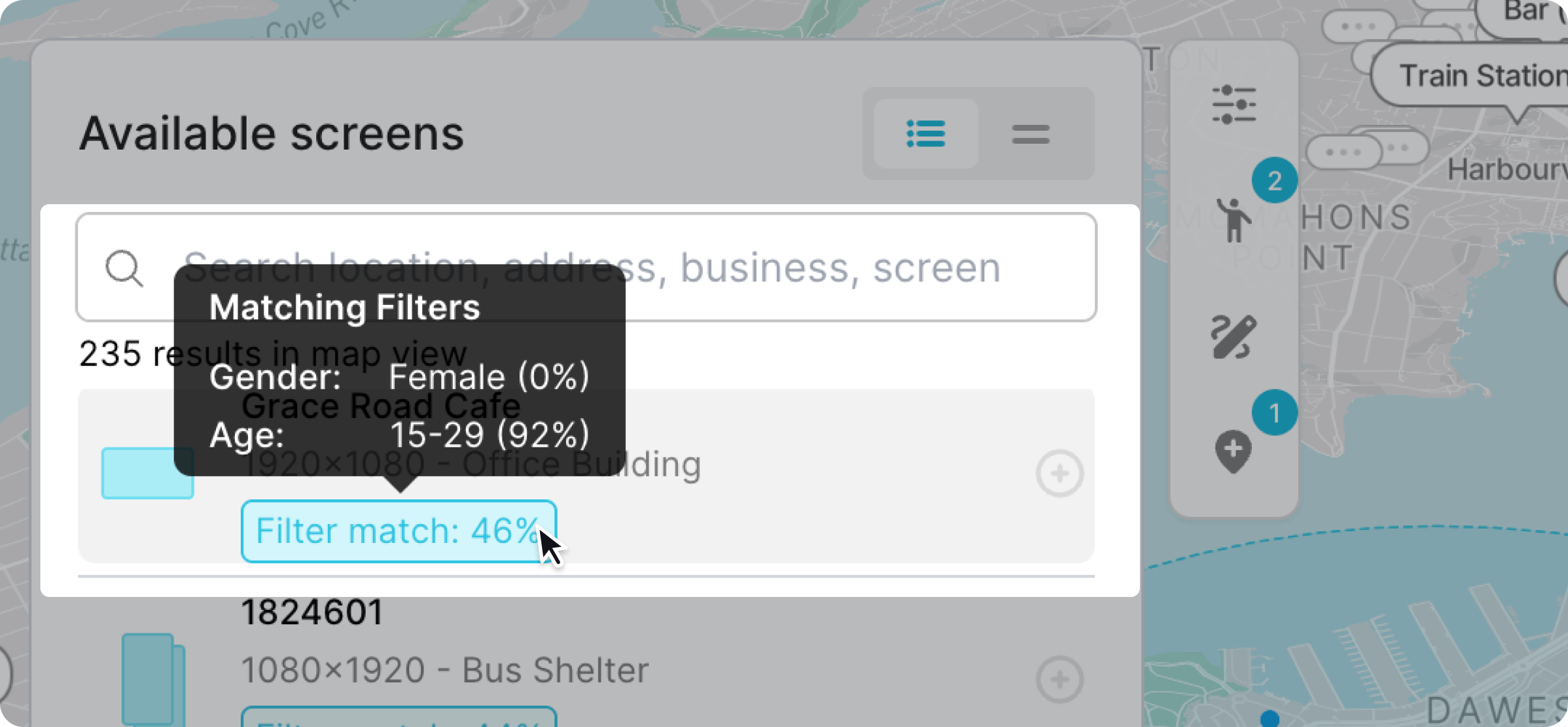
The screen list will update based on the filter options you have selected. Screens will be labeled with a match rate in the form of a percentage. To get a better understanding of which audience filters matched the screen you can hover over the label to get a break down of how much the screen matches your audience filter selection.
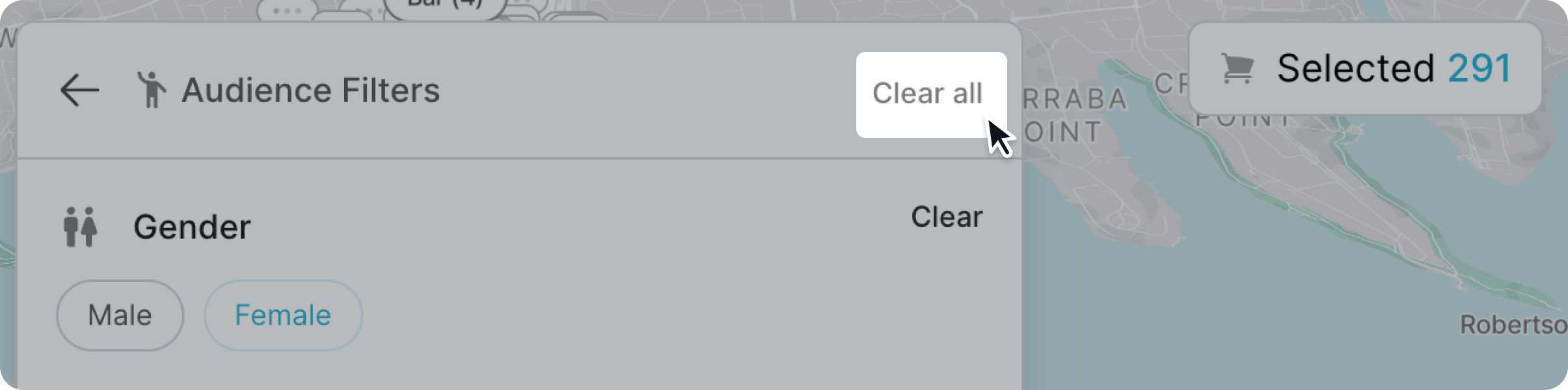
To remove your filter options click open the audience filter panel and click "clear" to clear the audience filters.
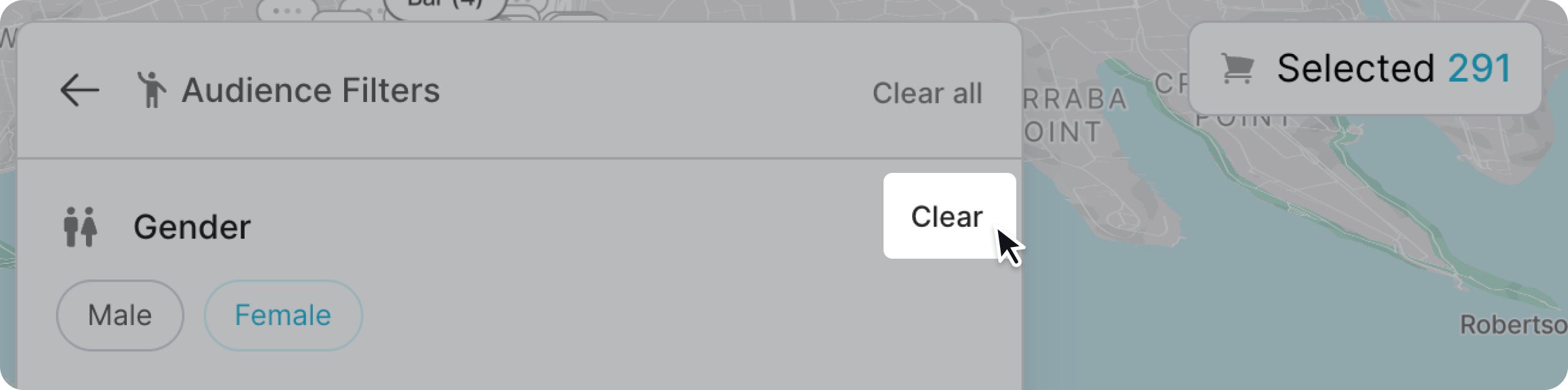
You can also clear more than one audience filter category by clicking "clear all". This will remove all the audience filter selection.