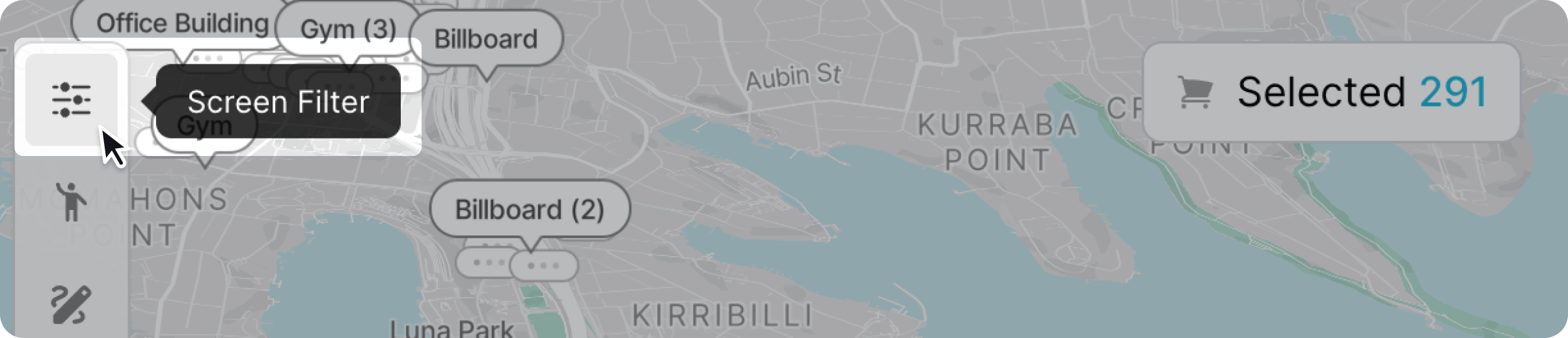
You can find certain screens based on the type of screen traits you want to find. To filter based on screen traits click the screen filter icon.
A panel will popup with all the screen filtering options. Scroll up and down the panel to make your selection.
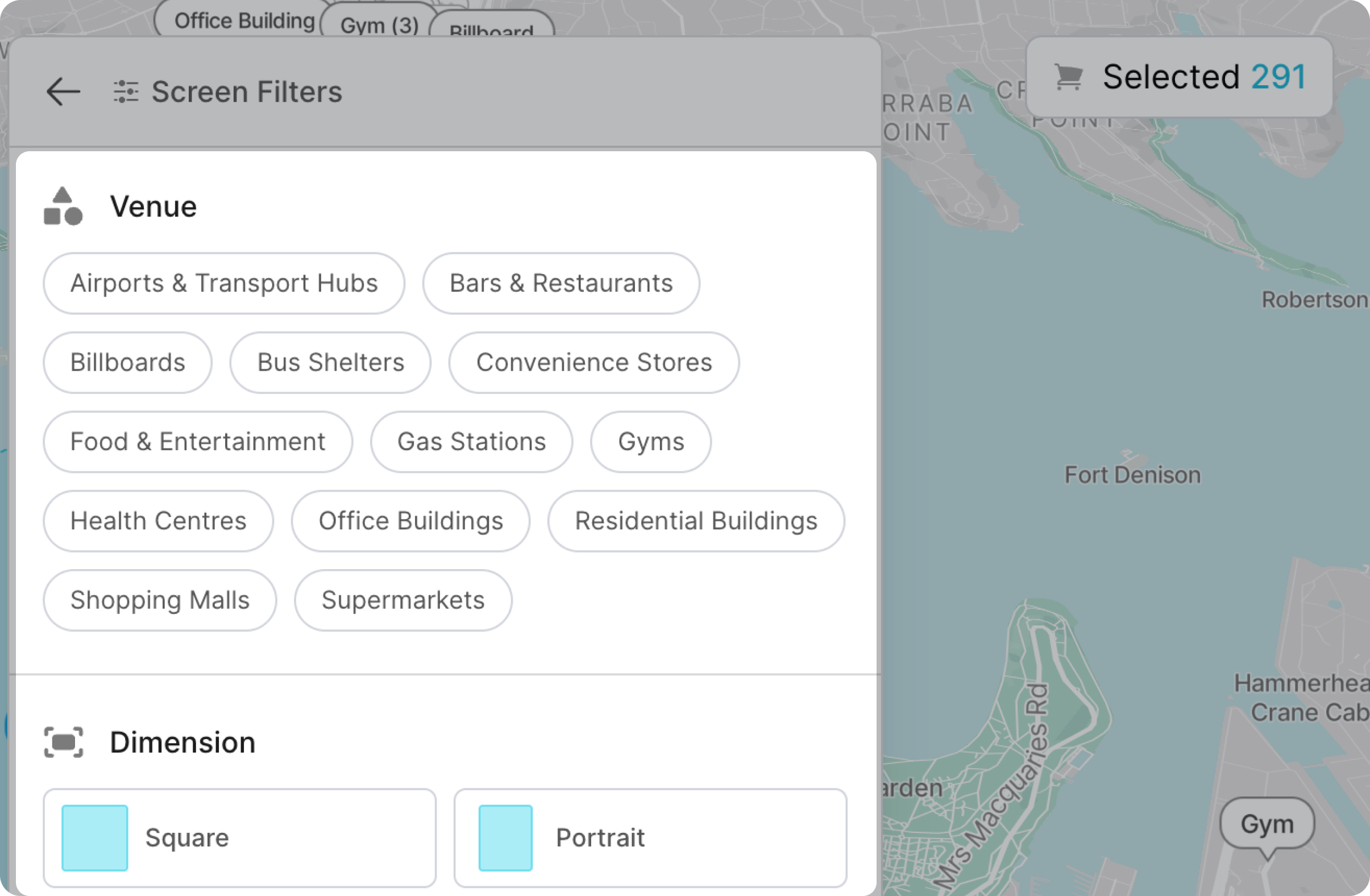
Screens will show up if they match all of your selected filter options. If no screen in the area match the selected screen filters no screens will show on your screen list.
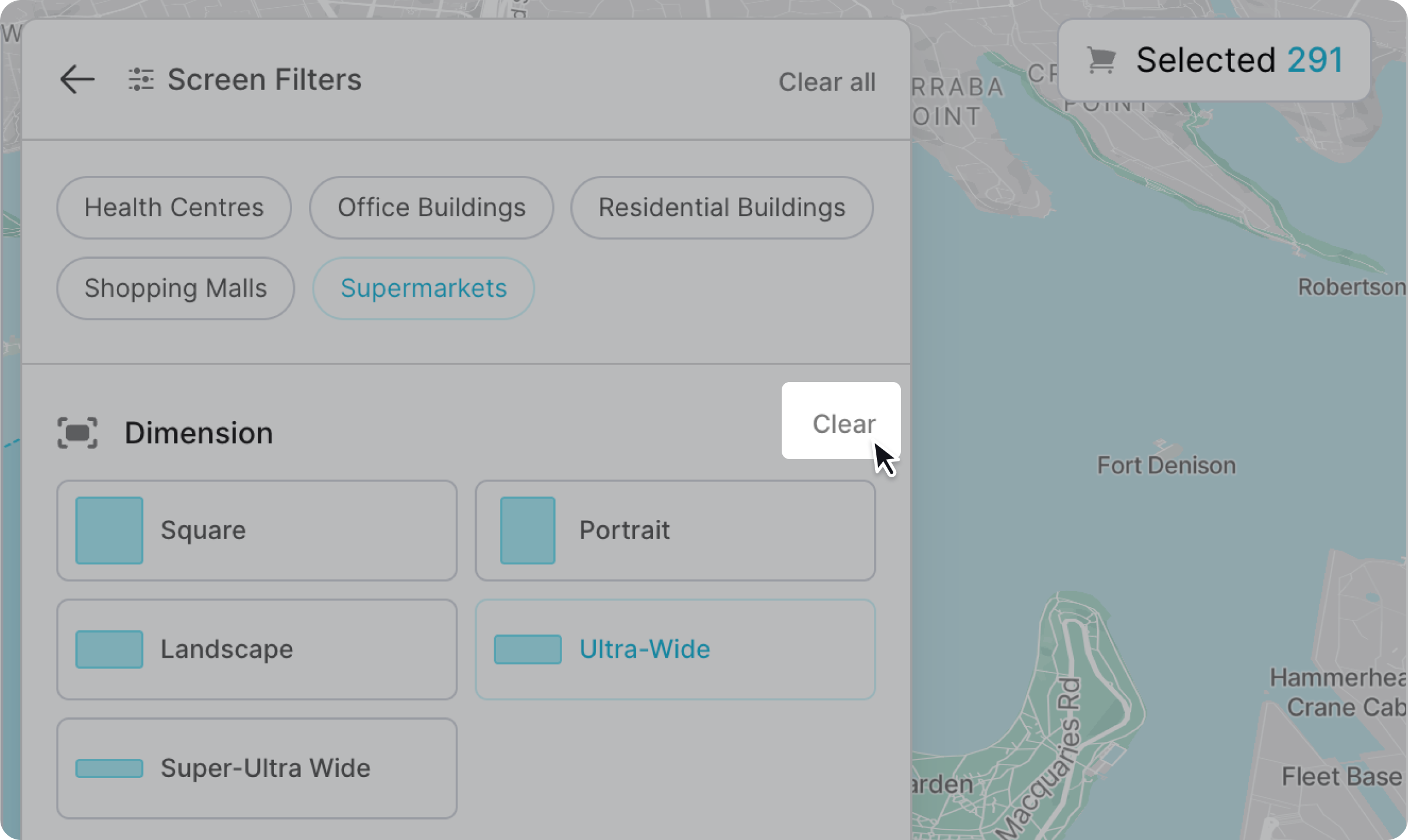
To remove a screen filter simply click "clear" in the screen filter category.