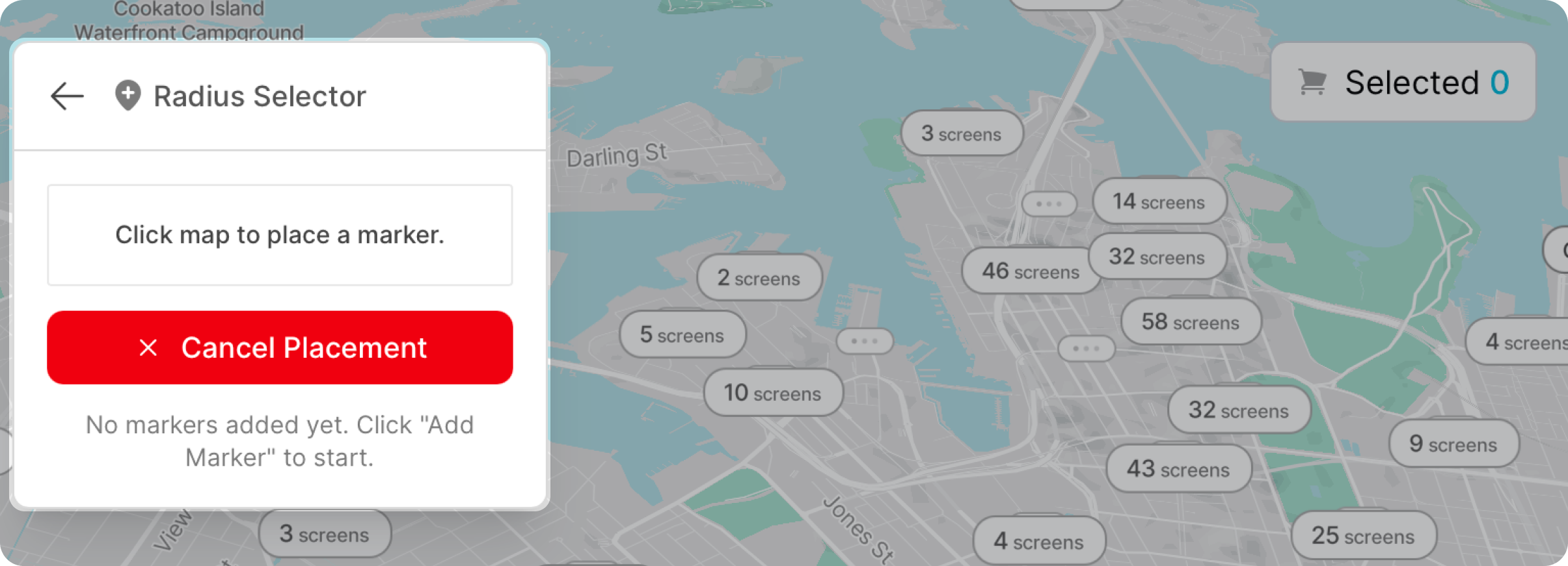
To add a point simply click on a location on the map to add a new point of interest.
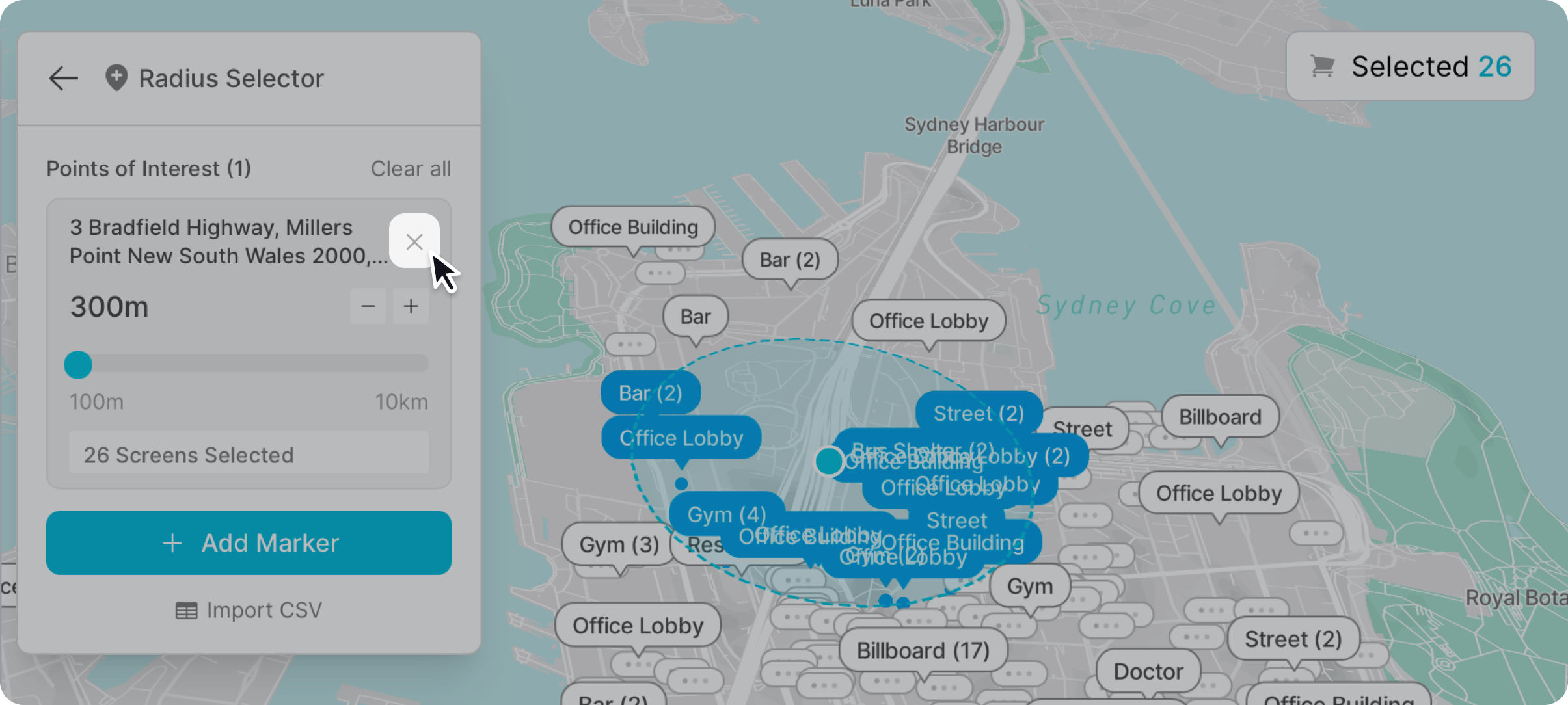
Adjust the radius by either dragging the slider or the plus or minus button for more precision.
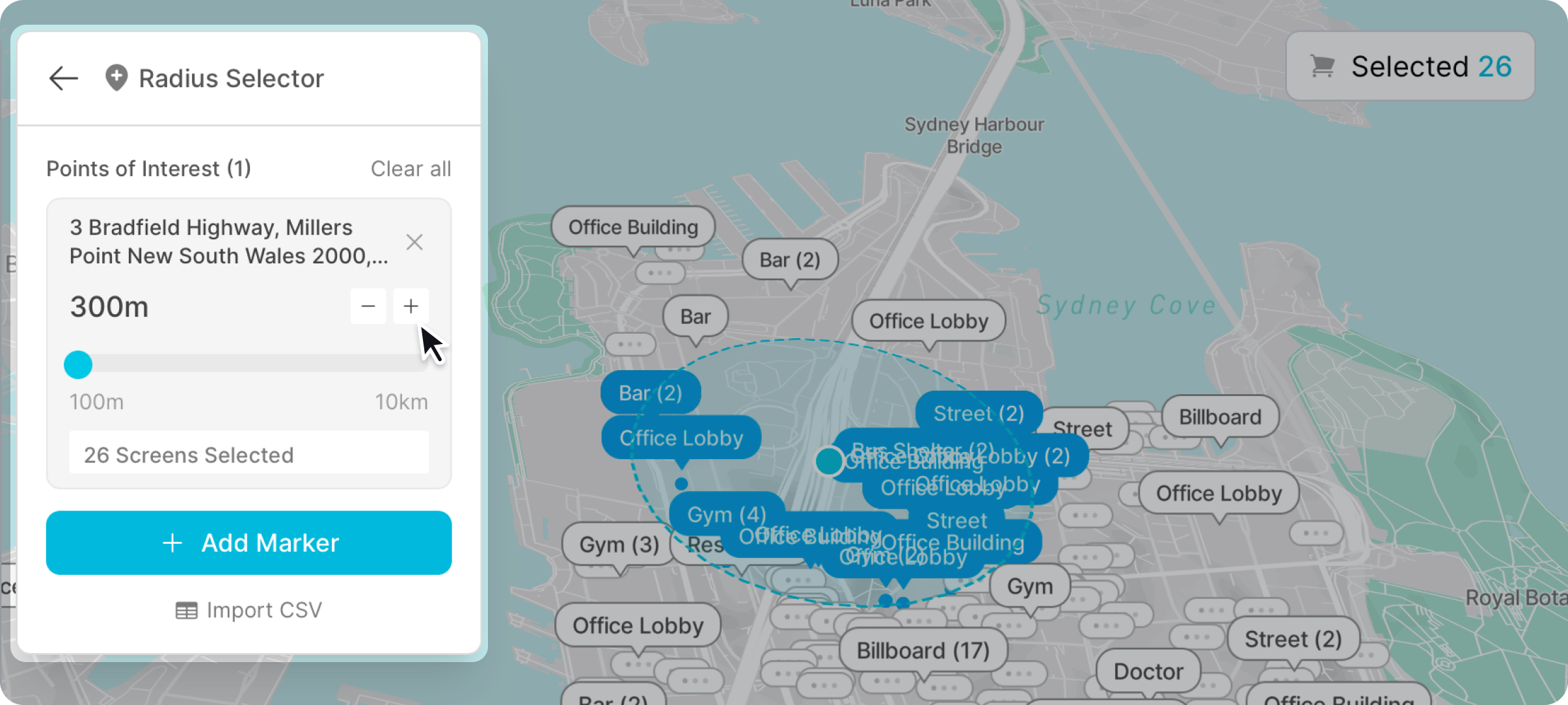
Screens will be selected based on your radius and displayed at the bottom. These screens are automatically added to your selected screens and removed if you choose to reduce the radius.
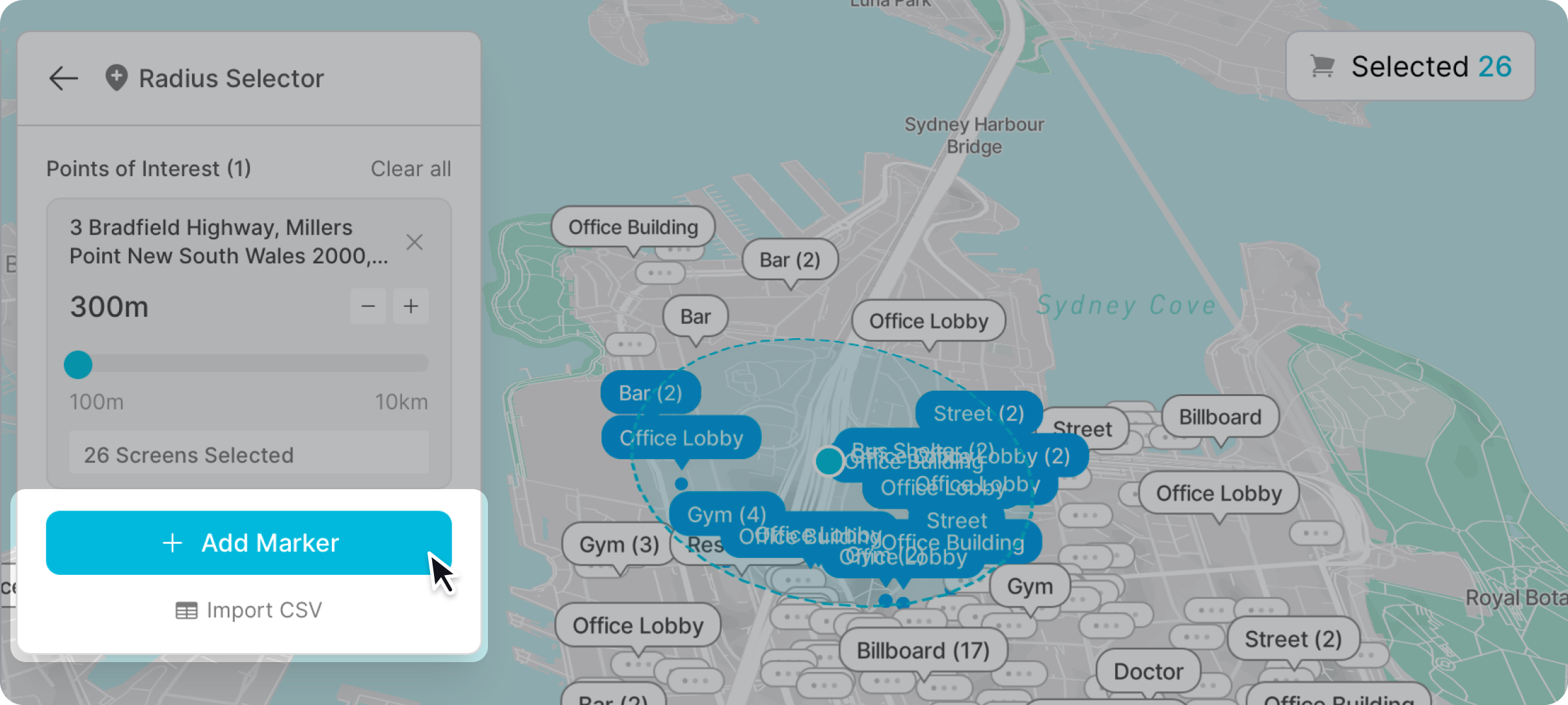
Add as many points of interests as you like using the “add marker” button.
To remove a point of interest click the cross icon in the top right corner.
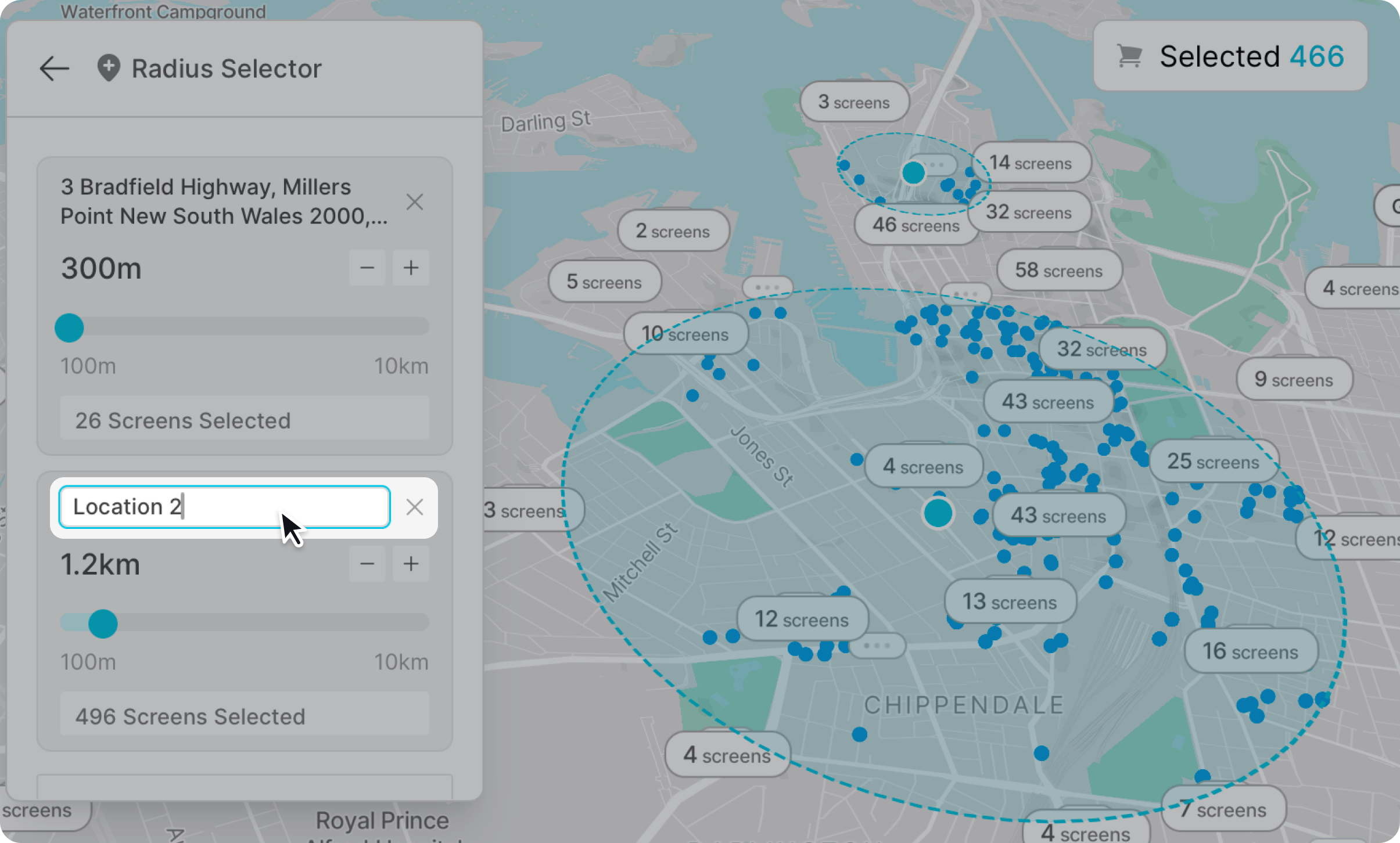
Point of interest names are automatically generated based on the location. You can rename these by clicking on the name and start typing in a new name. Naming can help you manage multiple points.
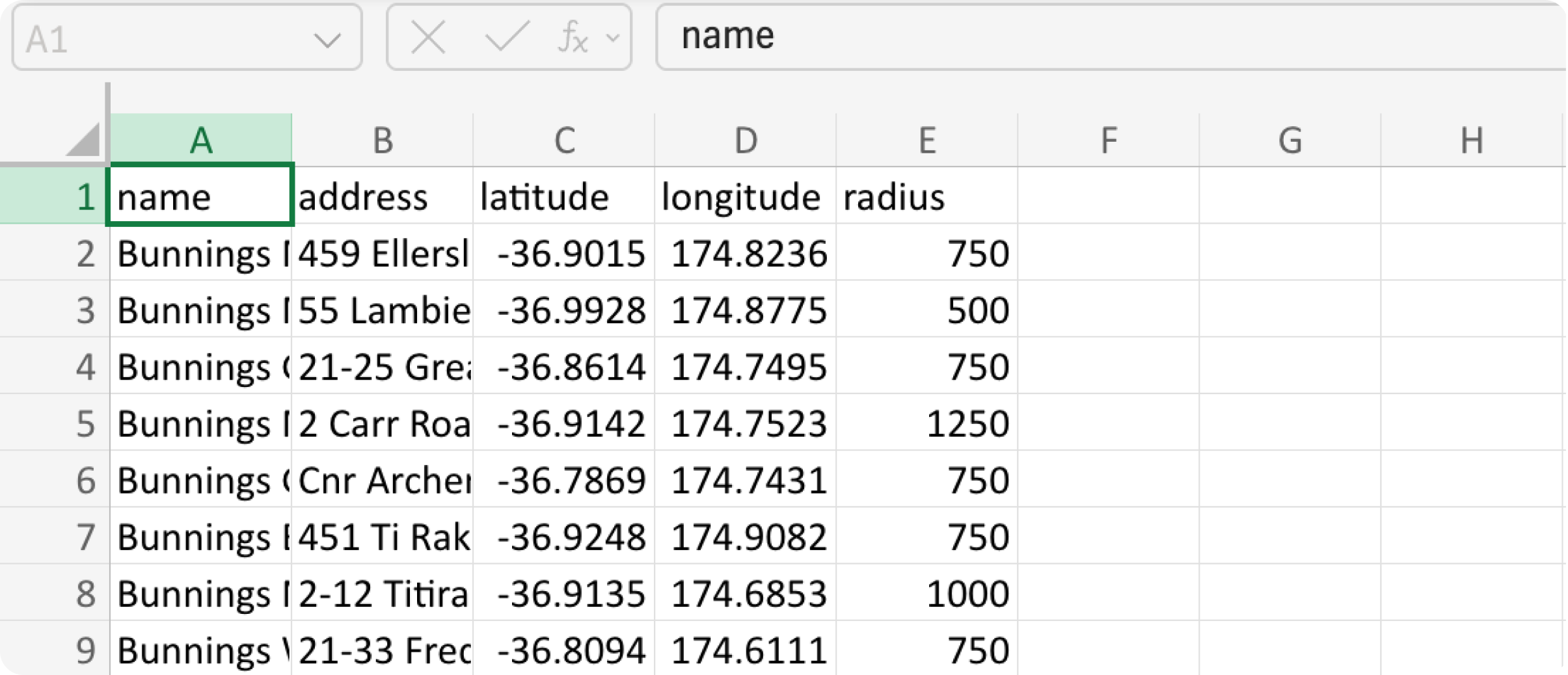
You can also upload point of interests in bulk using a CSV file. In order to upload point of interest locations in bulk click "upload CSV"
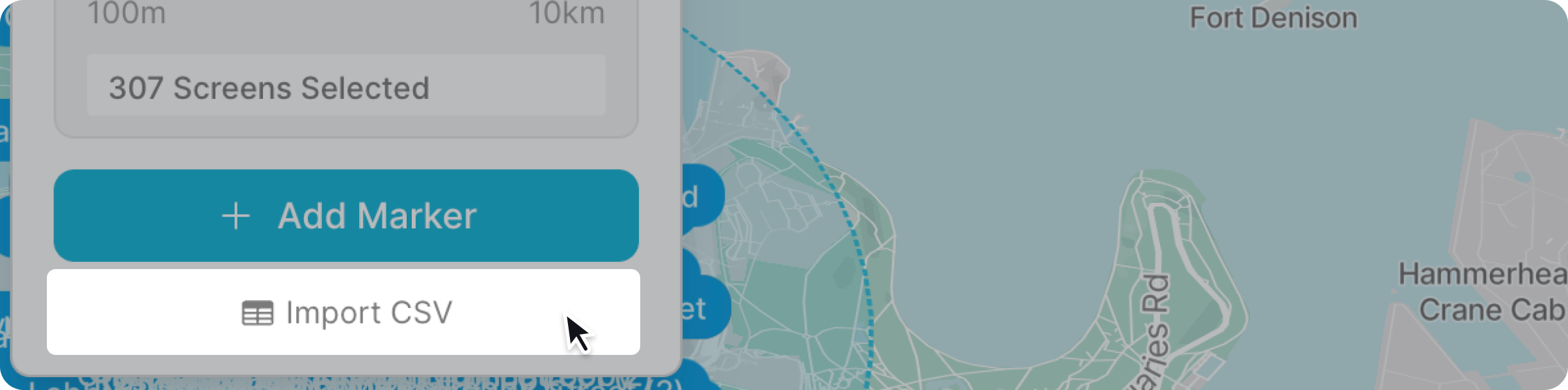
CSV files will need a name, address (optional), latitude & longitude (optional), as well as radius (in meters).