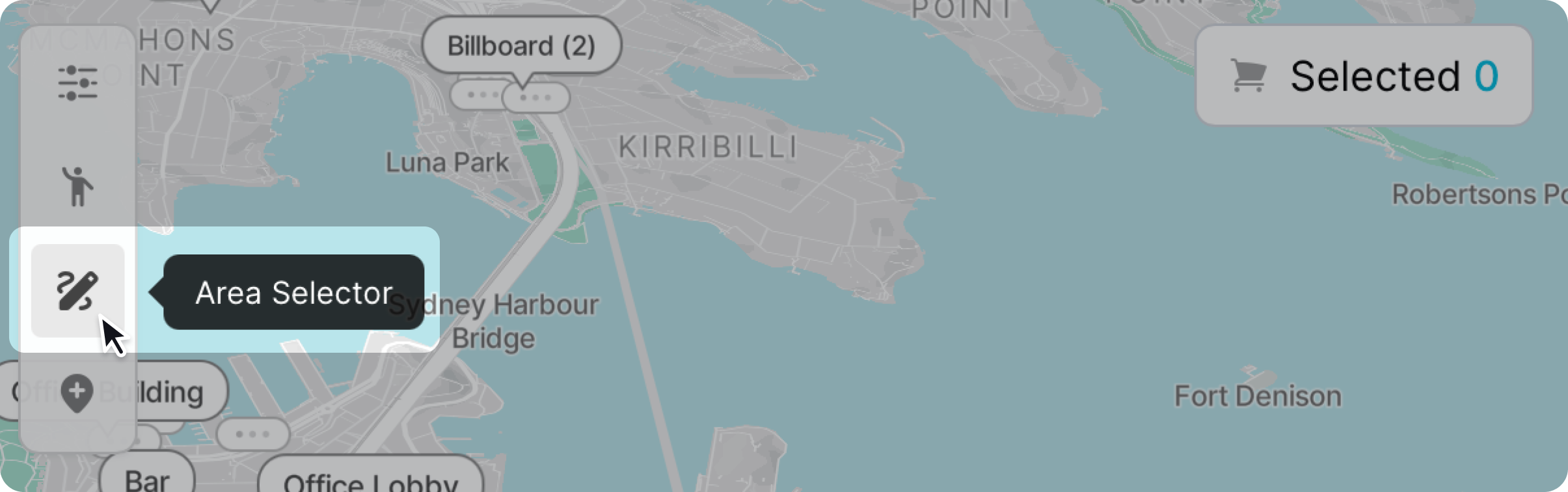
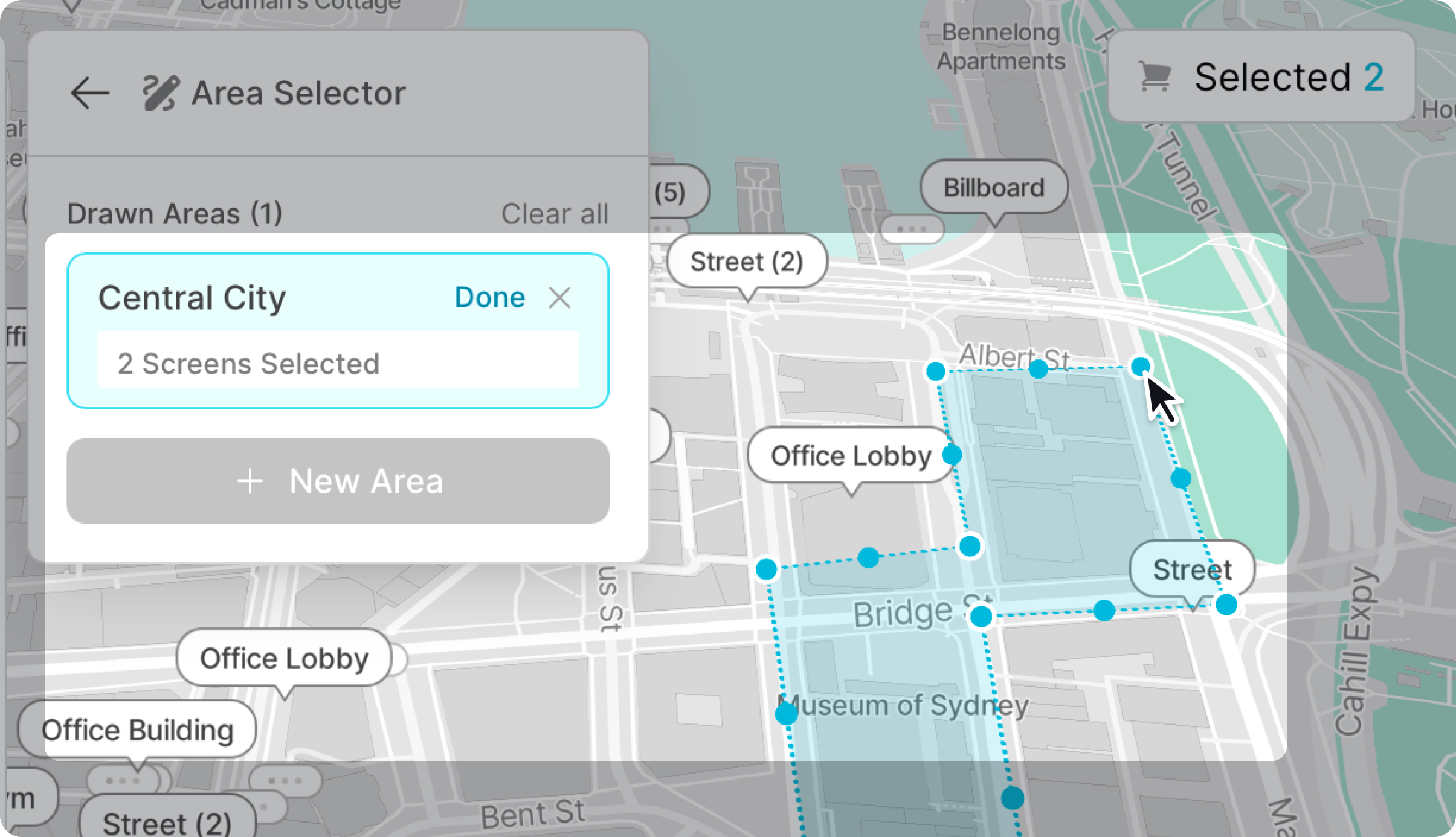
To add a point, click on the map to draw out the area you want to select. For an area to be created, the loop has to be closed.
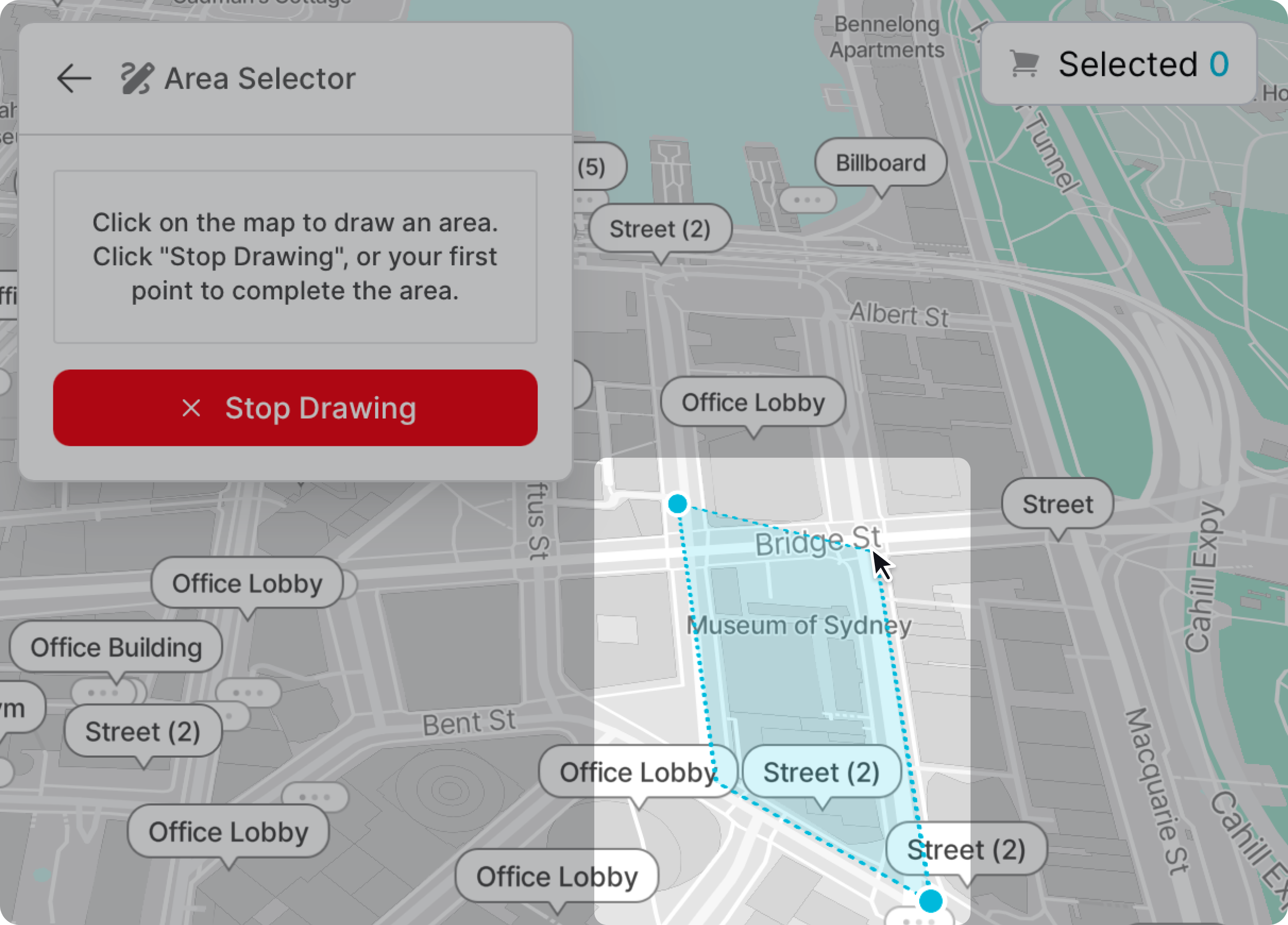
All screens within the selected area will be selected, and the area's shape can be adjusted to include or exclude specific screens.
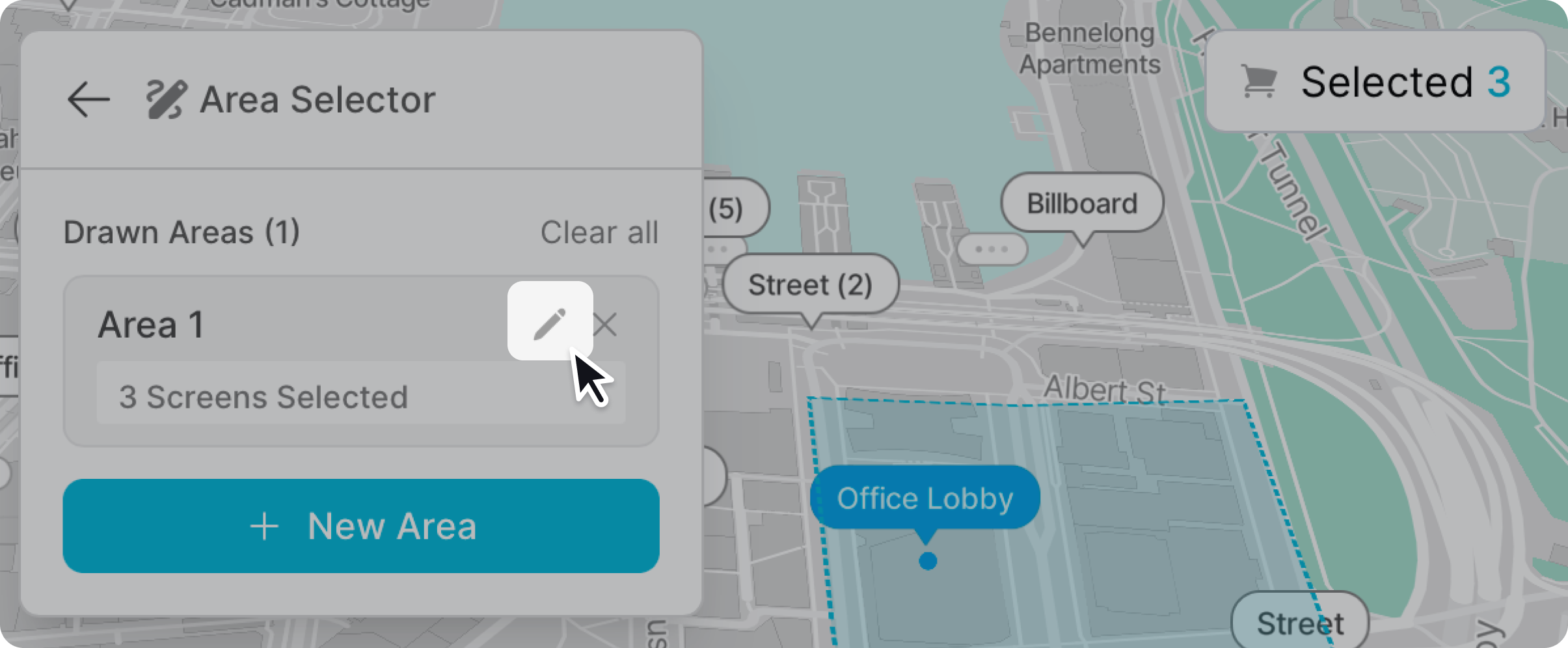
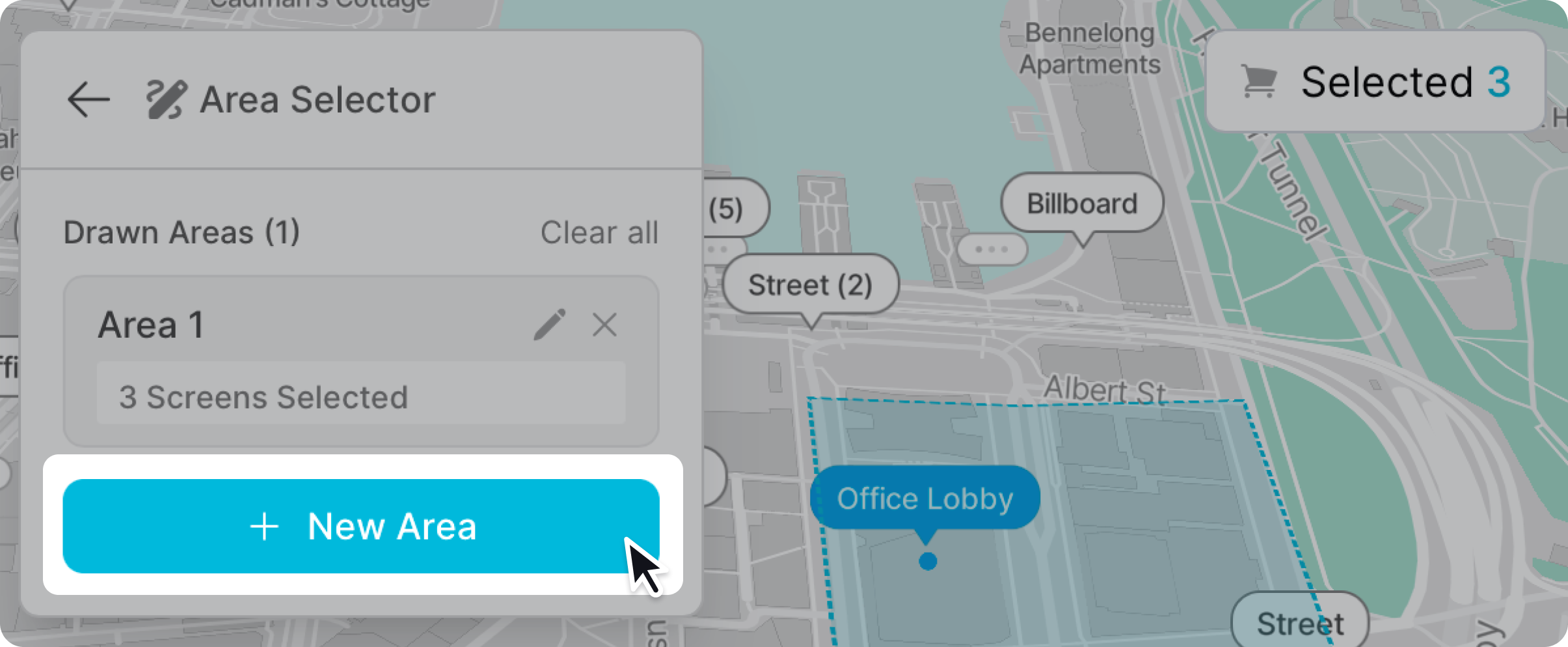
Create any additional area selections, click the “add area” button, and follow the same process.
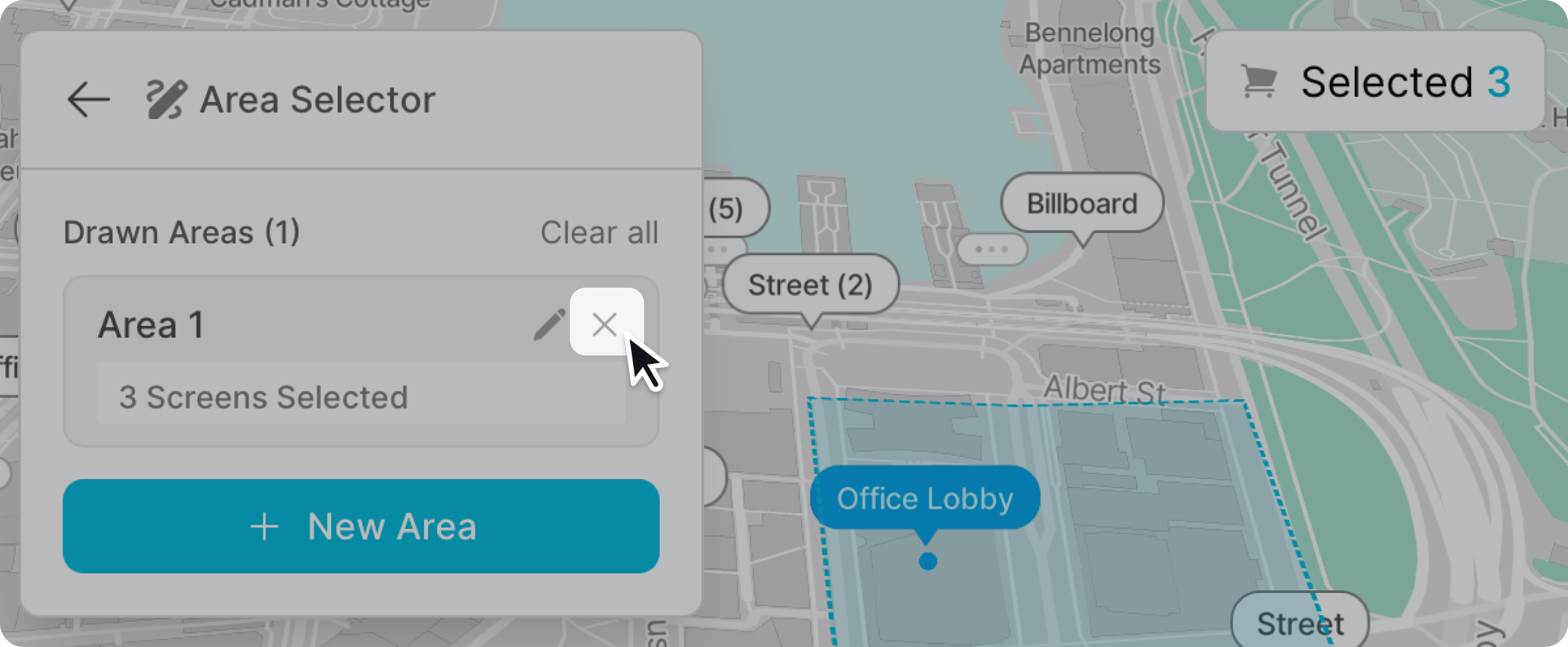
To remove a point of interest, click the cross icon in the top right corner.
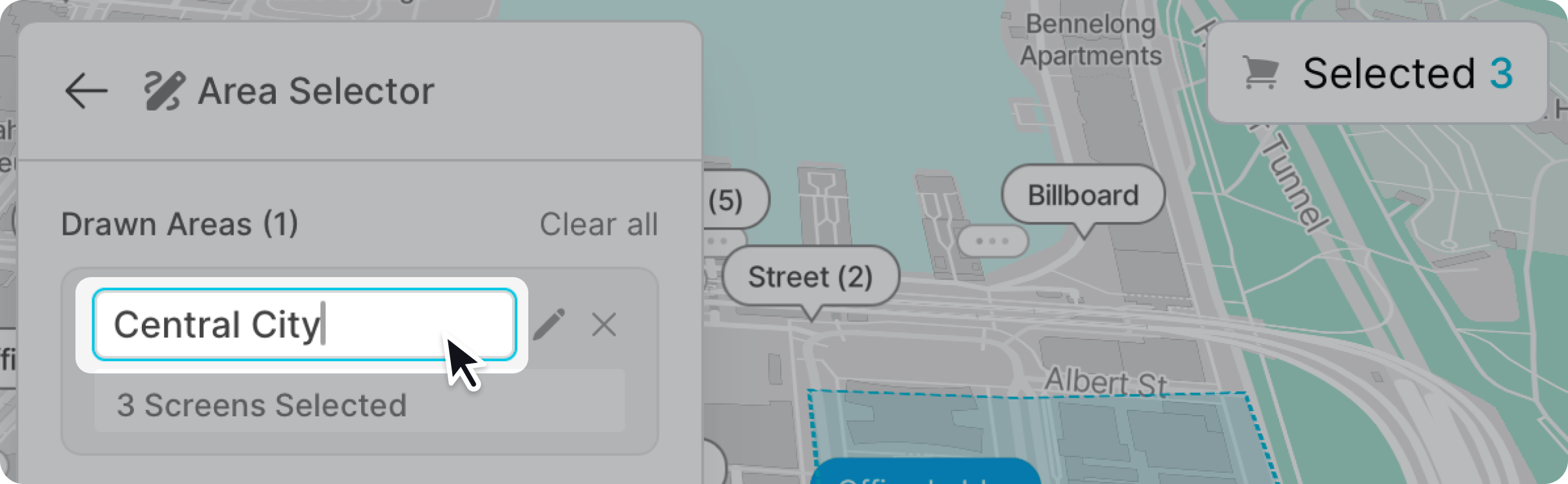
You can rename each area by clicking the name and typing a new one. Naming can help you manage multiple areas.