

Create a creative preview
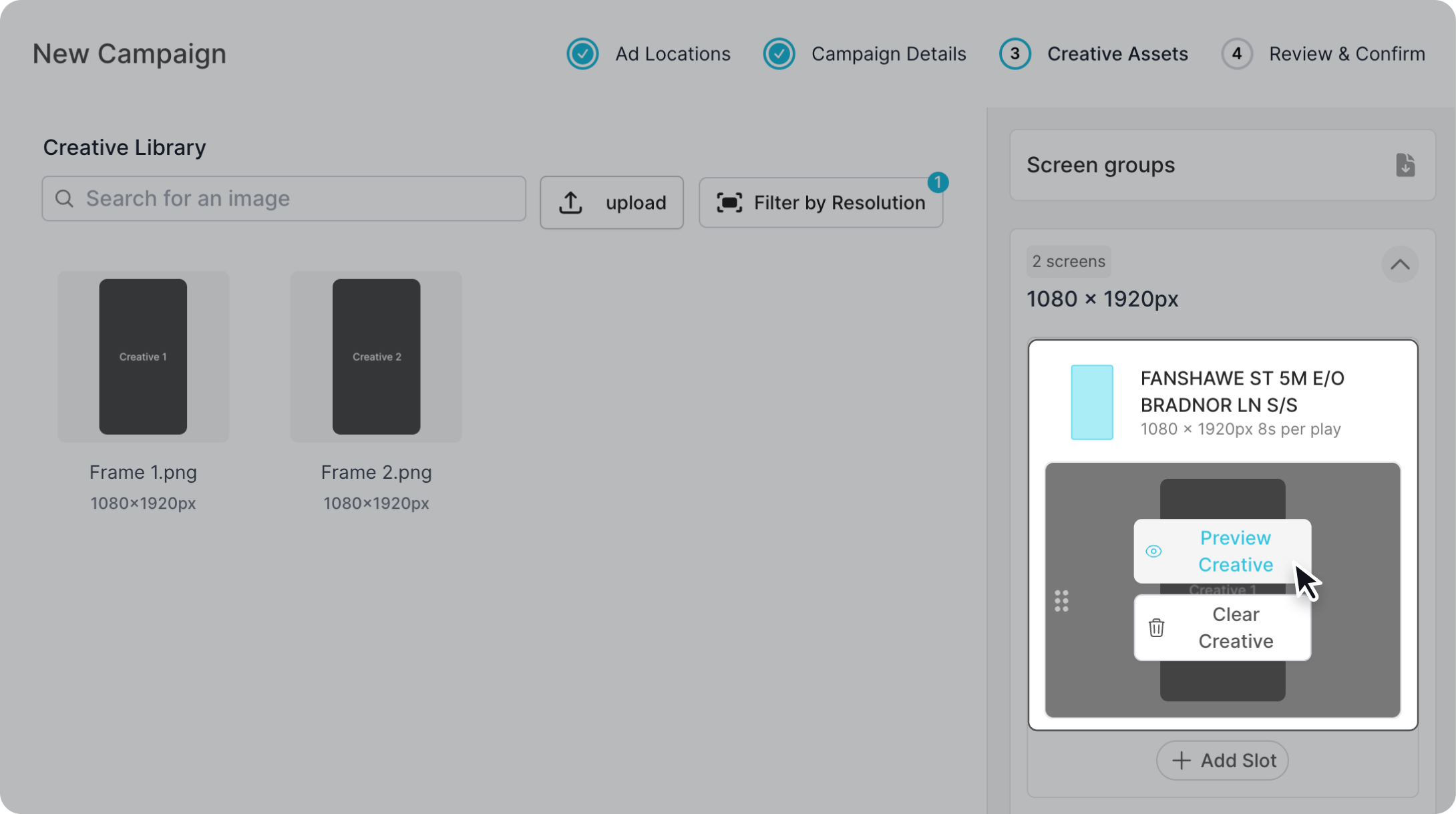
After assigning a creative to your selected screen (open the screen group if there are more then one screens in your group), hover over the creative slot and click "Preview Creative". This will generate a mockup image, please keep in mind this can take some to generate. Once done, it will open on screen and can be downloaded to your device.
Creative preview availability
The creative preview function is not currently available for all screens. In this instance the "Preview Creative" button will not appear on hover.