Once your campaign is finalised, we send an approval to the owners of the screens you've selected.
The campaign is approved to run only when the screen owners approve your ads. Once this has happened, you can see the status of your campaign change from:
Pending; when waiting for screen owner approval.
To Ready; your ad will start playing and the campaign budget start spending from the start time you've chosen.

If for some reason there is an issue with your ad, we’ll let you know so you can adapt or change your ad and resubmit to get your campaign up and running.
Individual Creative Approvals
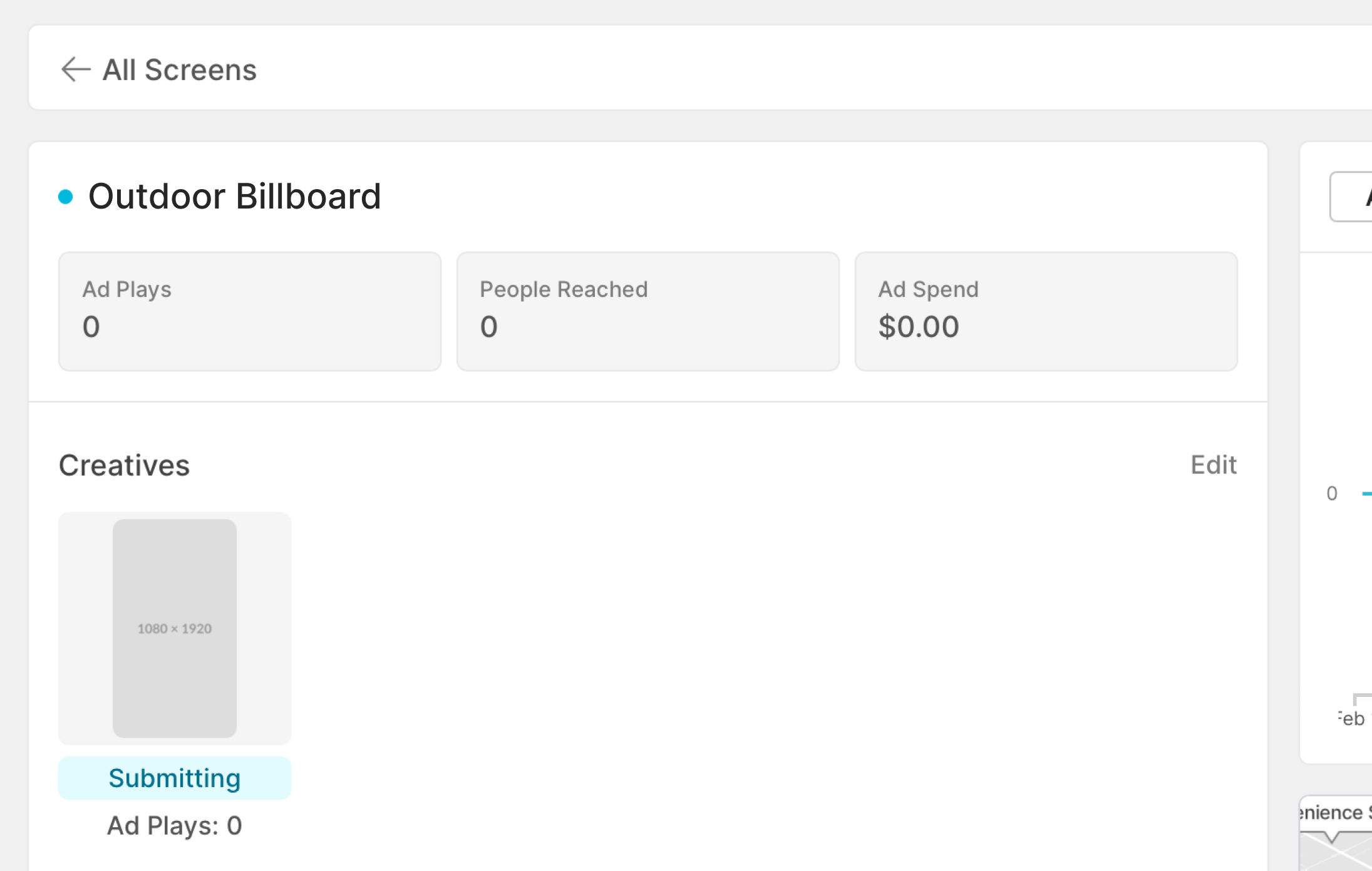
Sometimes certain creatives in a campaign will be approved and others can either be rejected or might take a little longer. To check the status of each creative approval status simply click on your campaign of choice and select the screens you wish to check.
Statuses of each creative will be displayed underneath as either "submitting", "approved" or "rejected".