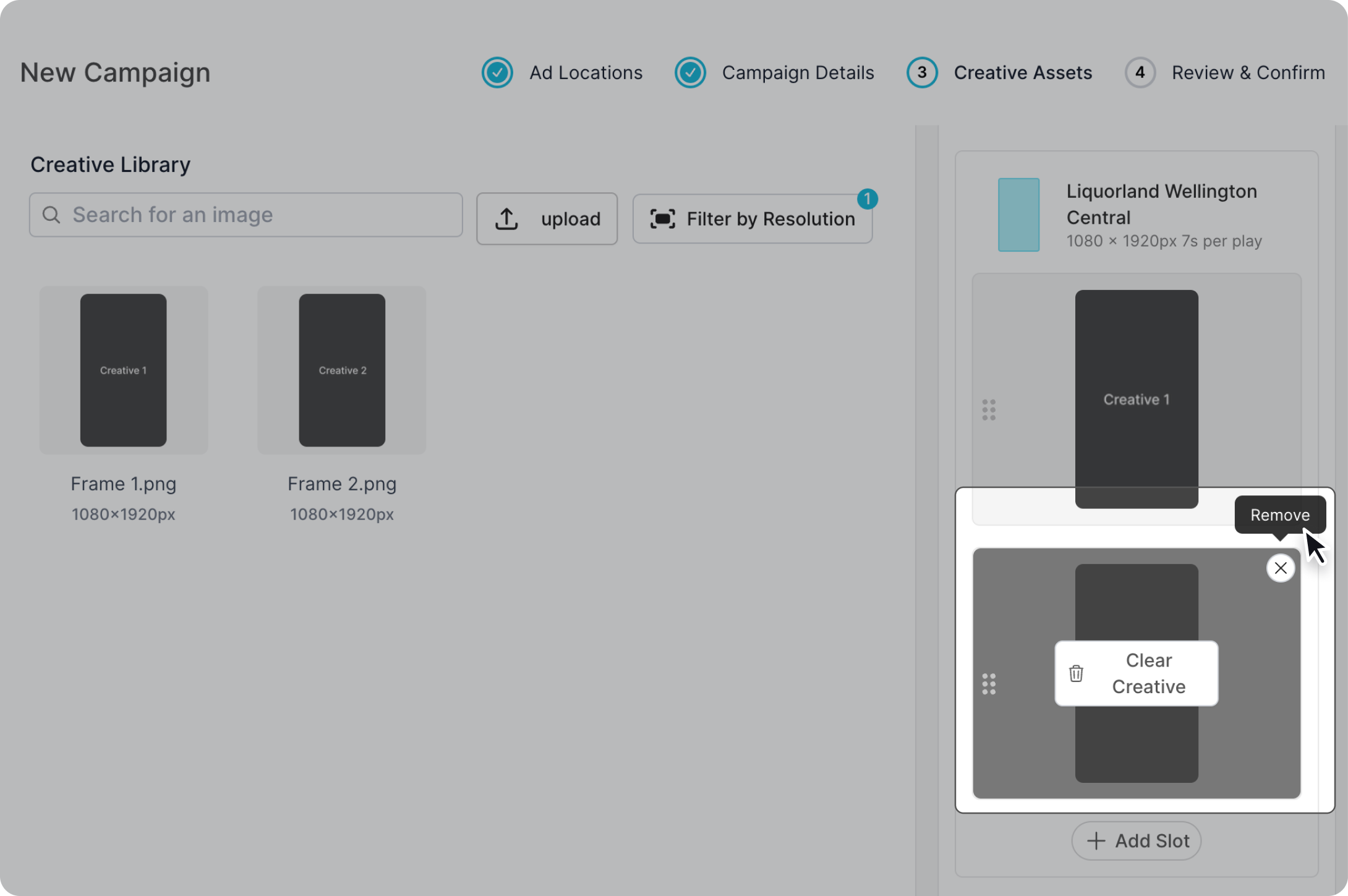
Add a new creative slot
In Step 3: Creative Assets during the new campaign process, locate the "Add Slot" button within each screen.
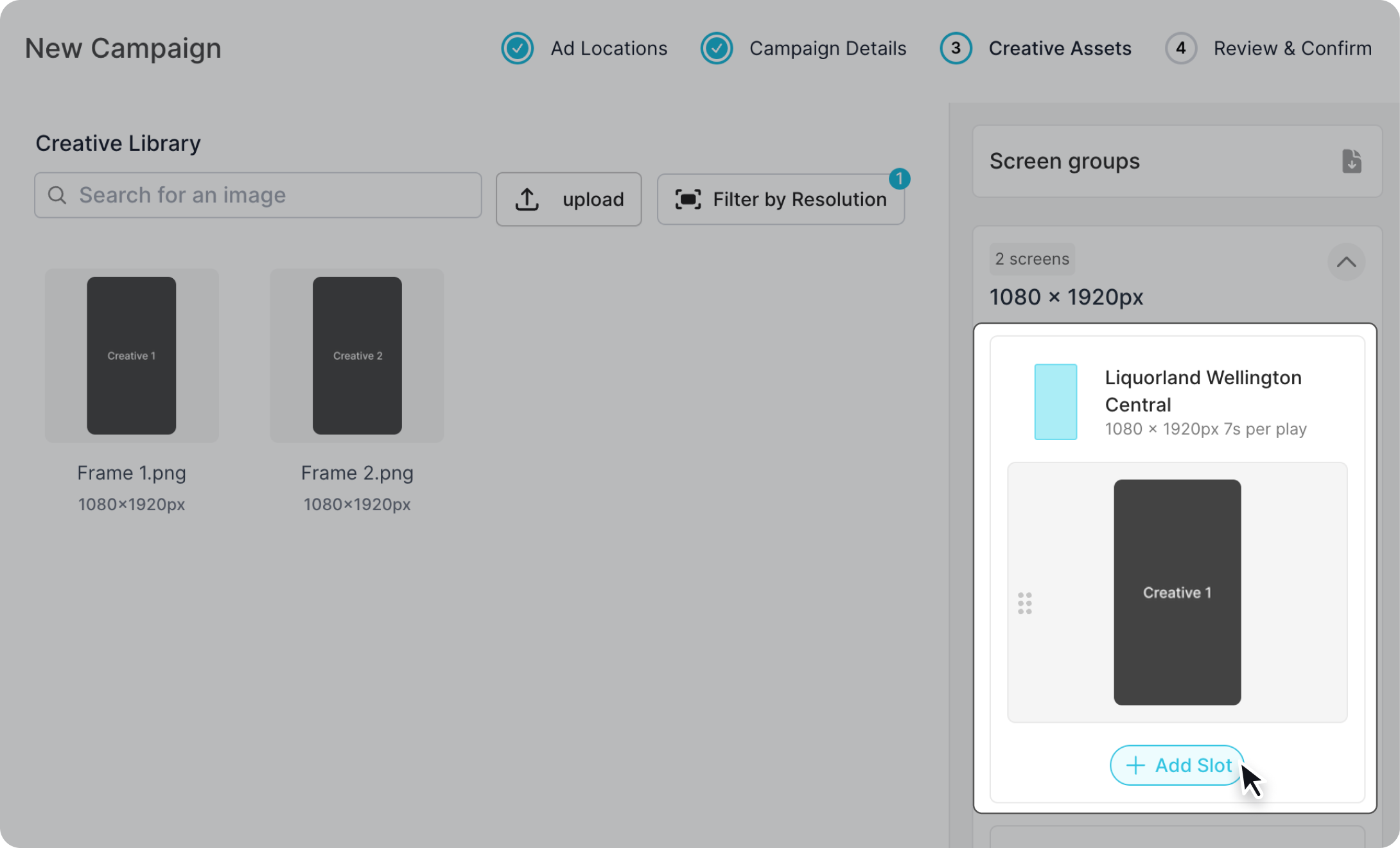
Once that is pressed, a new empty creatives slot is added underneath the current one. You are able to continuously add slots to a single screen up to a maximum of 5.
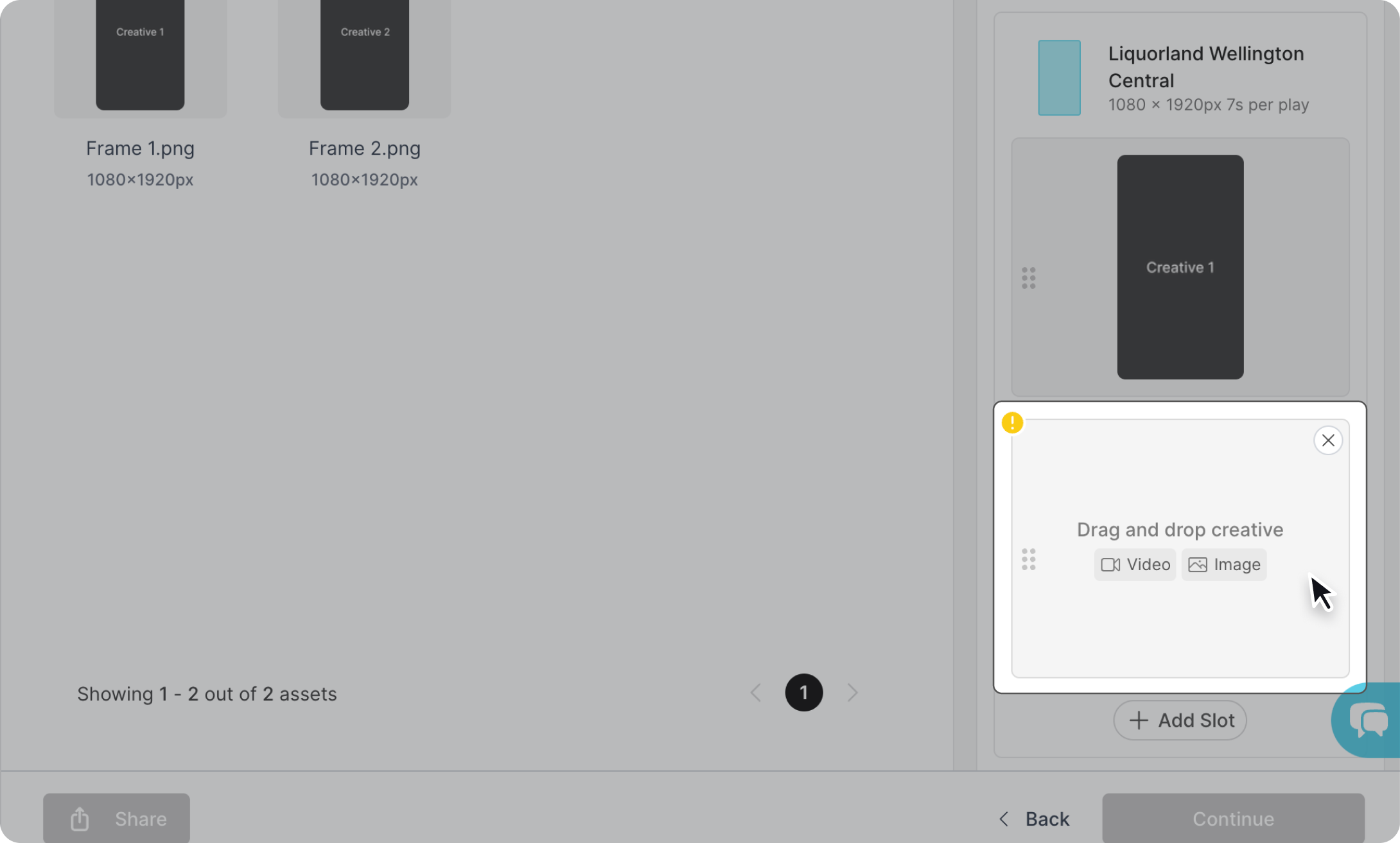
Remove a creative slot
Hover over a creative slot and click on the "x" button on the top right corner. This will remove the additional slot you've added.