Switching between advertisers
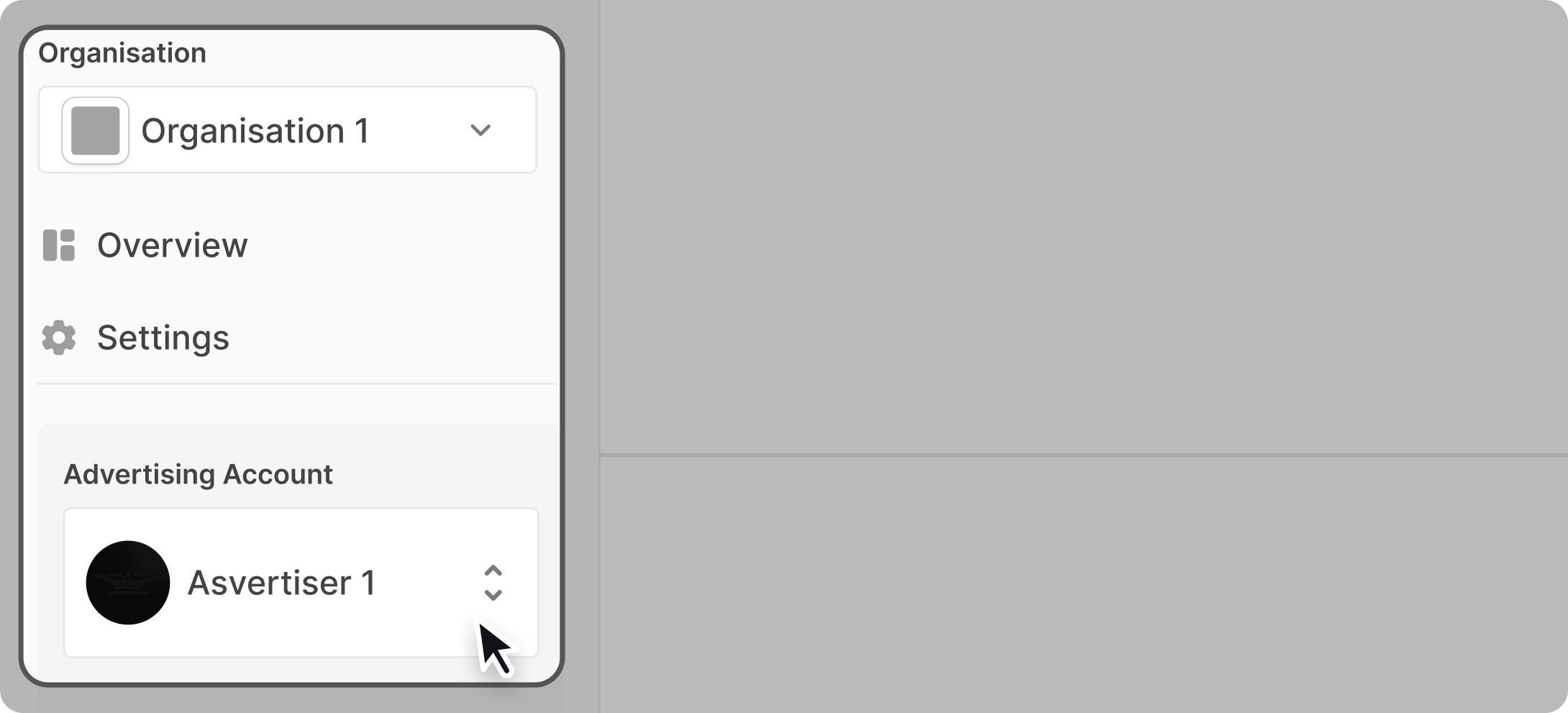
To switch to a different advertiser, select your organisation from the dropdown, then choose the advertiser you want to access. You can toggle between any advertiser within your organisation this way.
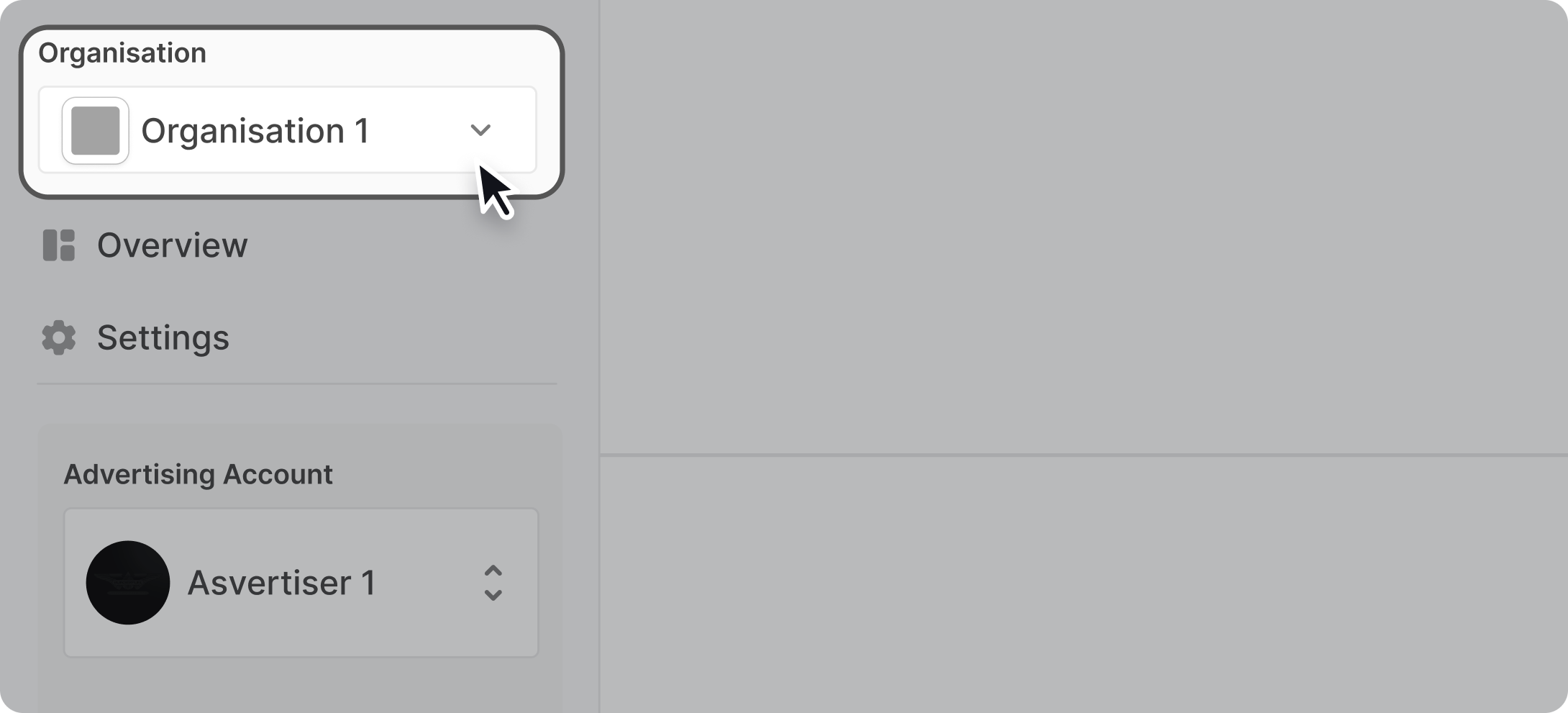
To access an advertiser in a different organisation, first switch to that organisation using the same dropdown, then select the advertiser.
My Advertisers
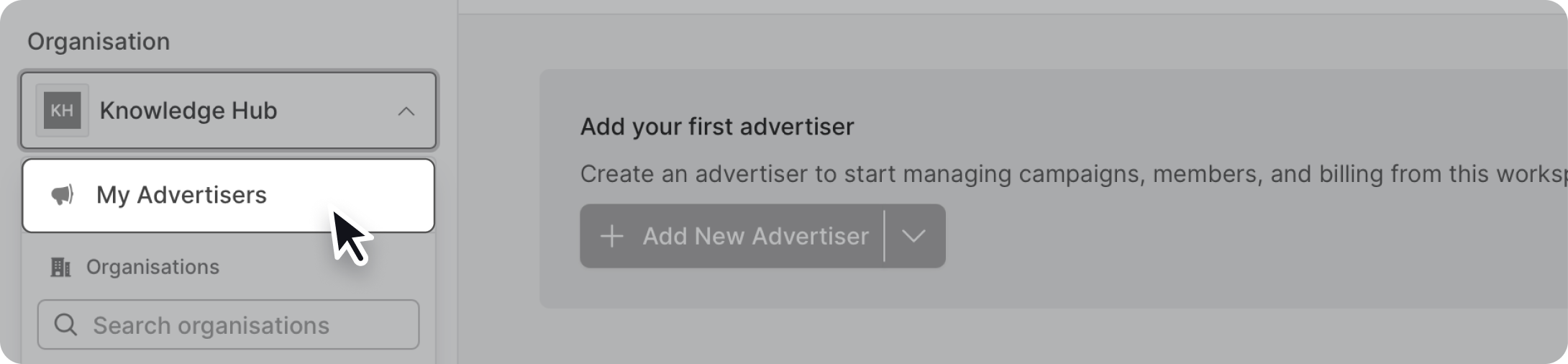
My Advertisers is a selection available from the organisation selector that allows you access all the advertisers that you have access to that doesn't neccessarily belong to any organisation. Most of the time when you've created a new organisation, all your pre-existing advertisers will be located in My Advertisers.