

Setting up your organisation
You can create a new organisation in a fews ways during initial account setup, or afterwards by going to Advertiser Settings and selecting Add Organisation. If you do not any existing organisation click the dropdown button "Create Organisation" in Manage Advertisers.

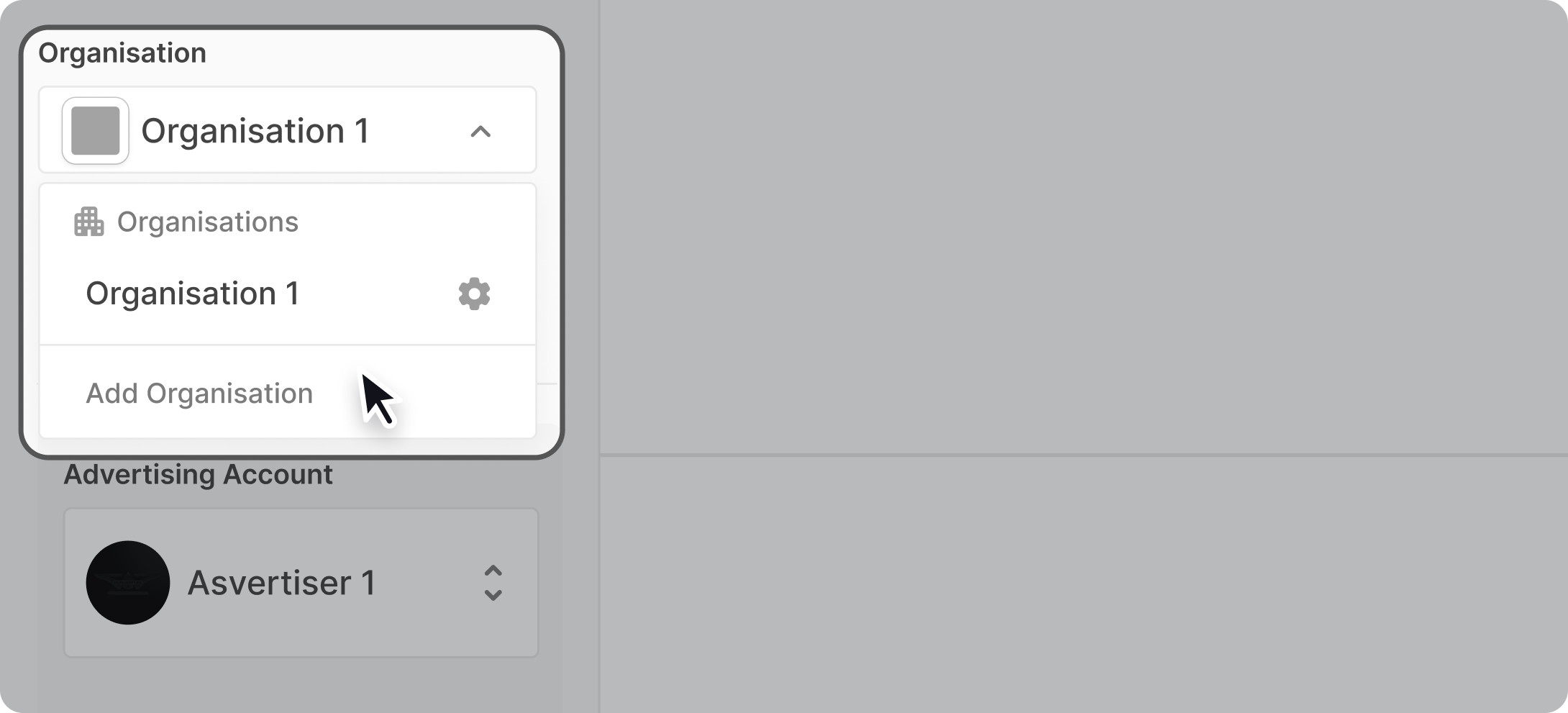
If you have an existing organisation click the organisation selector and add a new organisation by clicking on the "Add Organisation" button at the bottom.
Adding advertisers
Once your organisation is created, you'll need to add at least one advertiser account before you can start creating campaigns. You have two options:
Add an existing advertiser account
Create a new advertiser account
To learn more, read Add advertisers to your organisation.